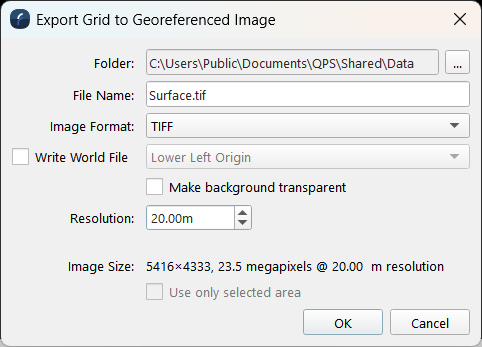
Export to Rendered Image Dialog
How to Start
-
Scene Objects Dock → Right-Click on Object → Exports → Export to Rendered Image
-
Scene Objects Dock → Exports → Export to Rendered Image
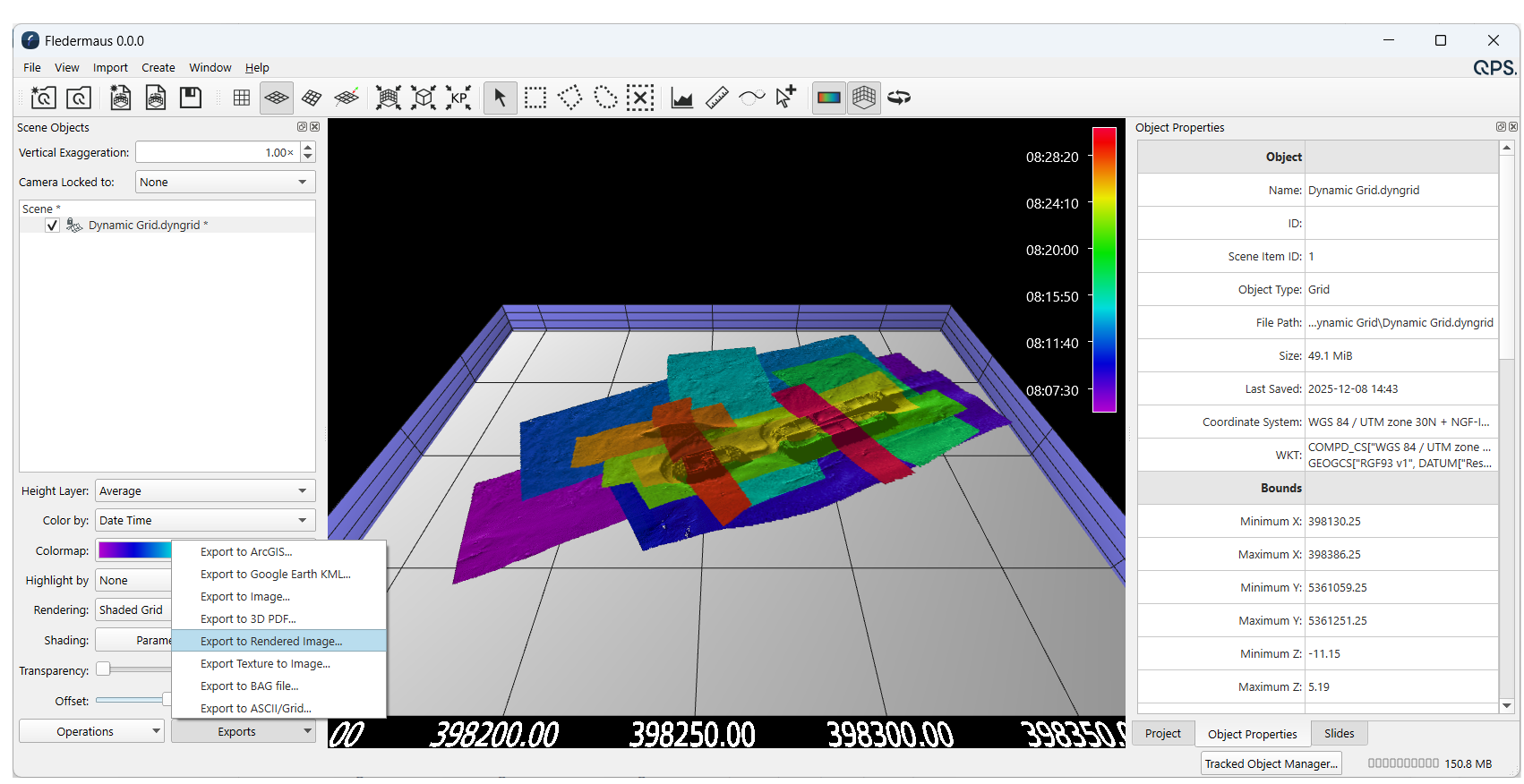
Export to Image Dialog from Export Menu
What it Does
This dialog is used to save a georeferenced image file (TIFF, JPEG, PNG, BMP, TFW), of the surface.
This dialog saves a rendered image of the specified surface at the selected resolution.
See the Export to Image option for the exact pixel image, without any shading, of the surface.
General Description
Choose the image type by selecting the file format from the Format drop down.
To write a TIFF World File*, the check box must be selected to allow the user to choose the origin. The origin options include: Lower Left Origin, or ESRI Upper Left Origin.
When exporting an image of the surface as seen in the Fledermaus display the image size that is produced can be adjusted using the scale factor.
*Note that TFW file's with the ESRI Upper Left Origin, are compatible with most major GIS packages. TIFF files will be written as GeoTIFFs with full georeferencing information.
Output Example
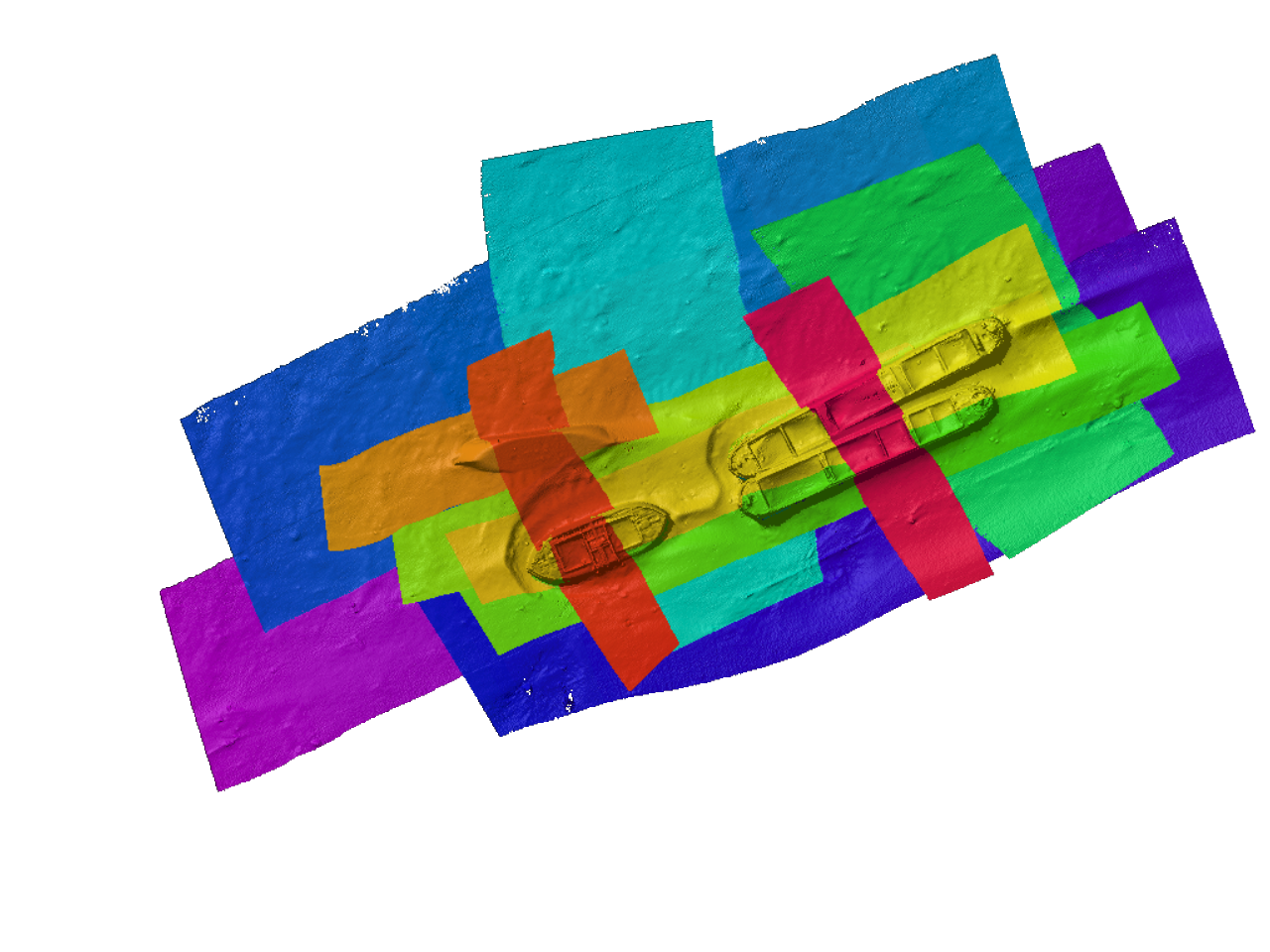
Exact Pixel Export: As Seen in Fledermaus Display: