
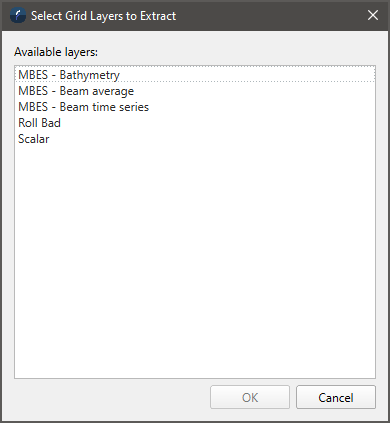
Extract Grid Layers dialog
How to Start
Scene Objects Dock → Right-Click on Object → Operations → Extract Grid Layers…
Scene Objects Dock → Operations → Extract Grid Layers…
What it Does
This dialog extracts the selected layers into a new group as standalone grids or scalars.
General Description
Once the desired layers are selected, the extracted layers will be created as standalone objects under a new group in the Scene Objects Dock. The group name will reflect the name of the grid the layers were extracted from.
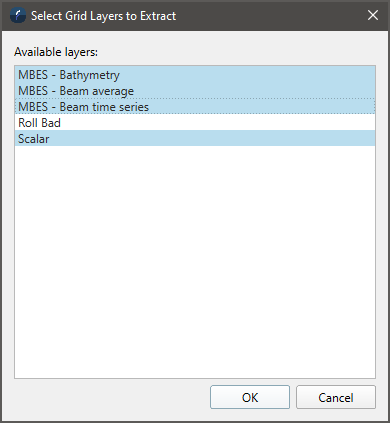
Selecting specific layers to extract
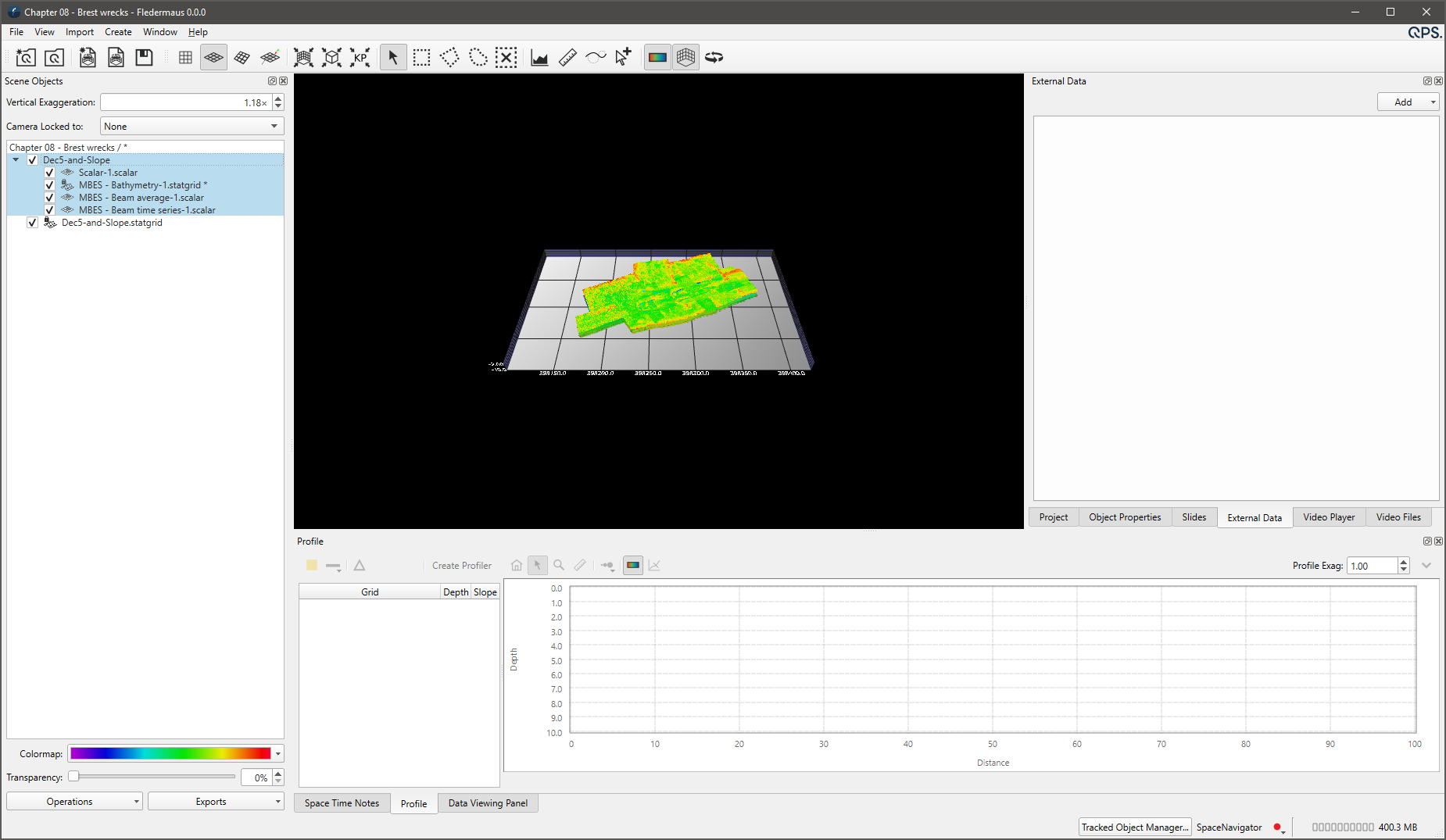
The resulting objects in the Scene Objects Dock