
How to Start
-
Scene Objects Dock → Right-Click on Object → Exports → Export to Surface
-
Scene Objects Dock → Exports → Export to Surface
What it Does
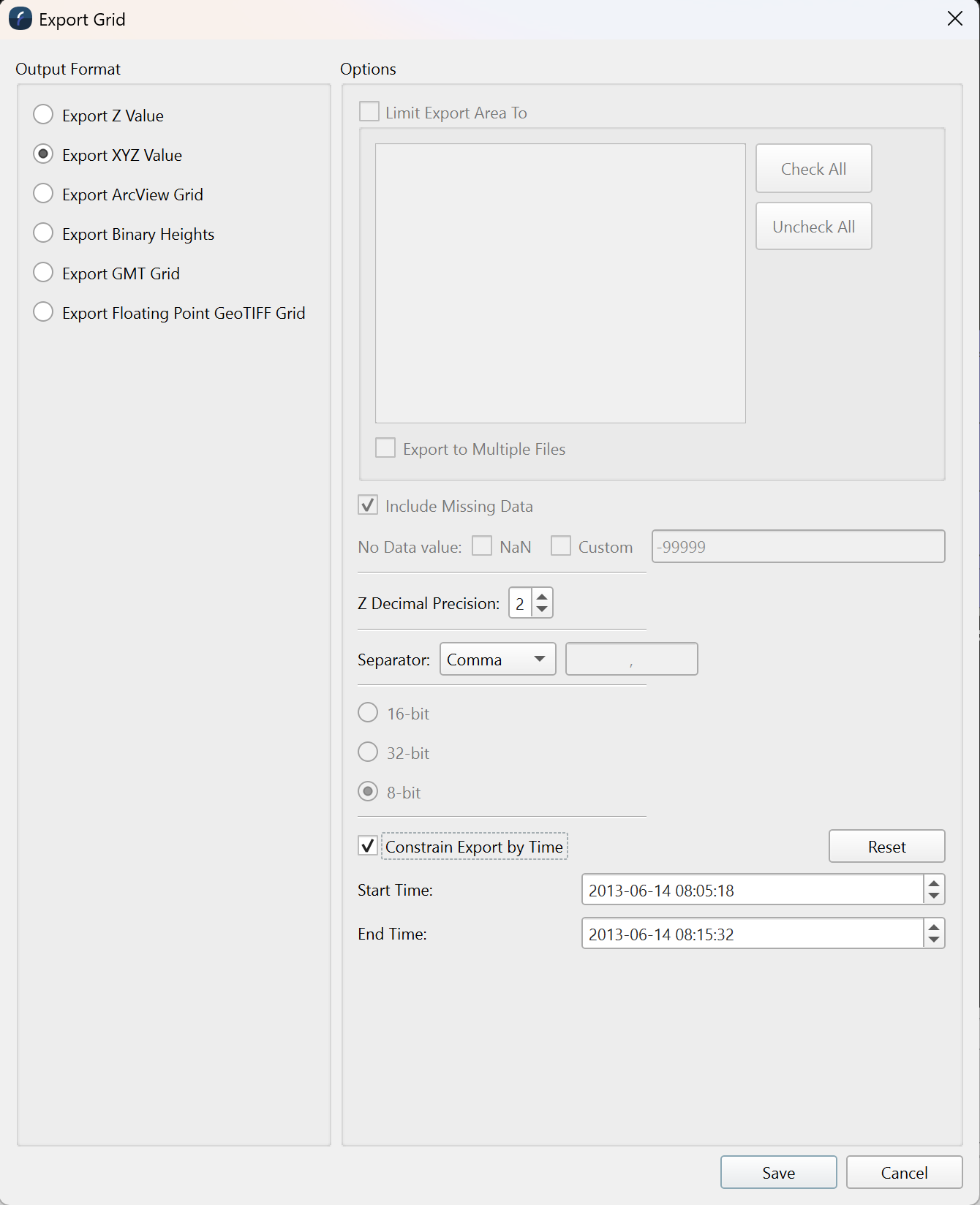
This dialog is used to export surface information from a selected surface layer.
General Description
This option allows the current selected Surface to be exported to another supported surface. When saving the data, areas of the surface containing no data may be included with the output file if the Include Missing Data option is on. If missing data is included, a special value is written for these data points, indicated by the No Data Value text field. When writing a binary file, you may specify either writing an 8-bit or 16-bit number, or a 32-bit greyscale value containing red, green, blue, and alpha components. When exporting to ASCII X and XYZ Grids, there is an option to specify a decimal precision of the Z value being written. You may also include constraints by time for your exported grid. this will limit the grid to only the data collected between the 2 times
Exports can be limited to the area made by an Sd line object or a selection made in the workarea. The multiple files option allows for each export area to be exported to a unique file.