How To Start
Make a selection in the work area with the profile tool or area selection and then click on:
Create > Create Line Object from Selection.
What Does It Do
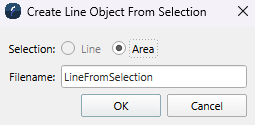
This dialog lets you choose whether to create the line object from the area or line selection and name the file. If you are inside a project, the line object will be saved inside the SD folder. If you are outside a project, the dialog lets you select where to save the line object.
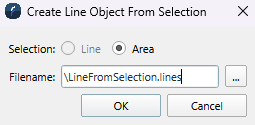
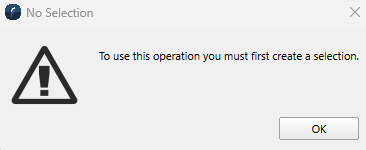
The area button is disabled if no area is selected in the work area. The line selection radio button is disabled if no line selection exists. If both selection types are missing, the dialog will not open and an error message will appear.