Using a template with already set geodetics
If you open a Project with already set geodetics and you try to add an existing template with different geodetics:
-
Qinsy offers to synchronize the geodetics that are present in the copied template with the following warning:
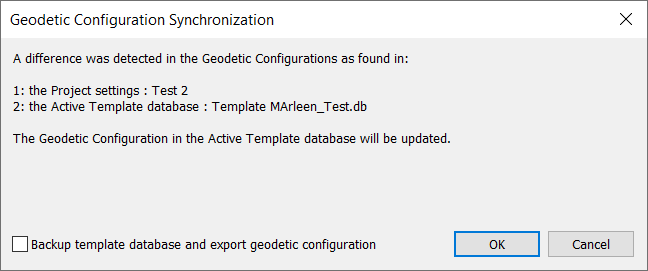
The warning contains:
-
An explanation regarding a geodetic difference between the selected template and the geodetics in the project
-
An option to update the template geodetics with the geodetics from the project
-
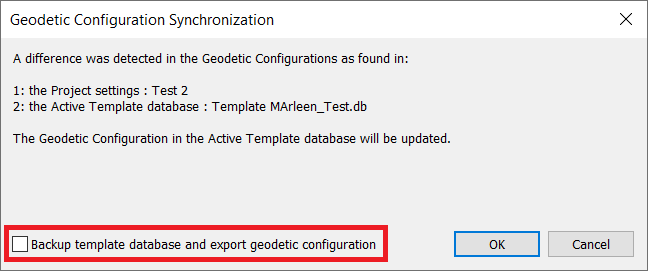
The option to make a backup of this selected template
-
The option to cancel the update
'Cancel'
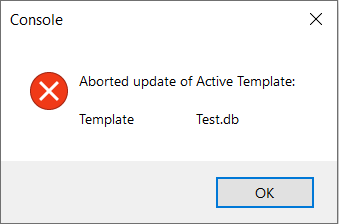
If the user selects 'Cancel', the following warning will pop-up:
-
Nothing is updated and extracted;
-
The template is not selected and it is not possible to go online with the template that has different Geodetic Settings;
-
The user can change this by opening the 'Setup' and select the template with different Geodetic Settings;
-
The synchronization pop-up will be visible again;