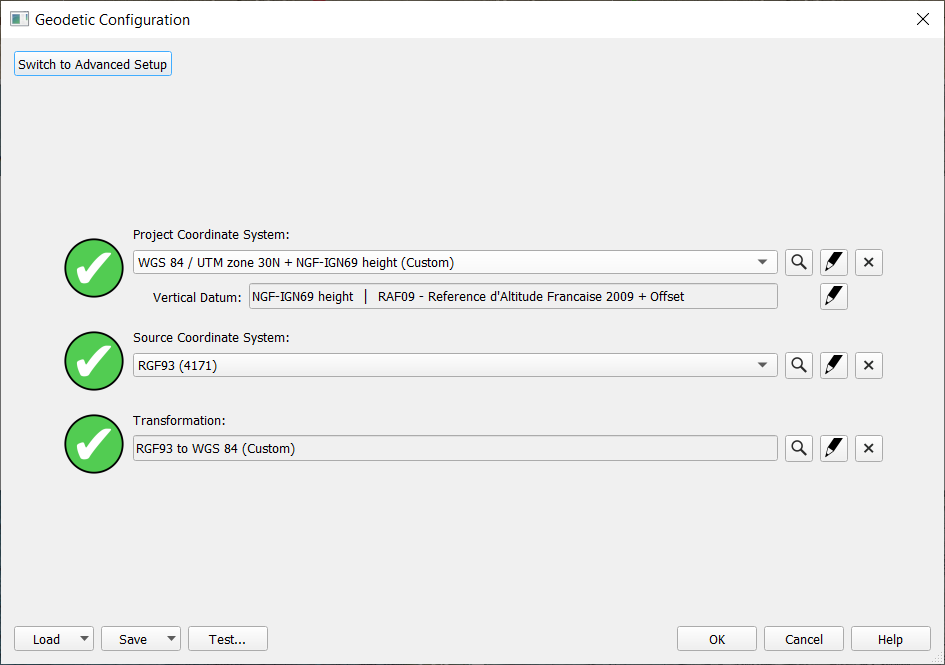
Project from folder (with 8.18.3 data), template is available and geodetics are extracted
-
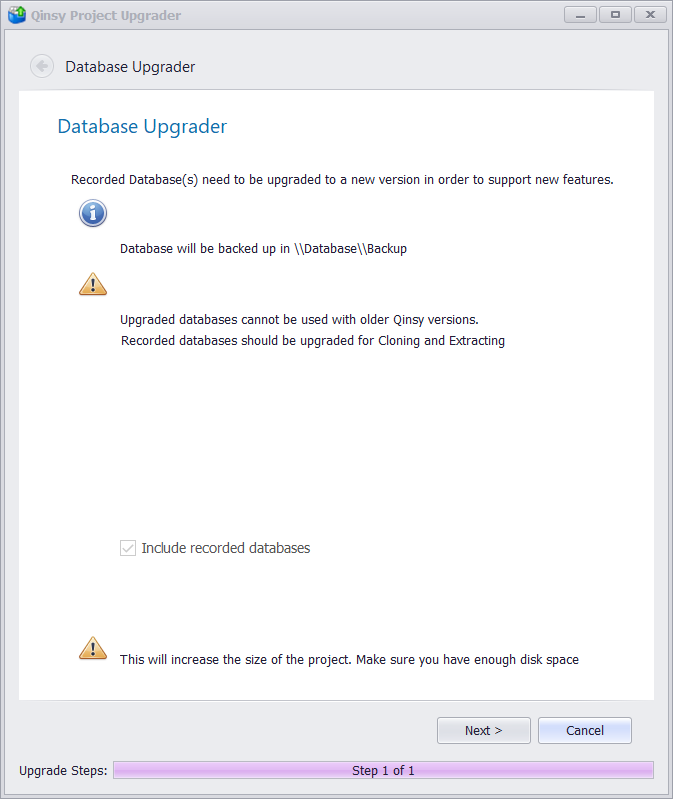
When Qinsy 9 is opened with a project that was created in an older Qinsy version, the project Upgrader will pop up:
-
It is possible to upgrade the recorded databases and the template
-
Qinsy will create a back-up of the files. These files are placed in the folder 'Backup'. This folder can be found in the Database folder of the Qinsy Project tree
-
If the user wants to revert back to the Qinsy version that is used to record the data, delete the '_backup'.
-
-
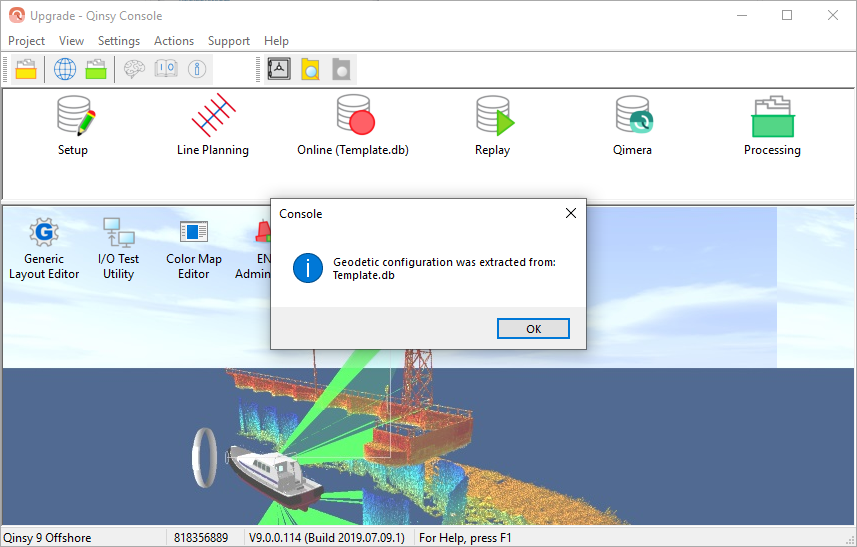
When the upgrade is done, Qinsy will show the information that the Geodetics are extracted from the existing template
-
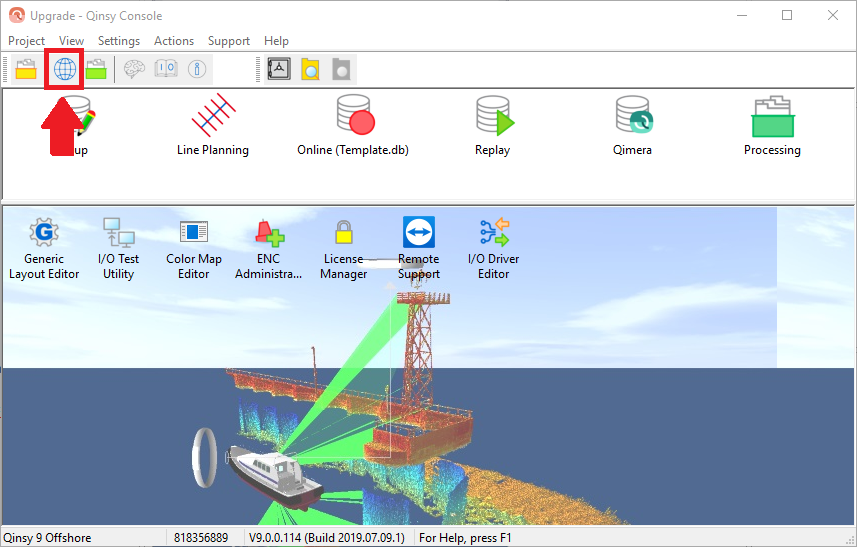
If the cloning is done, check the Geodetics in the Geodetic User Interface, and verify that everything is correct
-
Verify the Geodetics