Create a project with recorded databases from an older version
-
It is possible to create a project from a folder that only contains recorded databases or a template, like QINSy 8.X.XX
-
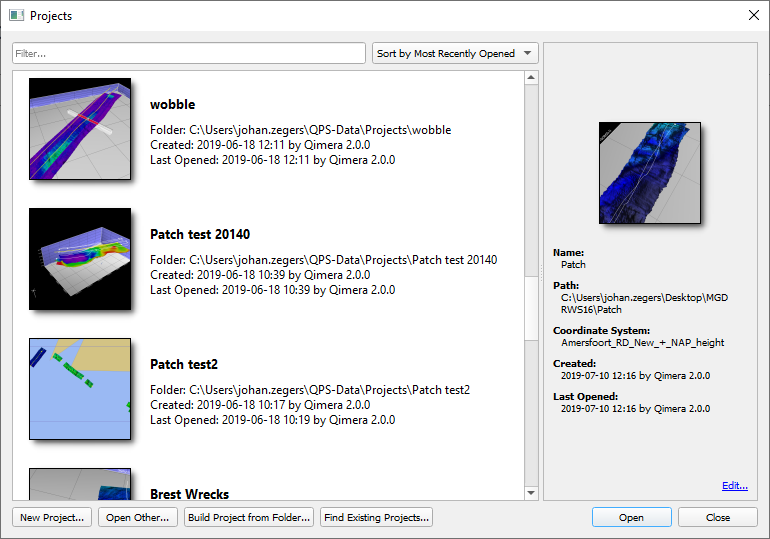
Select 'Build Project from Folder' and Qinsy will open the Windows File Explorer where it is possible to select the folder that contains the data
-
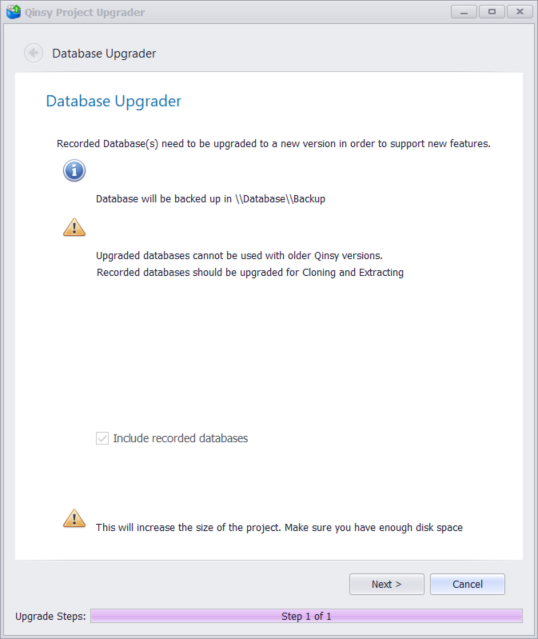
If the folder only contains recorded databases, Qinsy will show the 'Database Upgrader'
-
The user needs to update the recorded databases
-
A back-up is created, and will be placed in the Backup folder in the database folder of the project tree
-
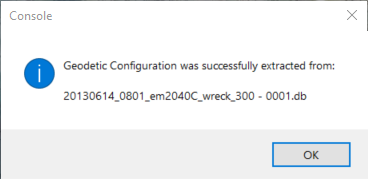
If the folder only contains recorded databases, Qinsy will show the following warning:
-
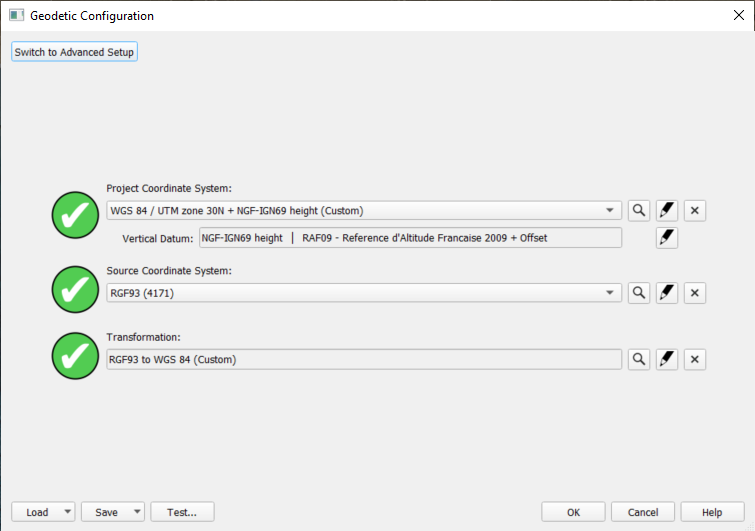
When 'OK' is selected, the Geodetic User Interface is opened so that the user can define the Geodetics
-
It is possible to check the Geodetics in the User Interface