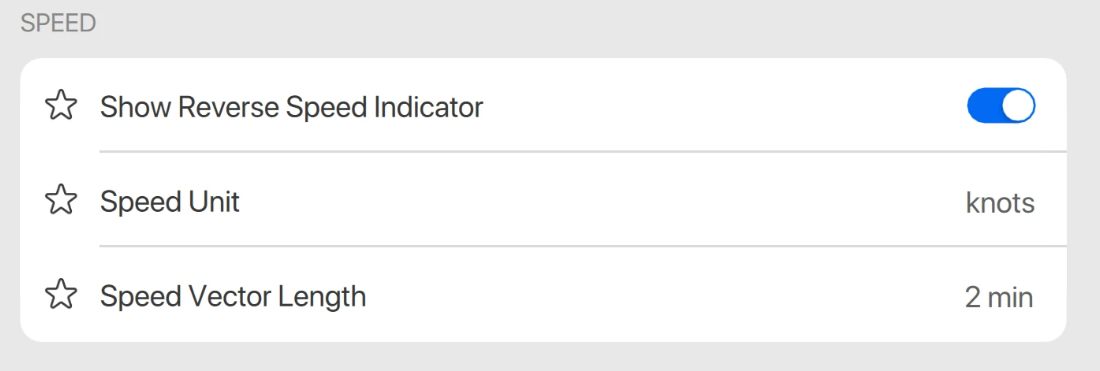
Speed vector length setting
There is one setting for your own and other targets speed vector length . In previous versions this setting was displayed in Targets > Advanced Target Settings and called Target Speed Vector Length. This is now part of the Units Speed Settings and called Speed Vector Length.
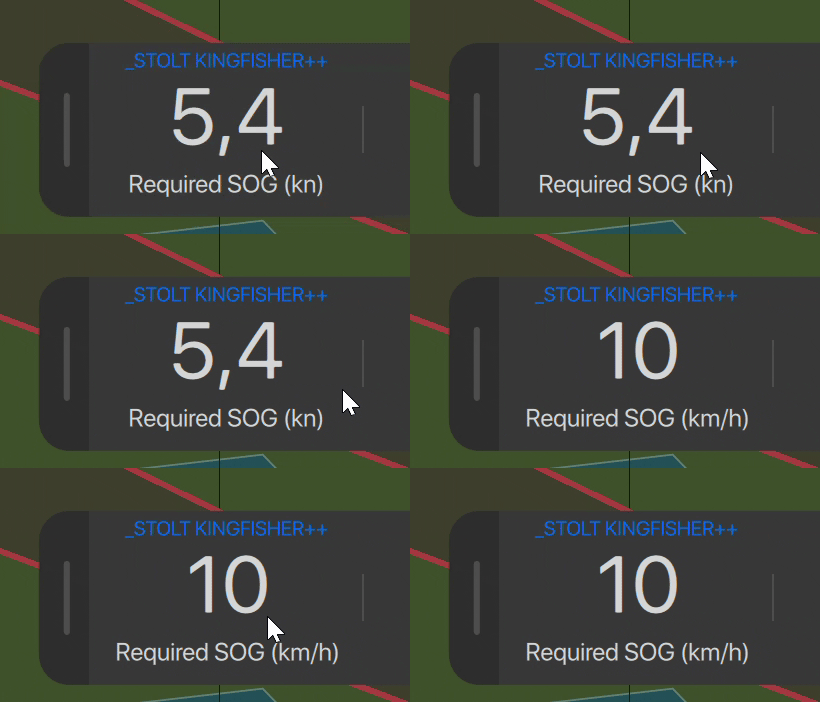
Change unit of the target CPA required speed in the bottom bar
The required SOG for a changed CPA calculation can now be changed in the bottom bar similar to the SOG in the top bar.
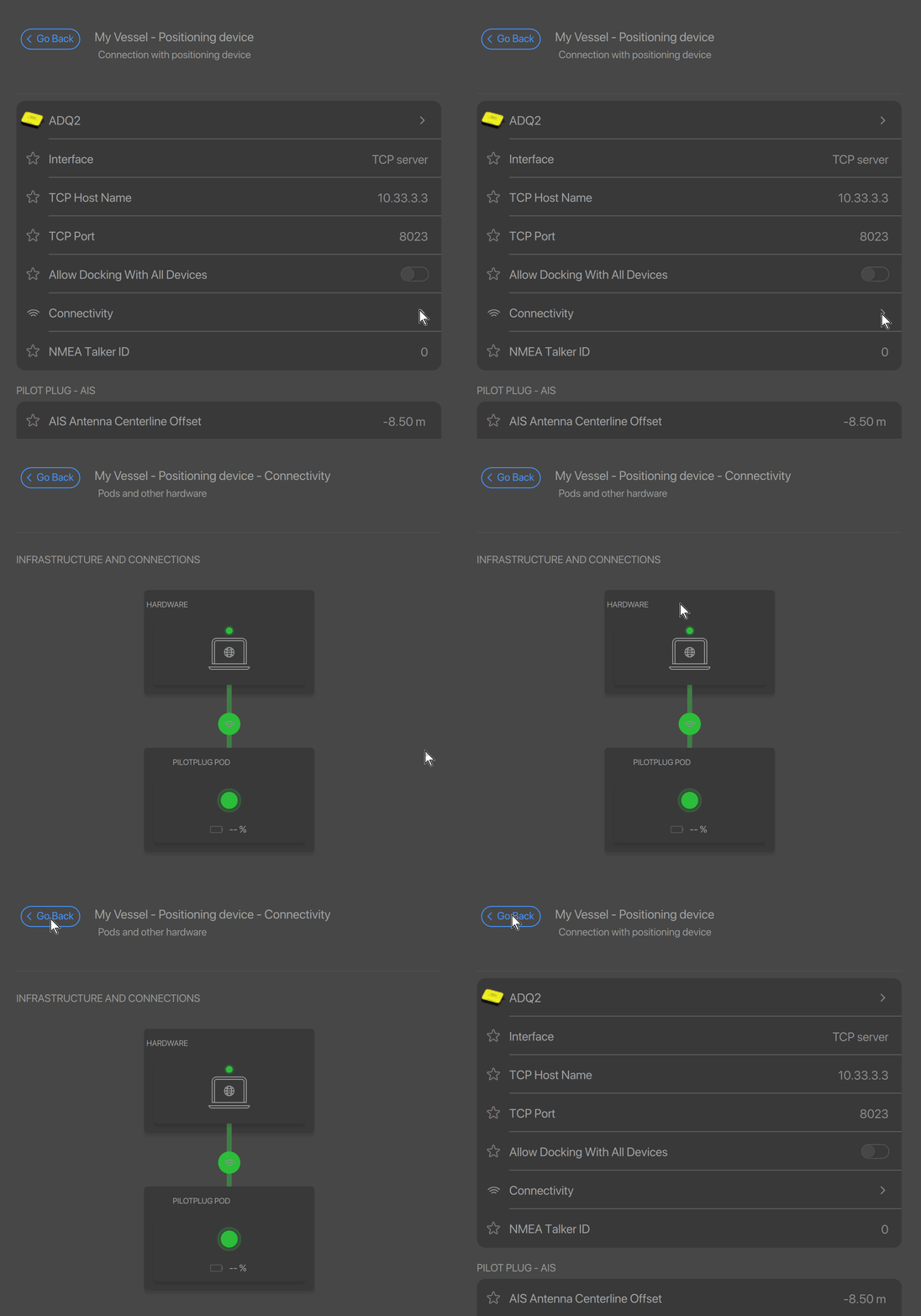
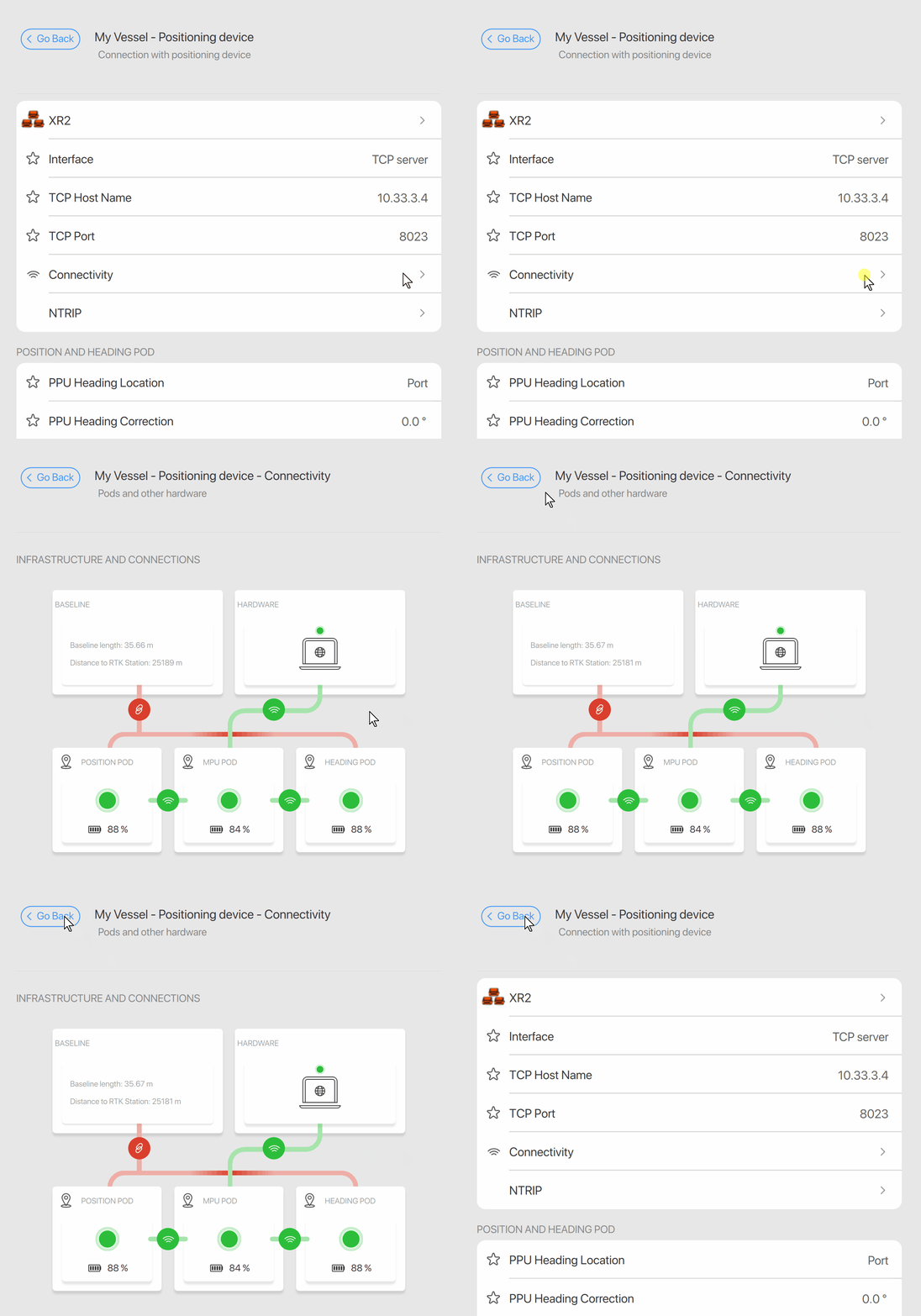
Connectivity menu ADQ2 and XR2
A graphical overview can be opened to display the different connection settings for both an ADQ2 and XR2 positioning device.
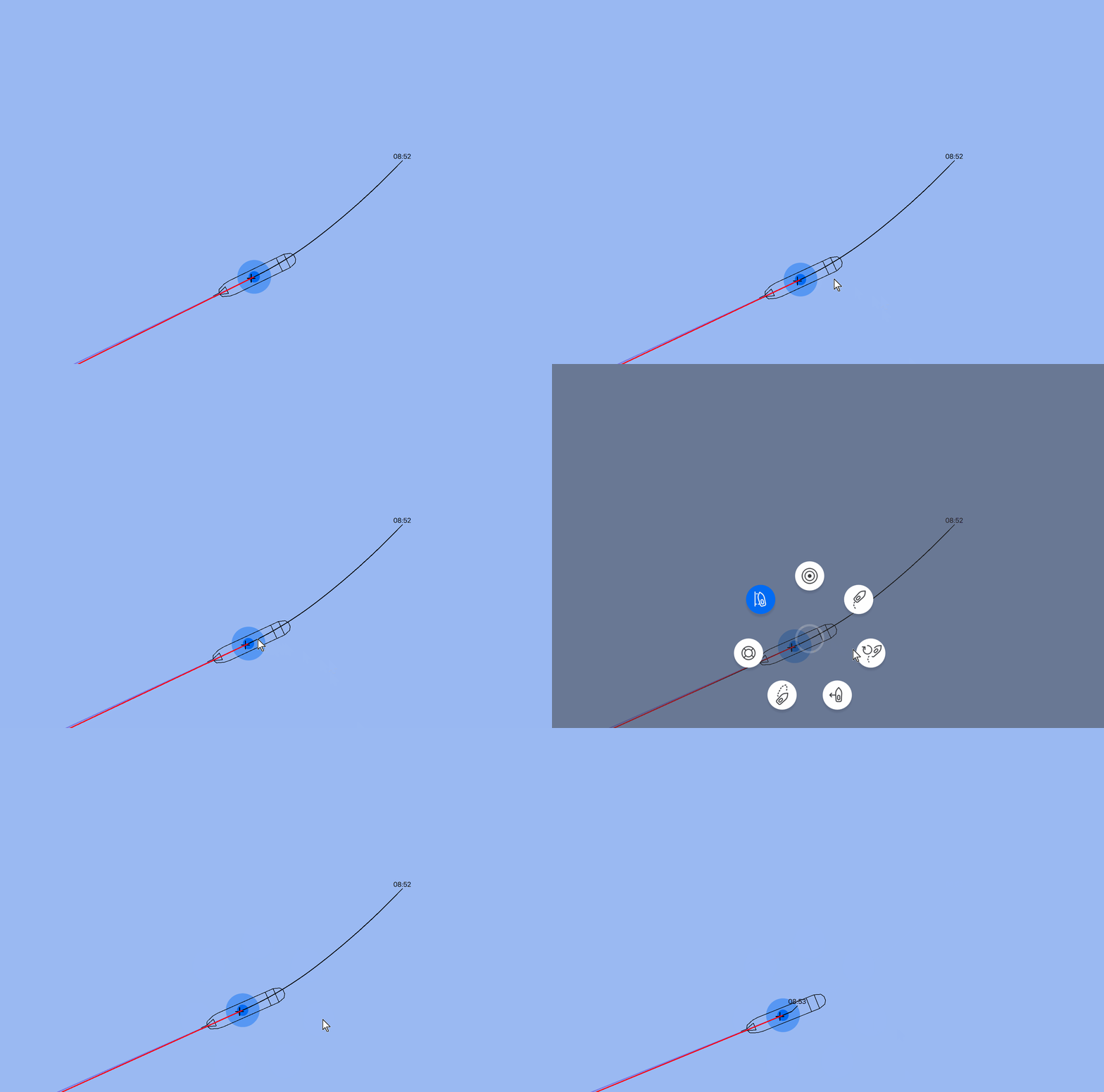
Orange target and meeting point indicator resize
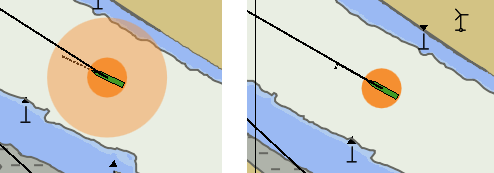
The orange indicator highlighting a selected target and meeting point is made smaller.
Only the the inner circle is displayed now and the outer semi-transparent circle is left out.
Docking line width
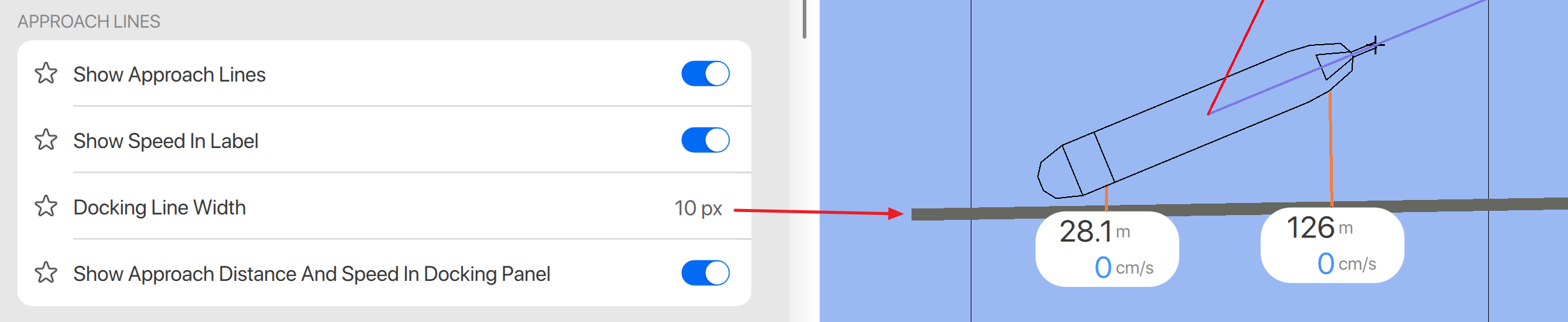
The width of a docking line can now be adjusted via an extra setting in the Approach Lines section in the Docking menu.
"Show All" notification center setting saved in my profile
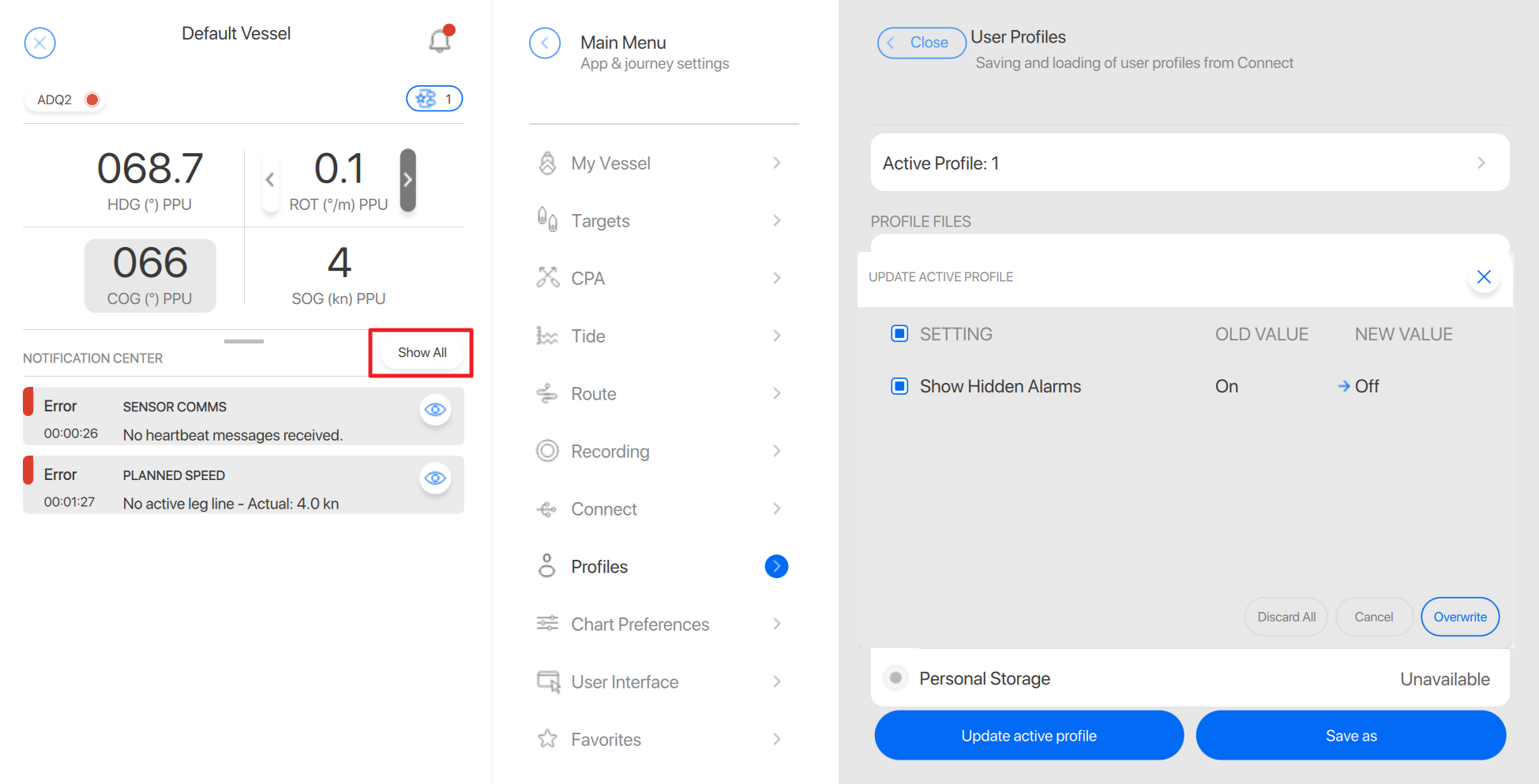
The Show all option in the side panel notification center can now be stored in a profile.
Qastor offline installation
In the previous Qastor version it was not possible to install Qastor offline.
Some Qastor installations will always stay offline so this is enabled again in this new release.
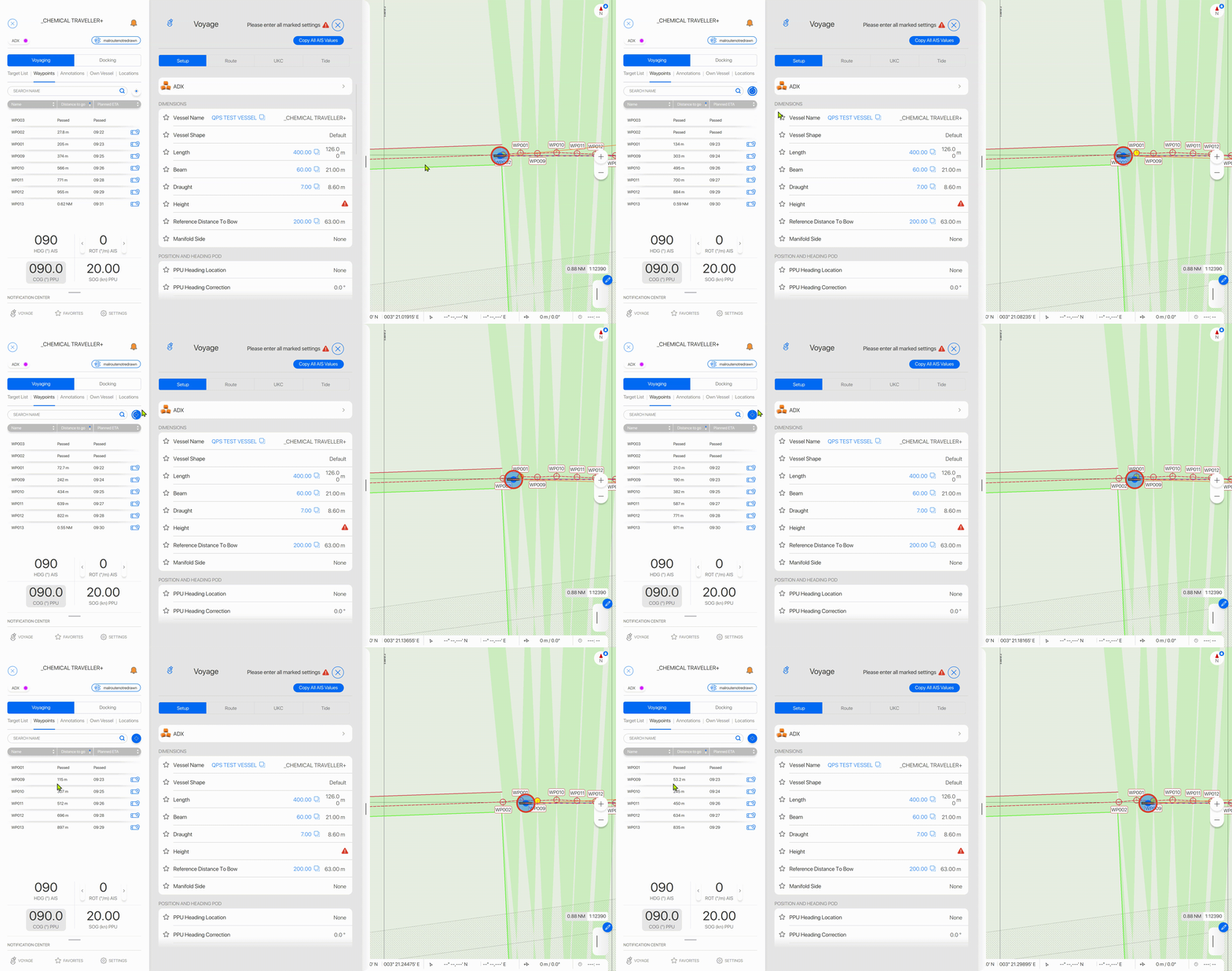
Automatically scroll waypoint list in side panel
The waypoint list in the side panel can now show the last passed waypoint at the the top and the active waypoint as the second row, the list can scroll along with the ship`s position.
Fix S-101 world overview together with other S-101 charts
The standard world overview background did not work together with other S-101 charts in the previous version of Qastor. This is now working correctly again.
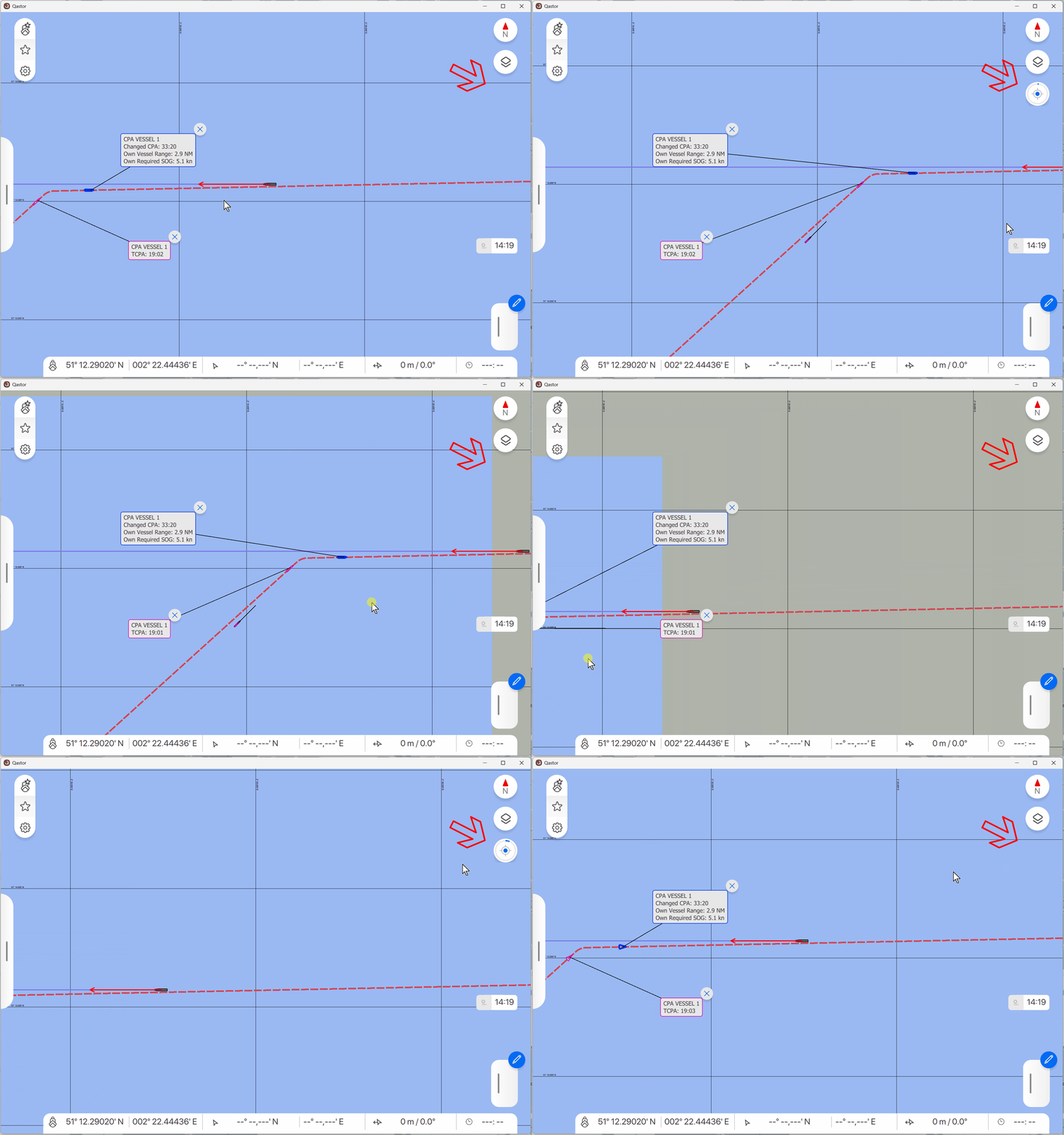
Fix Pan away button inactive during changed CPA situation
The pan away timer did not show when your own vessel was dragged outside the display area. This is rectified in this version of Qastor, now the timer starts when panned away and your vessel will return to the center of the display when the timer ends.
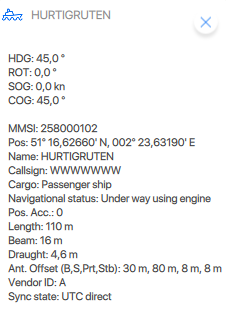
Fix Target label speed displayed with speed 0.0
In previous versions AIS target labels did no show a speed with speed 0.0.
Now this is displayed again.
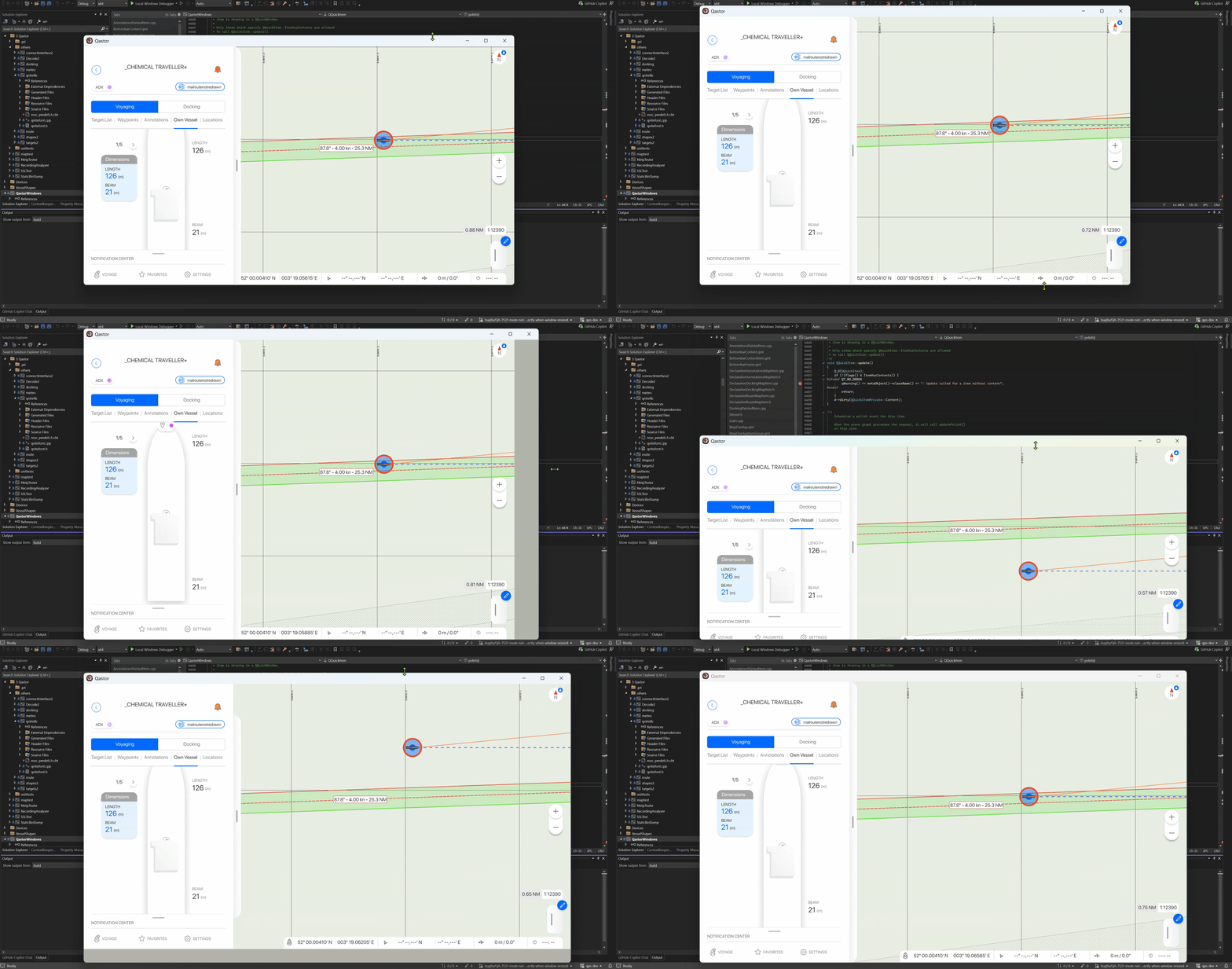
Fix Rotating Windows Surface portrait/landscape correct ship and route display
Ship and route are now correctly displayed when switching from portrait to landscape mode v.v. on a Windows Surface machine.
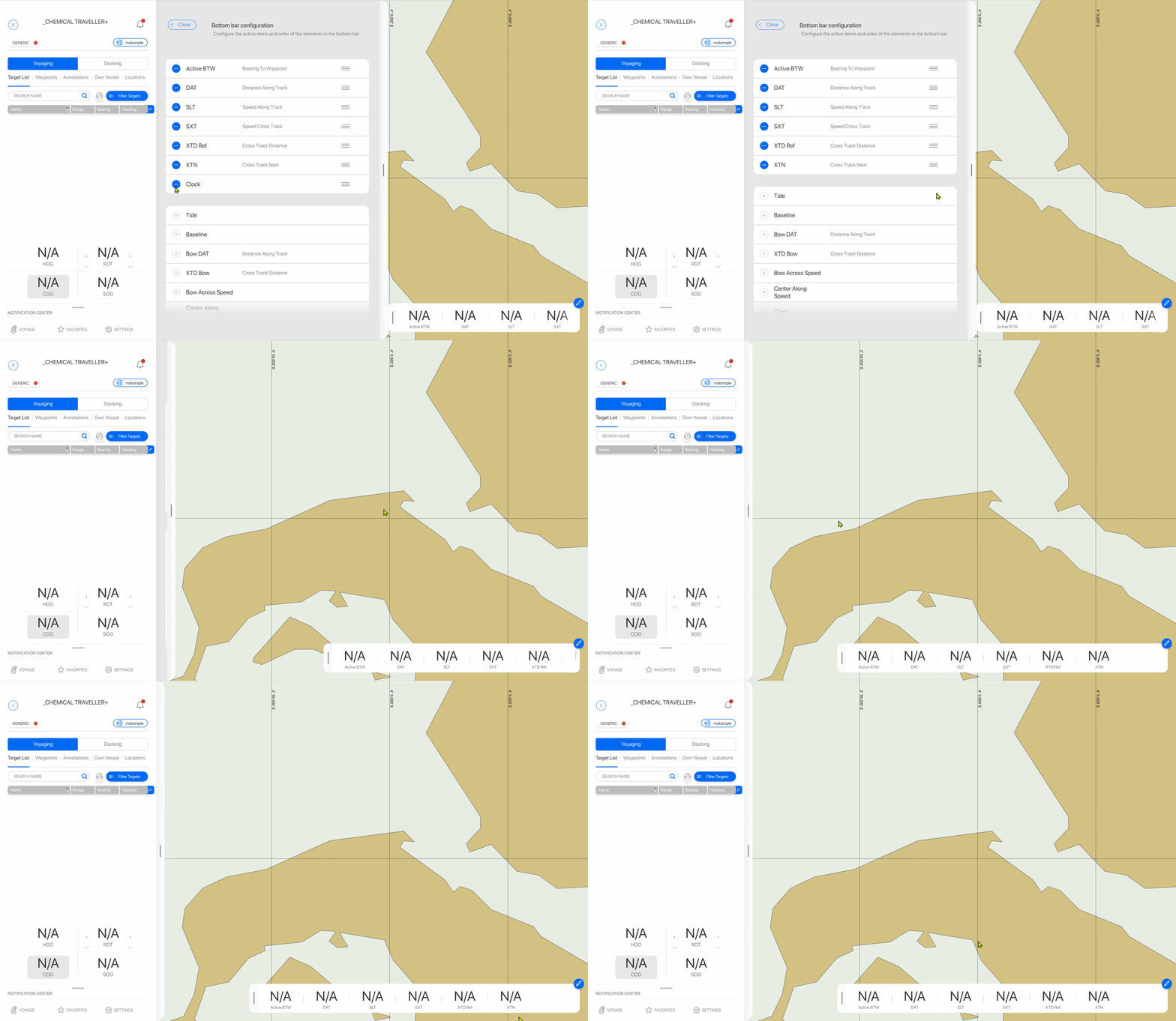
Fix bottom bar empty field after passing waypoint
If more than six bottom bar items were displayed and one of the items was deleted opening and closing would show this deleted item as a blank field in the bottom bar. This is resolved in this version of Qastor.
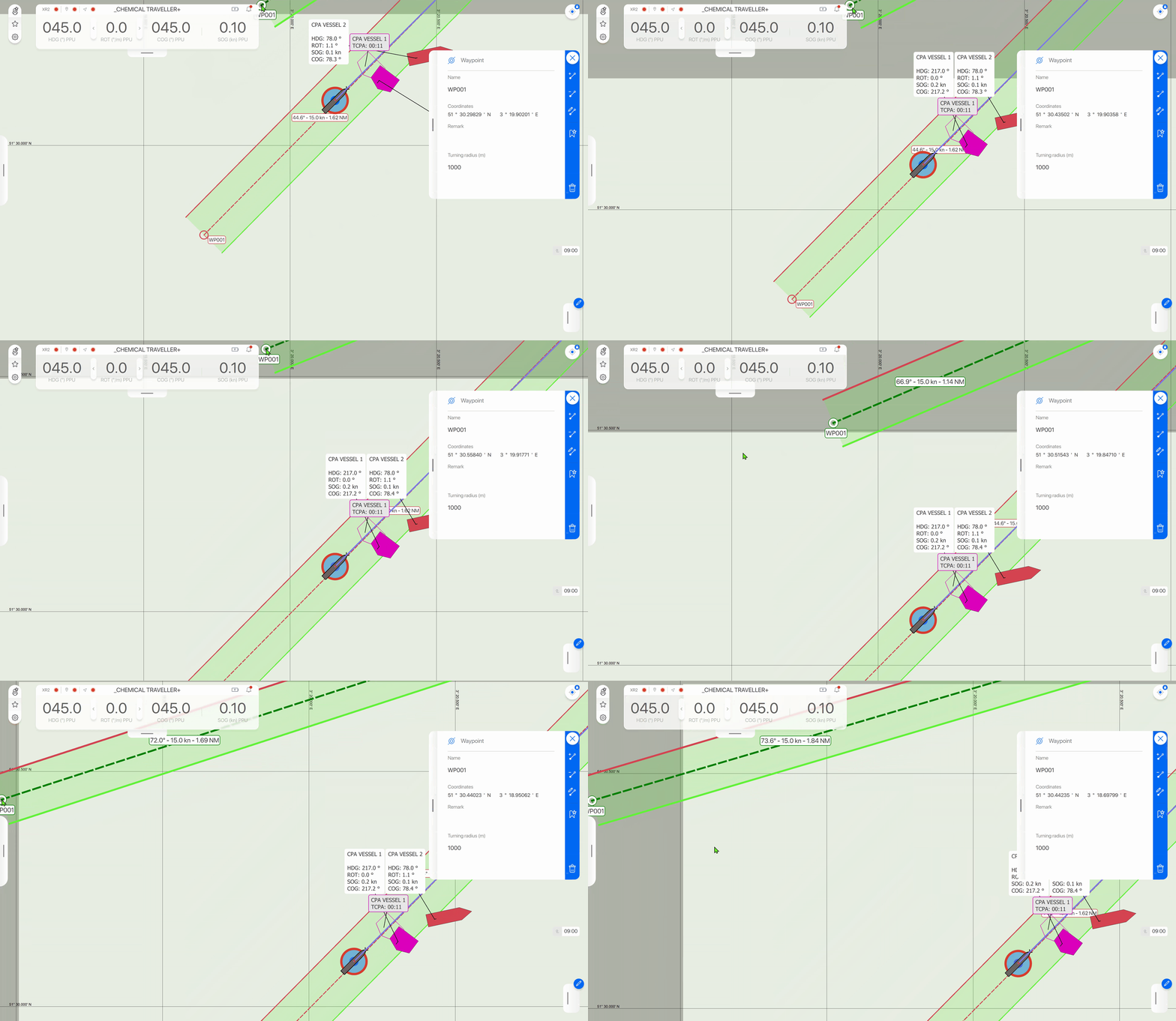
Fix panning while dragging items correct for up or left
Dragging and auto panning at the edges is working correctly on the left and top side of the screen in Qastor for editing a route and for a changed CPA movement.
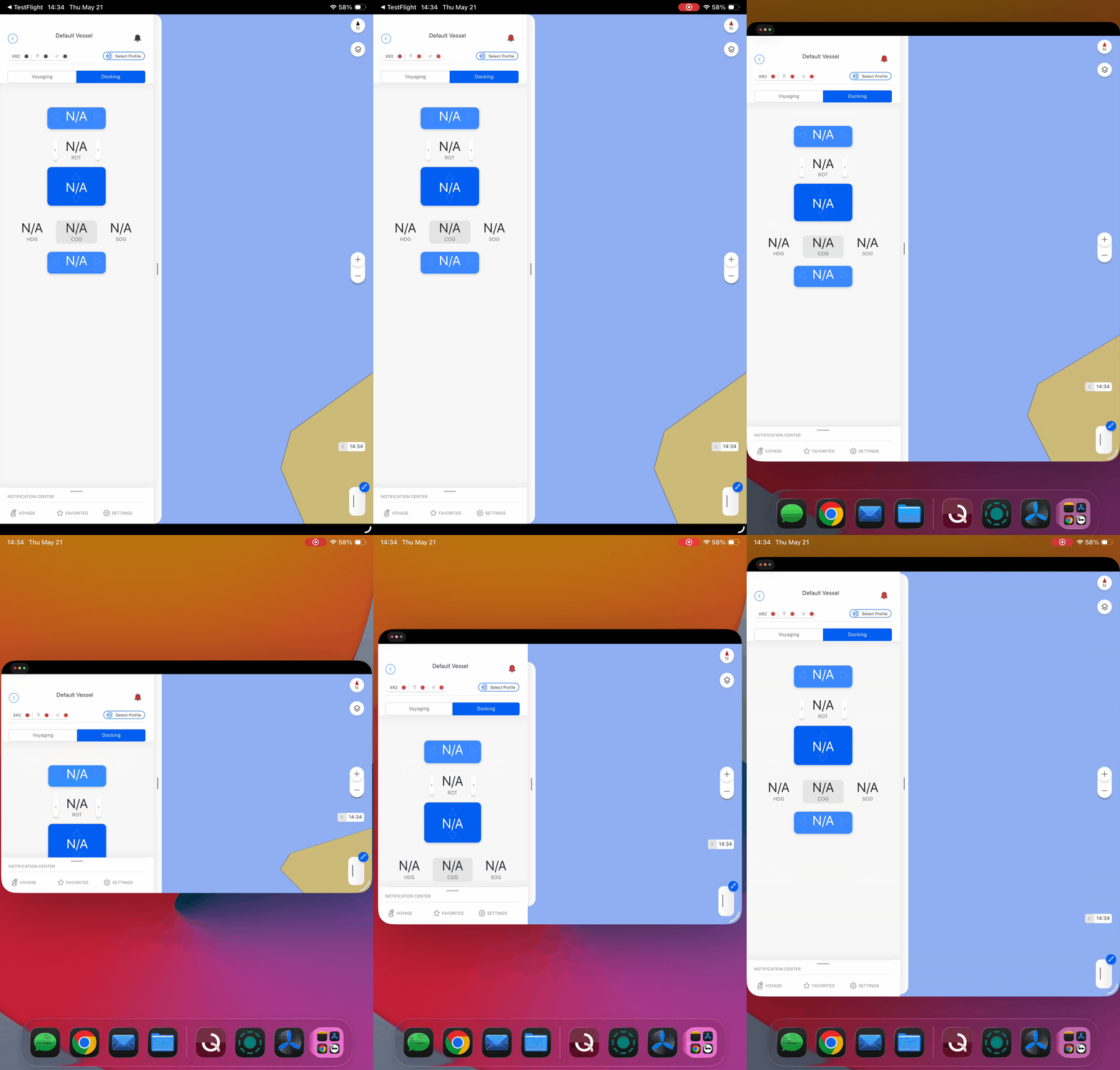
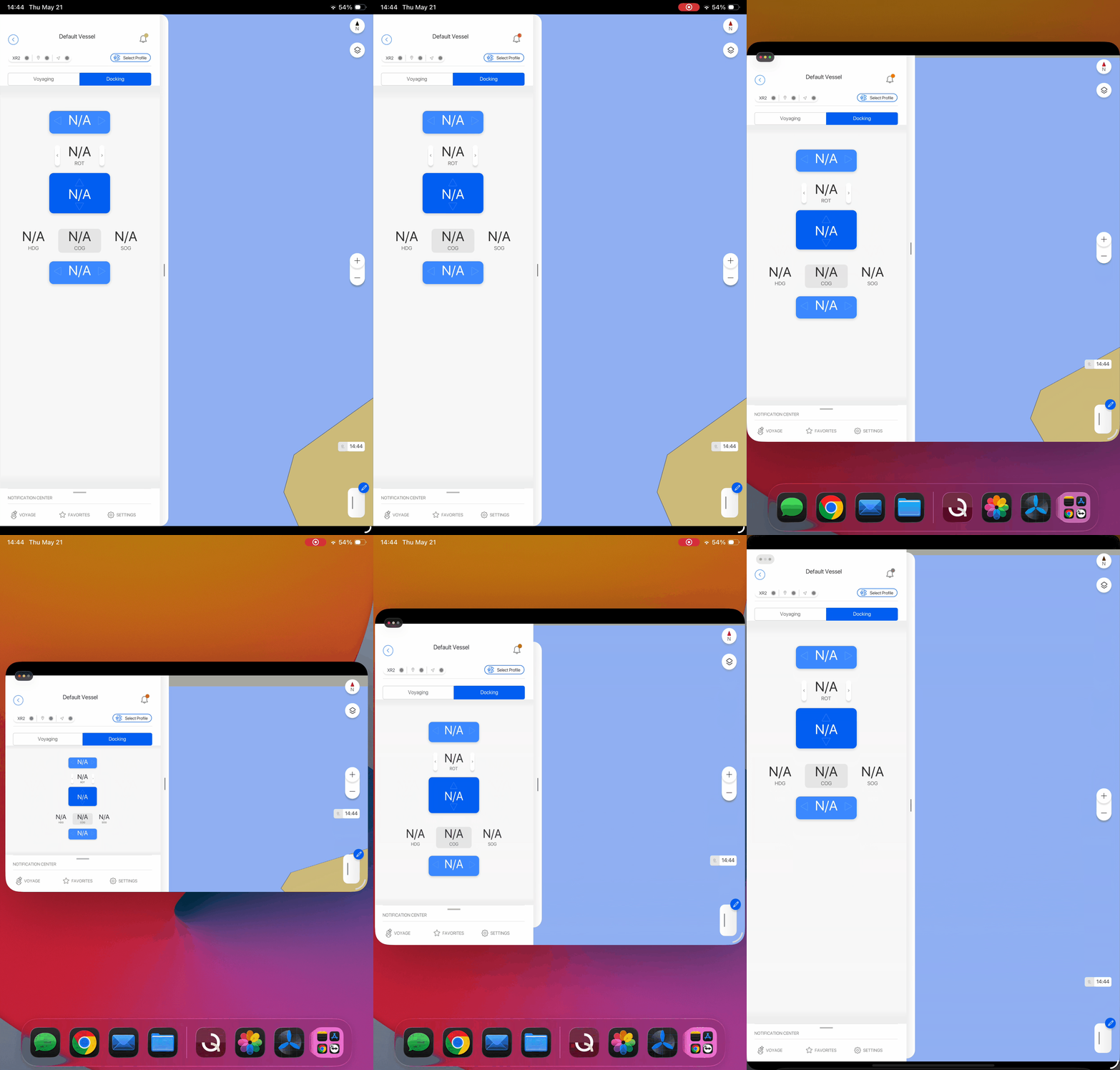
Fix docking panel scaling iPHONE SE/iPAD Mini
Vertical scaling when resizing a Qastor window is now better able to keep all items visible instead of cutting them off. This was noticable on iPAD Mini and iPHONE SE devices.
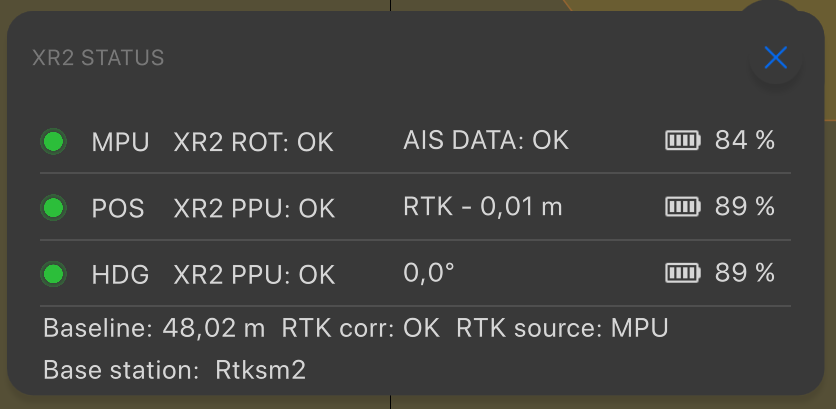
Fix base station information in XR2 status window
Values of the translation table for the Schelde RTK stations are now correctly applied.
RTKSM1 = Vlissingen
RTKSM2 = Antwerpen (NLW)
RTKSM3 = Terneuzen
RTK-Antwerpen = Antwerpen (DABL)
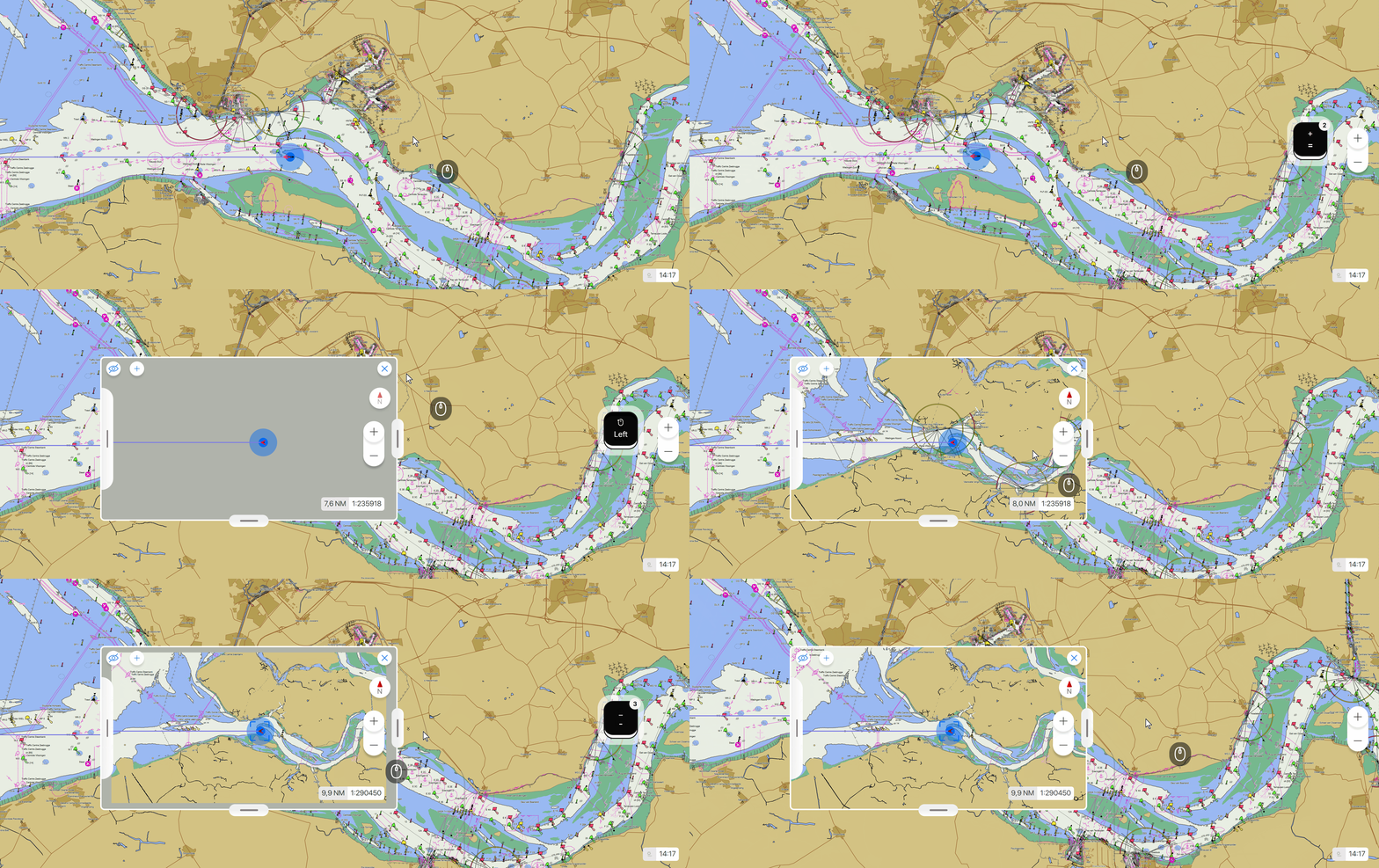
Fix keyboard zoom shortcuts main window with active secondary chart
Keyboard Plus and Minus buttons now work correctly again if another multi-screen is also opened.
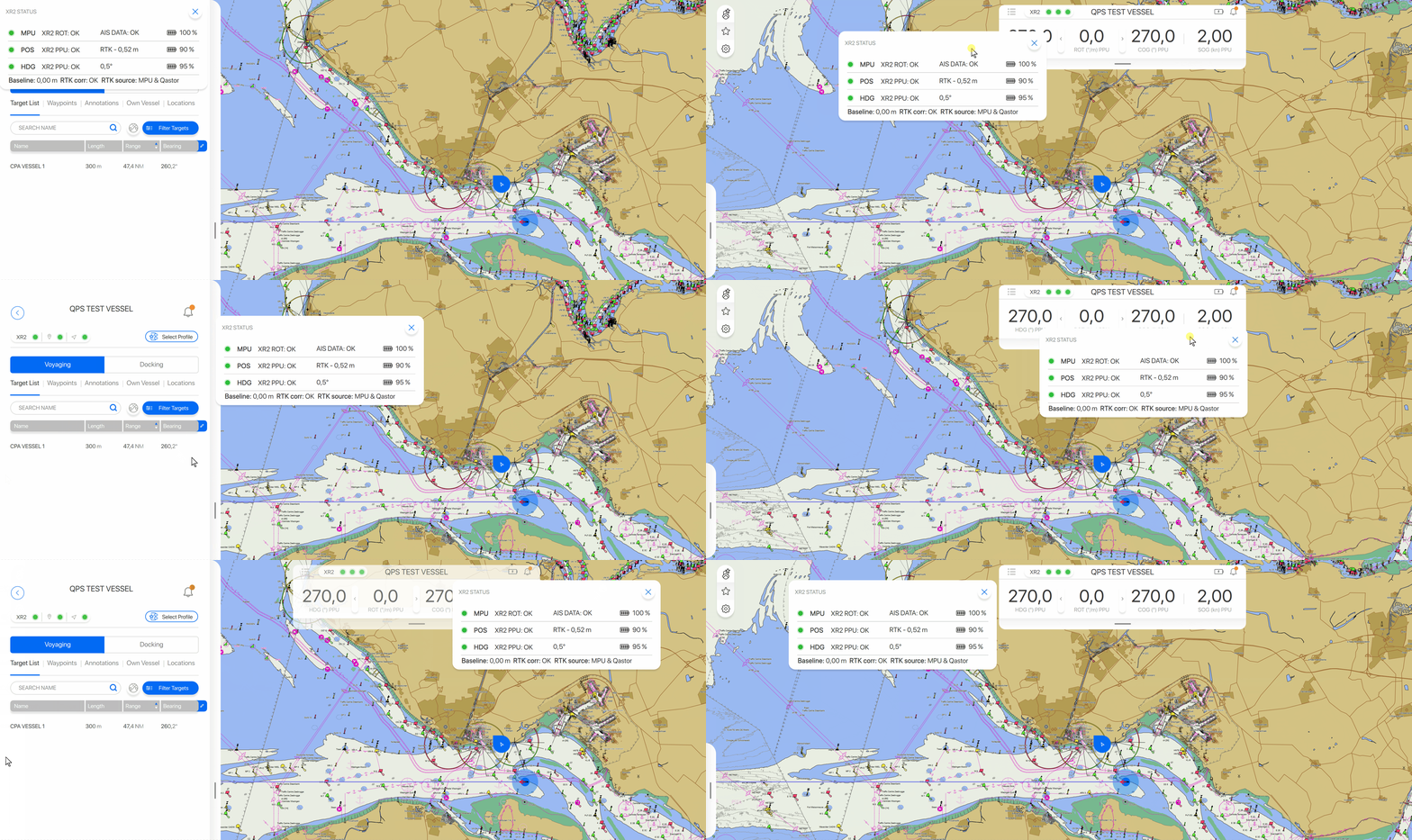
Fix status window overlapping top bar after closing side panel
The XR2 status window could be overlapping the top bar after the side bar was closed. Now the status window will always move away from the top bar and not partly cover it anymore.
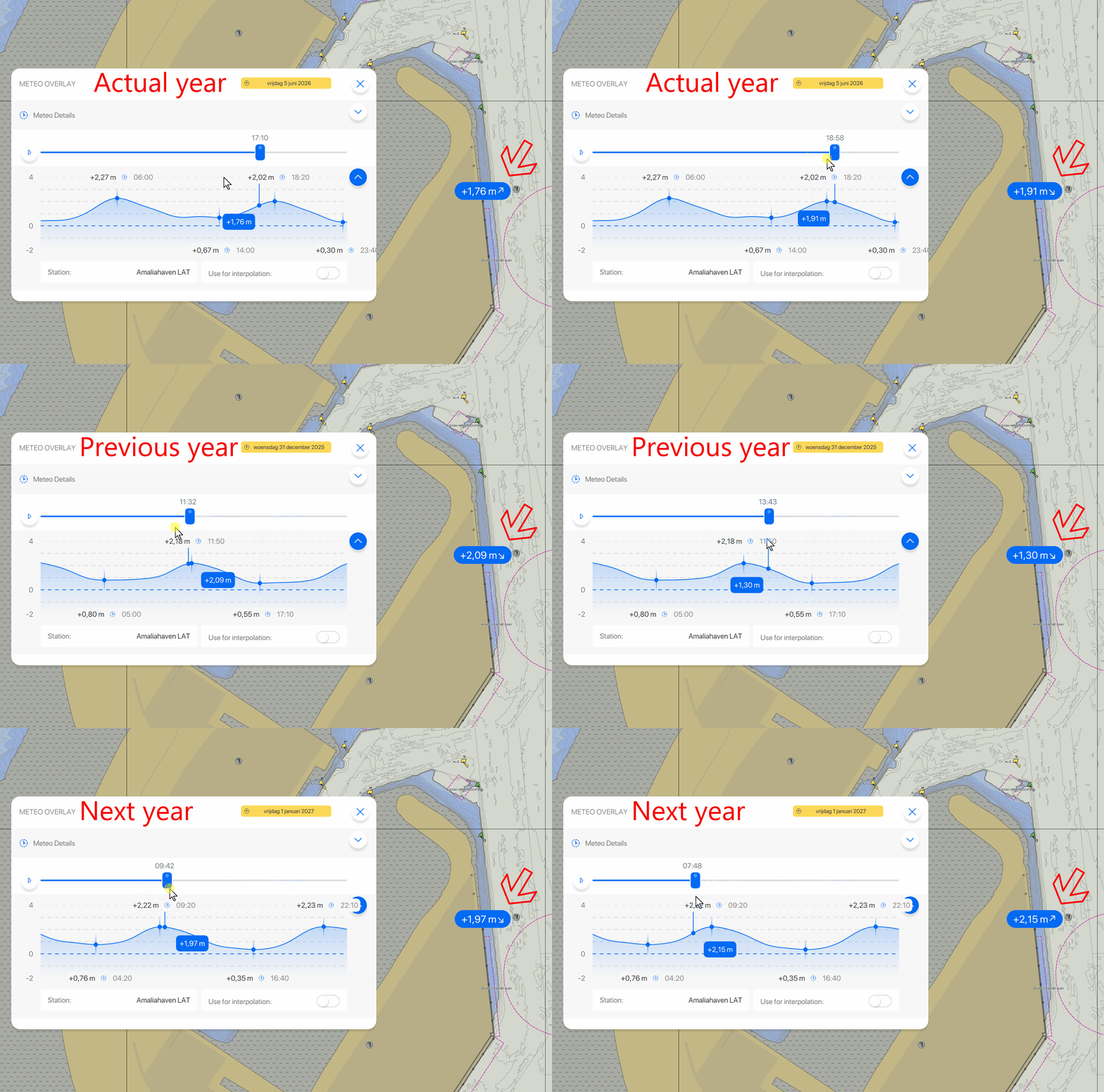
Fix Falling and Rising tide indicator of predicted tide station
The falling/rising tide indicator would only show falling tide in the previous year and only rising tide in the next year. This is now again displayed correctly.
Fix handling of predicted tide files
XML predicted tide files with unicode characters in their path would not be read correctly or could cause Qastor to crash, this is fixed now.
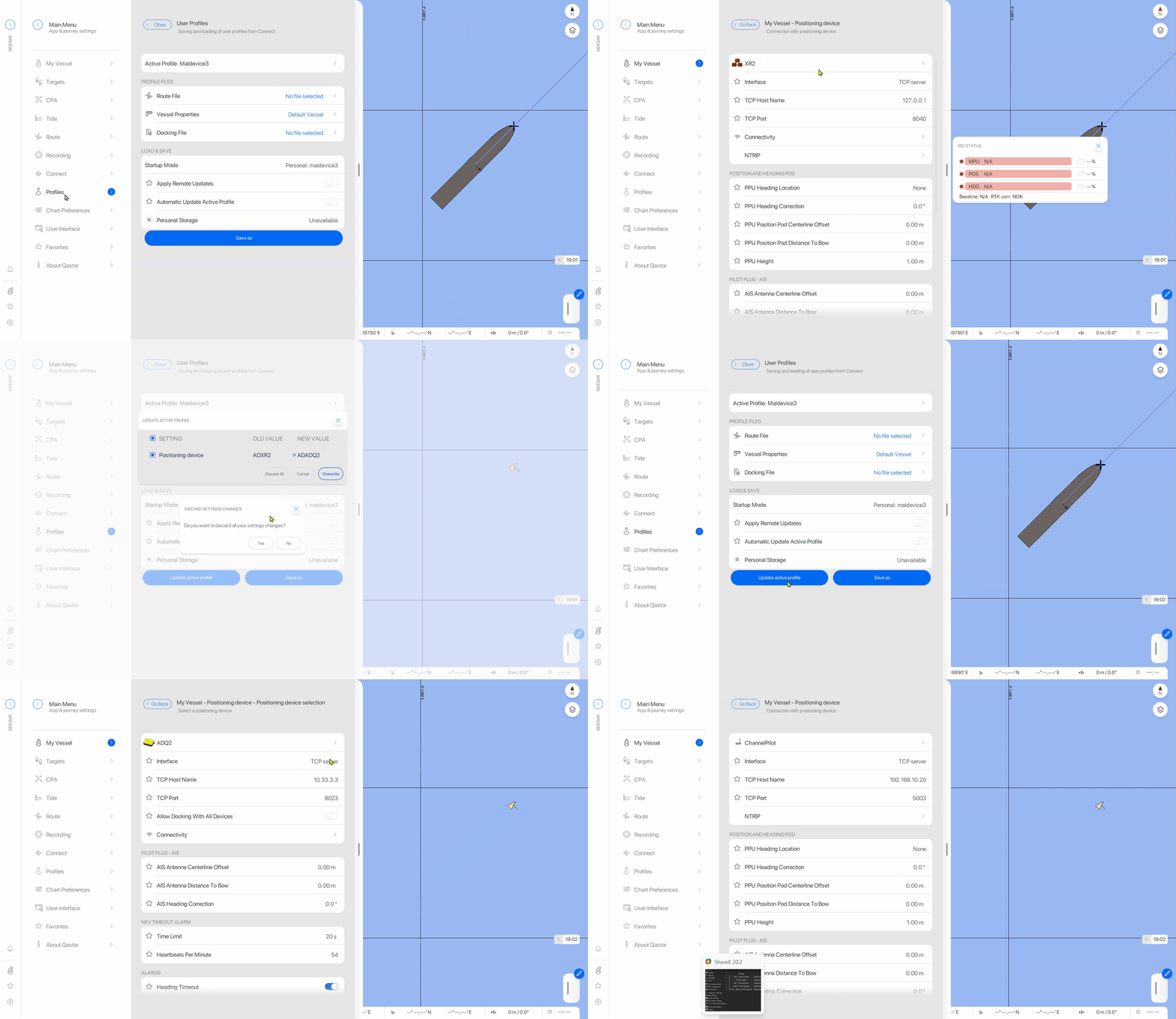
Fix Discard action not working for new device settings
Discard action not working for new device settings is now working correctly in this Qastor release.
Fix GRIB files handling
GRIB meteo files were not handled correctly and crashing Qastor if the meteo layer was switched on.
This is now working correctly again.
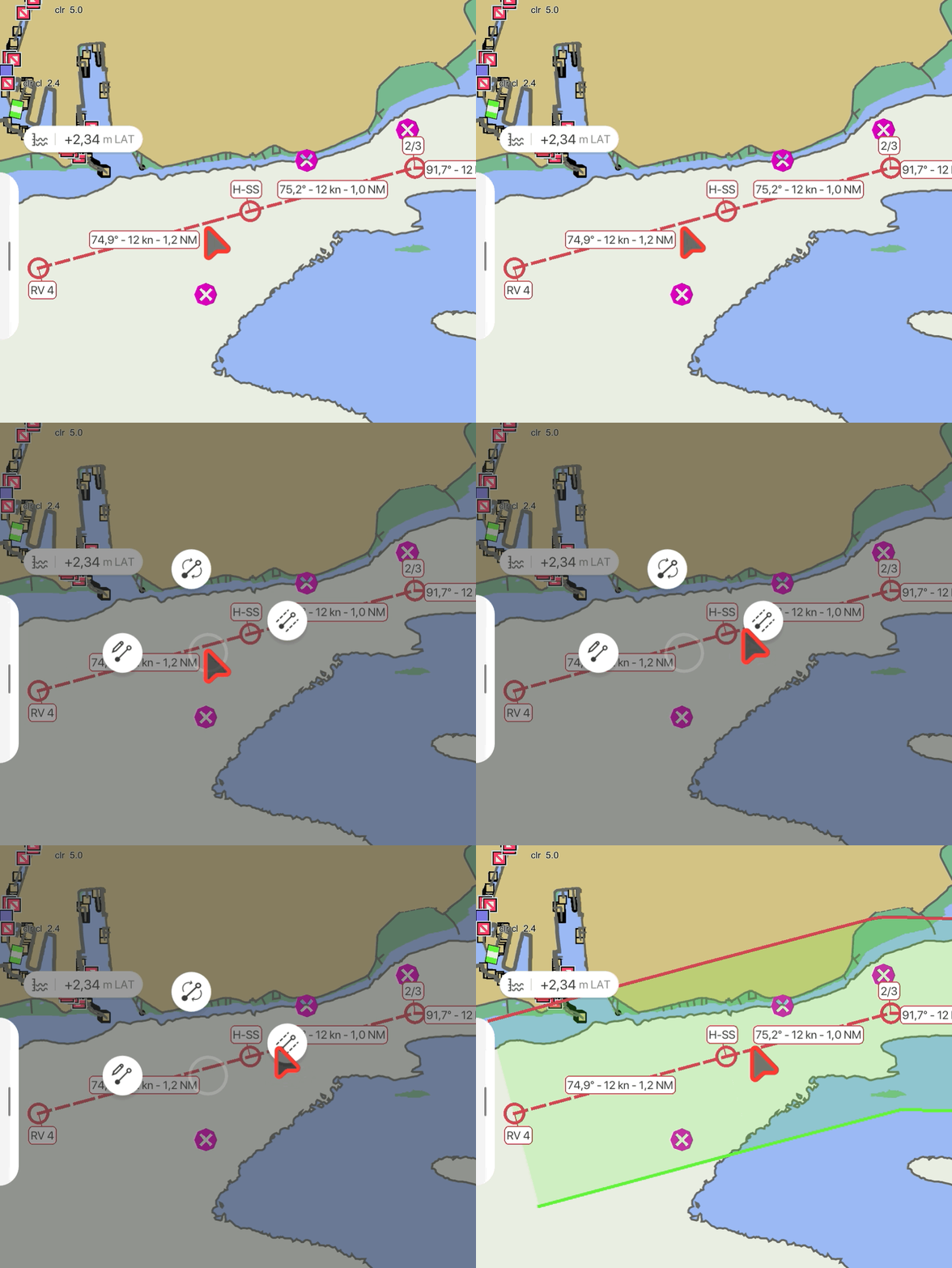
Fix route XTD not displaying on iOS devices
Cross track distance areas could not be visualized on iOS device in the previous Qastor version.
This is fixed in this version.
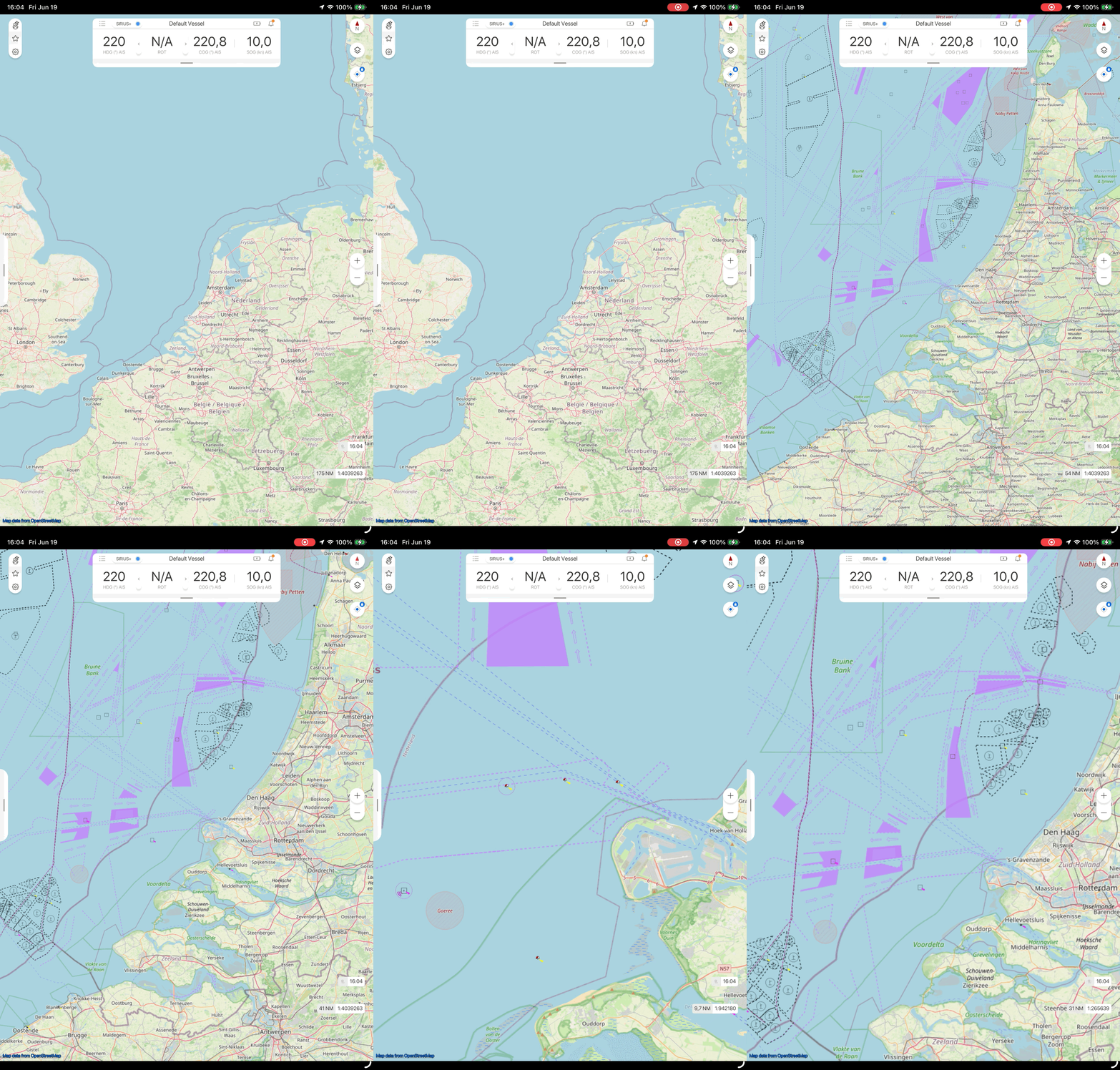
Fix Open Sea Maps layer not loading correctly
Chart tiles would not be displayed zooming in or out. This now rendered correctly.
Fix erased past track not updating
The Erase Past Track option was only displayed correctly when zooming in or out. Now the part before the cut in the track is erased and the build up of the new part after that is only displayed without having to zoom first.