
📋 Content
Parsing of AD MUX messages
AD Navigation ADX MUX sensor messages can now be used as a predefined sensor in Qastor.
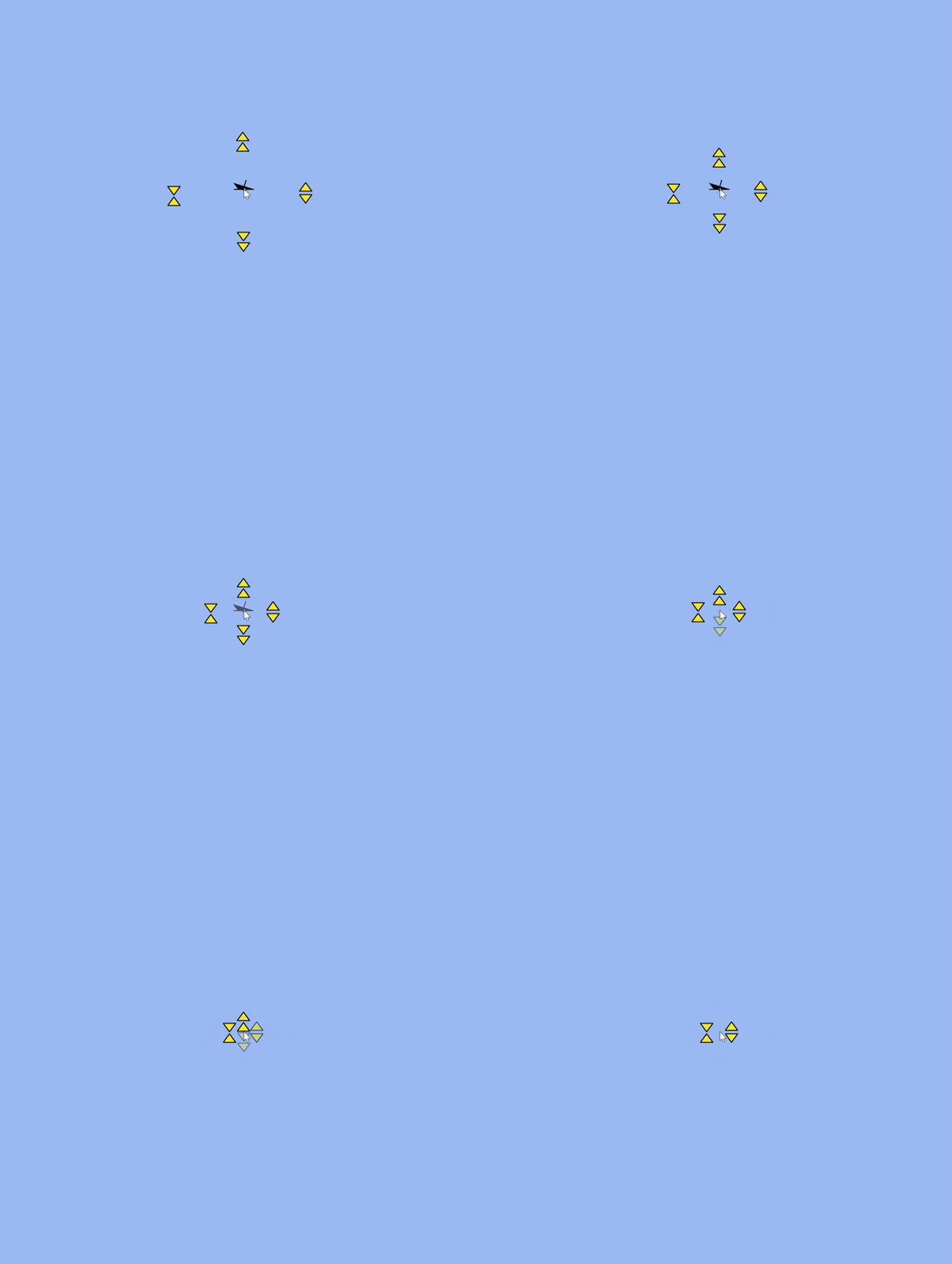
Annotation overlap behaviour
Zooming out could annotations positioned close to each other to not display properly.
|
|
|---|
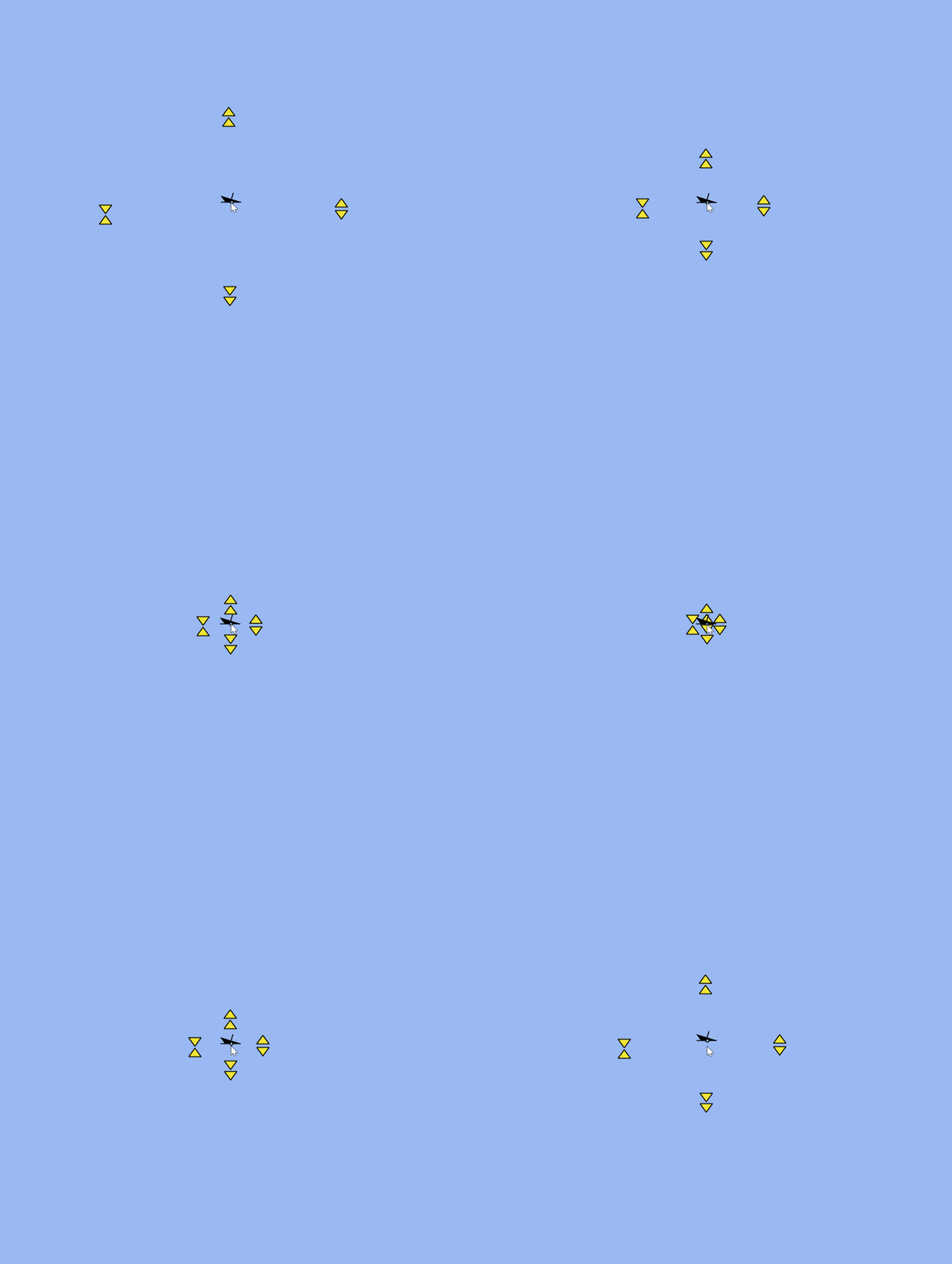
Increased target pick radius
It is now easier to select a target radial menu using the increased selection area.
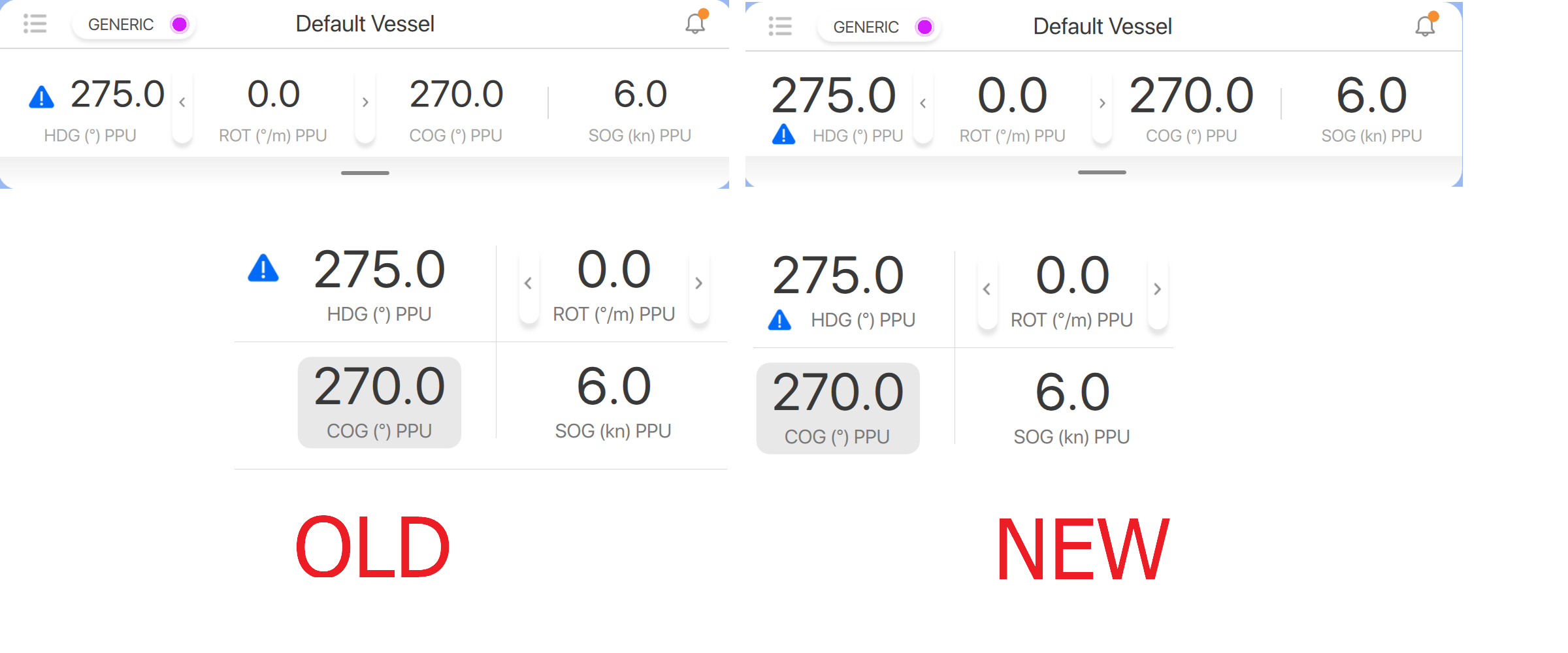
Heading offset icon in top- and side bar
If a heading offset icon was placed before the heading parameter in the top bar this would cause the font size to decrease of all the navigation parameters. This HDG offset icon is now placed below the HDG numbers to prevent this.
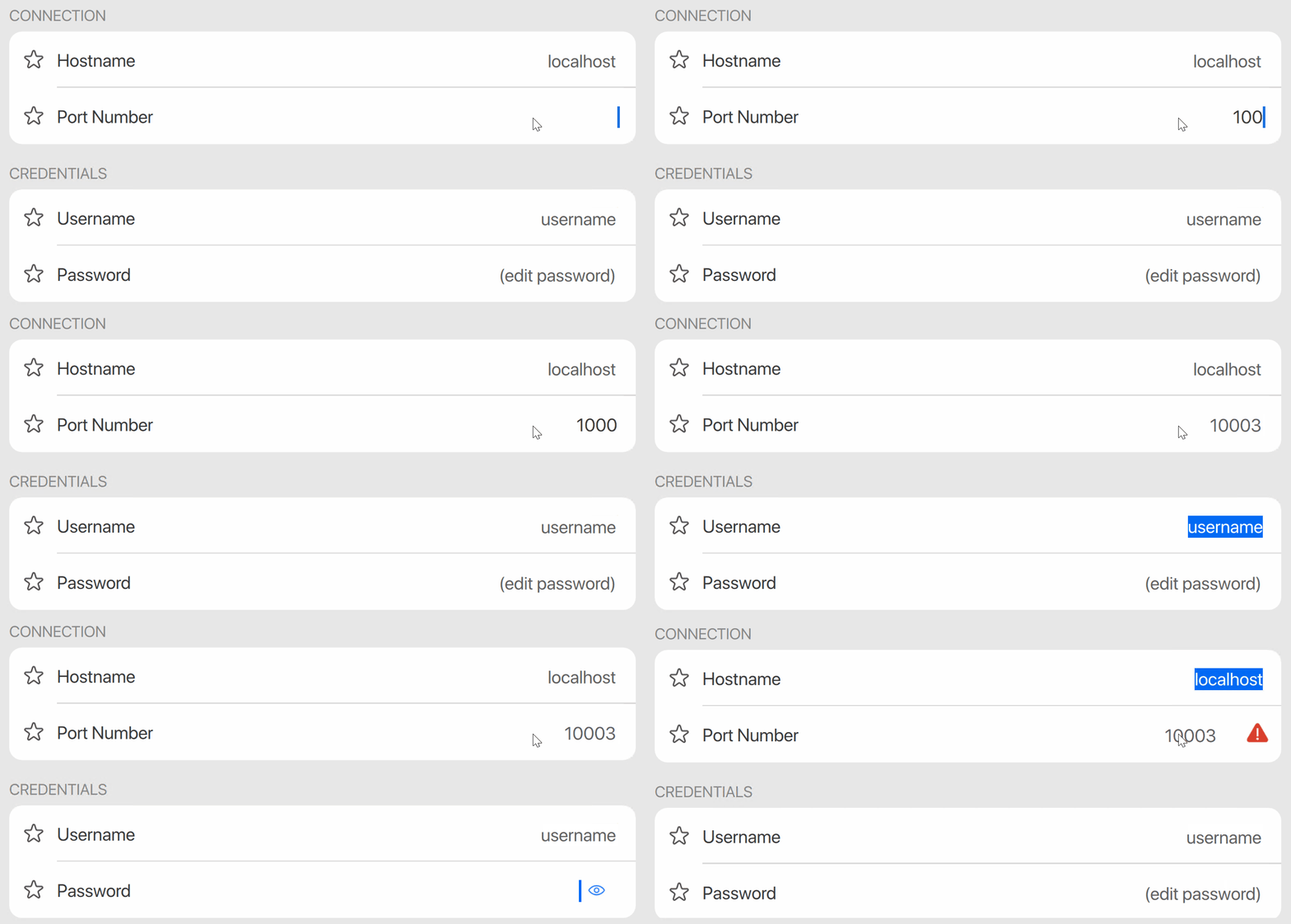
Direct indication of a failed login to Connect server
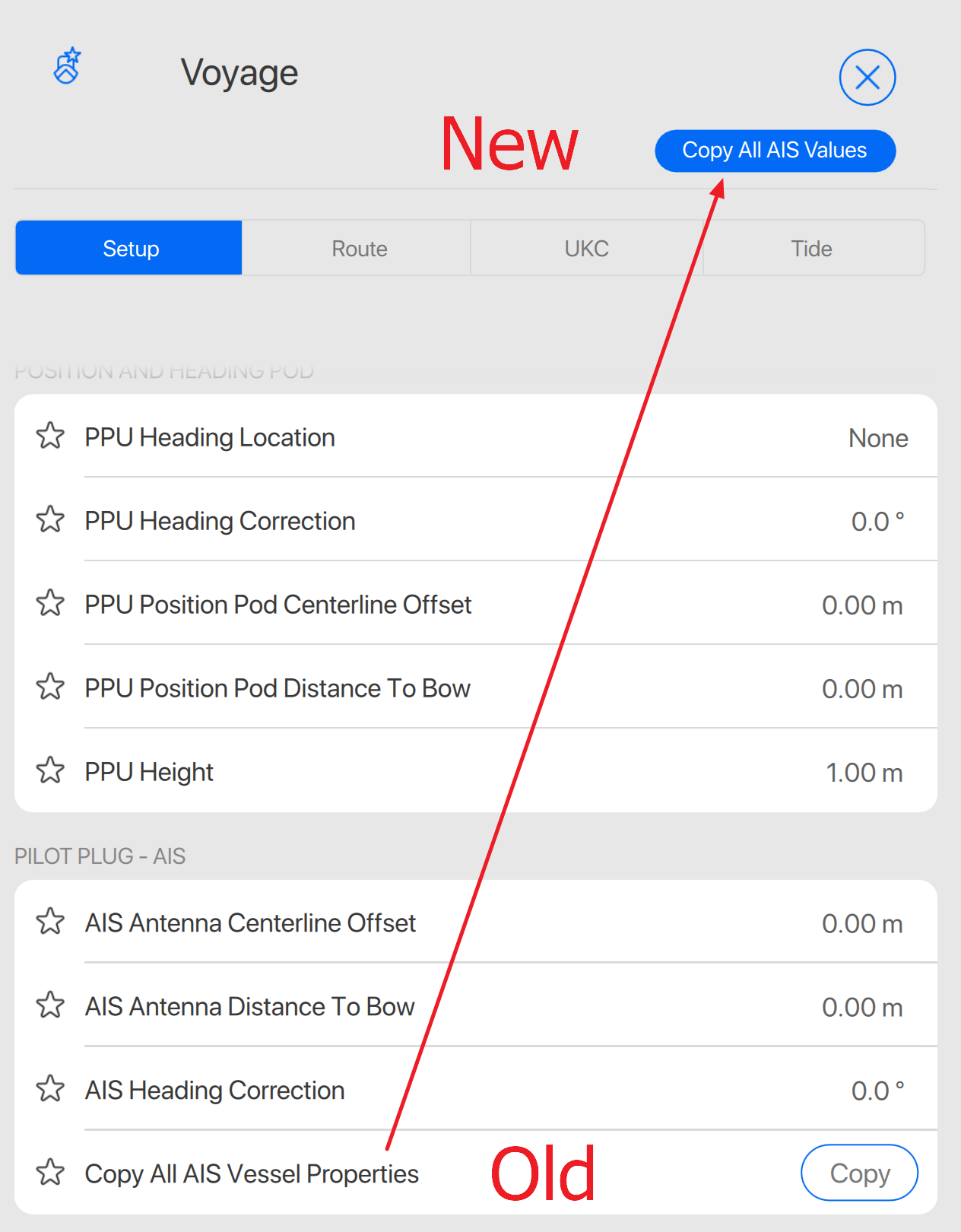
Copy all AIS data to top of menu
The Copy All AIS Vessel Properties has now been moved from the Pilot Plug - AIS
to a new button on the top right of the Voyage Setup menu and is now called Copy All AIS Values
Appearance of extend/contract distance line button
Extend and Contract buttons of a navigation line in the Reference Line edit menu are now more clear and have better contrast compared to previous versions.

Connect data stream recovery after switching networks
Switching cellular networks (roaming) could make Qastor to wait indefinitely to connect to the new network.
If a new connection attempt takes more time than 30 seconds this will be deleted and a new connection will be setup again.
Starting Qastor multiple times (Windows only)
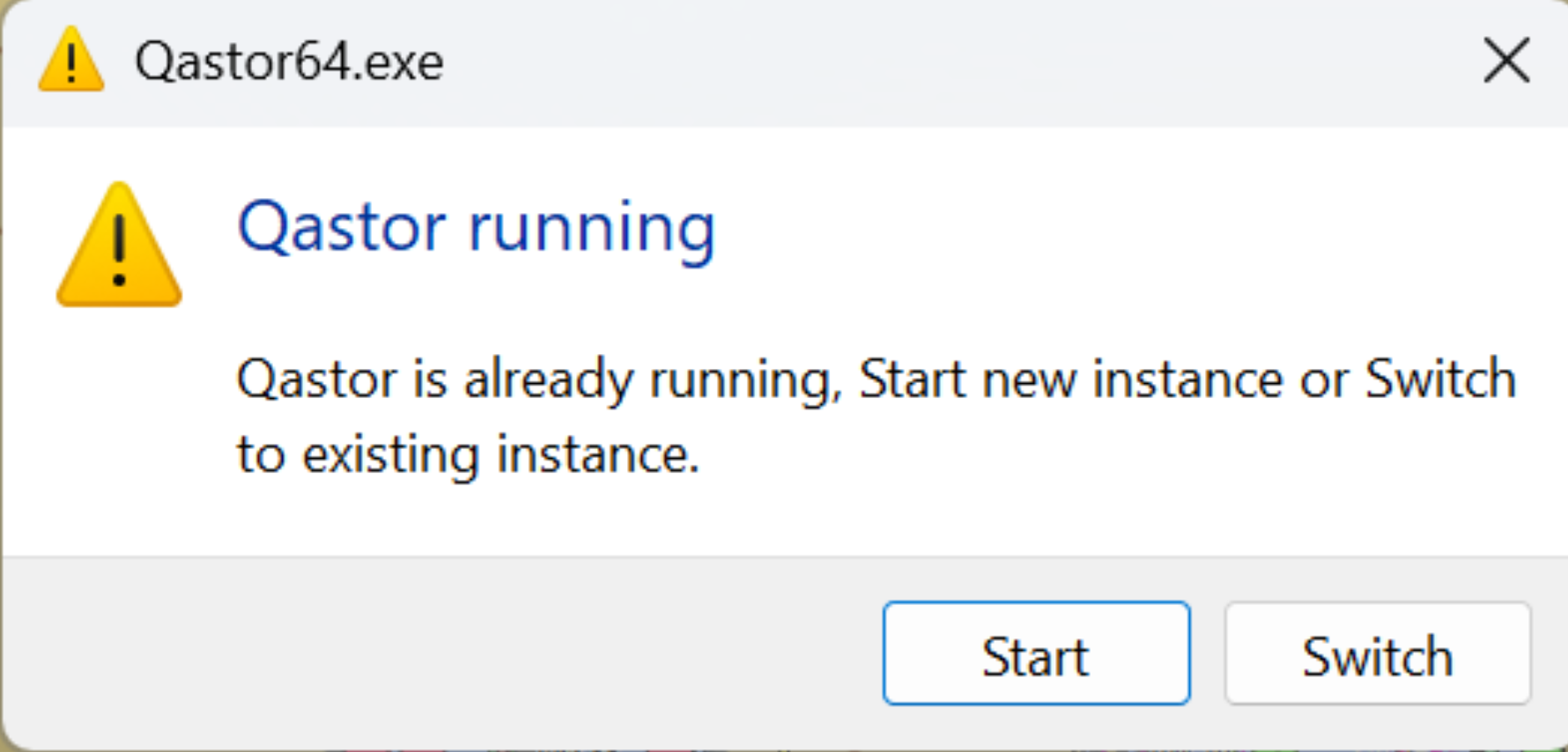
Starting a new instance of Qastor when it is already running will display a menu with two options:
-
Start: Opens Qastor next to already open Qastor program(s).
-
Switch: Do not open a new Qastor program but go to the existing one(s)
Definition next to the S-104 and S-111
We extended the items “S-104“ and “S-111“ in the layer popup and dialog with a definition.
|
Popup |
S-104 selection |
S-111 selection |
|---|---|---|
|
|
|
|
Fix manifold distance/speed covered by vessel shape
Labels will no longer overlap with the own vessel, always moving them aside.
Fix XR2 status window not overlapping the AIS popup window and side bar.
The device status window will now be pushed to the side if the AIS copy window or the sidebar is opened, returning to its original position when both of those are closed, unless the device status window has been manually moved in the meantime.
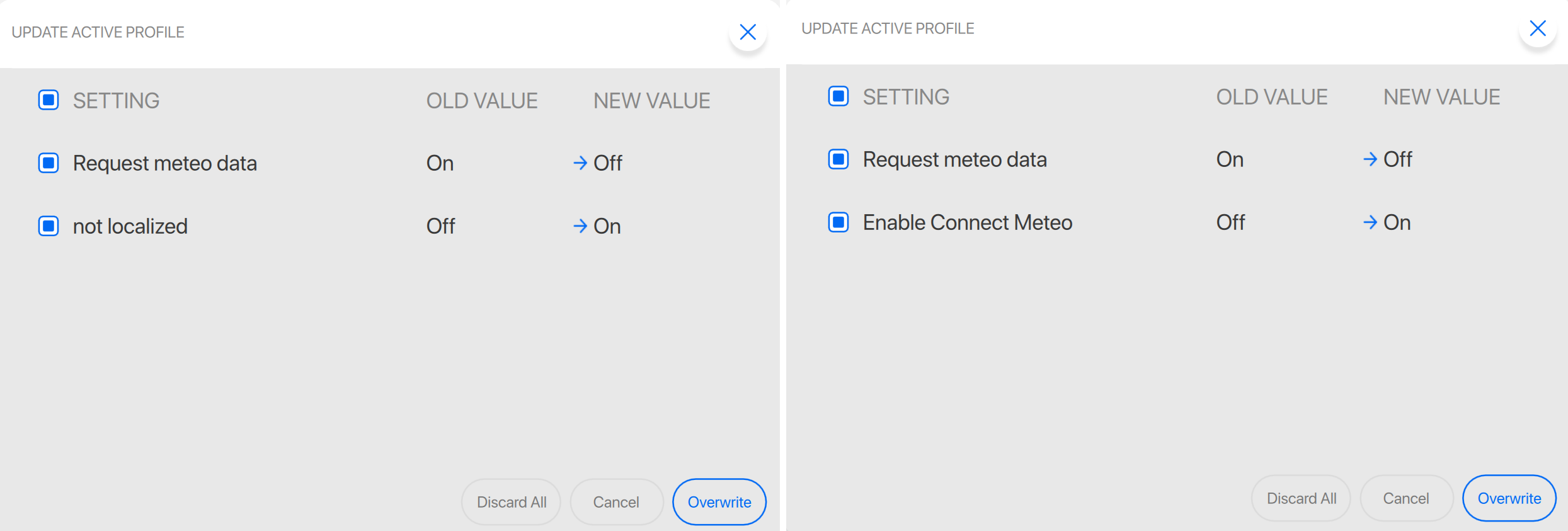
Fix not localized text in profile change popup window
Text has now been altered to display correct name when enabling Connect Meteo
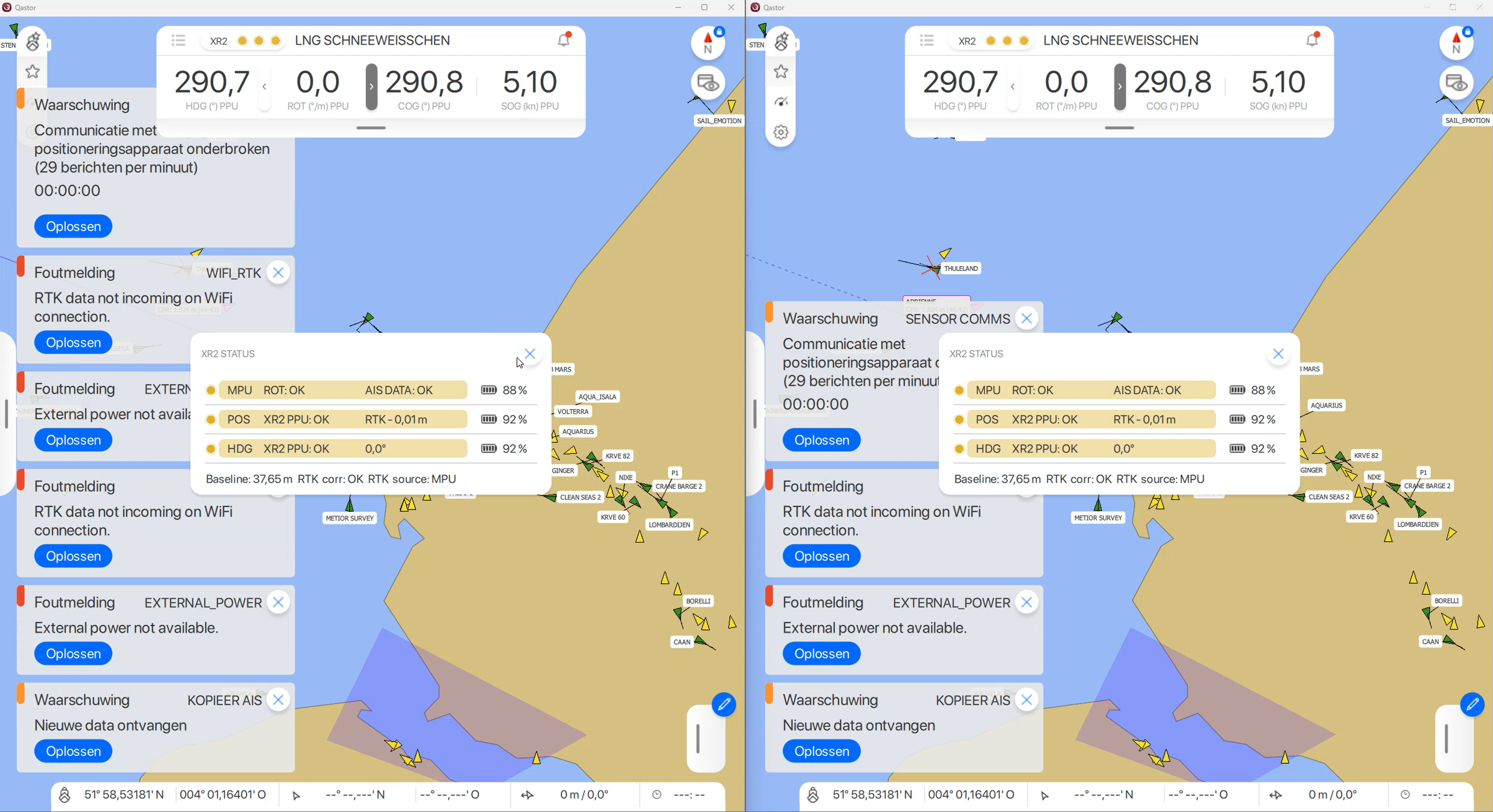
Fix multiple identical alarms
In Qastor versions before 3.19.3 it was possible to receive the same alarm multiple times. This is not possible anymore in this new version
Fix manual tide change applied immediately
In previous Qastor versions a first change in a manual tide value would not be applied. Now this is displayed correctly instantaneously.
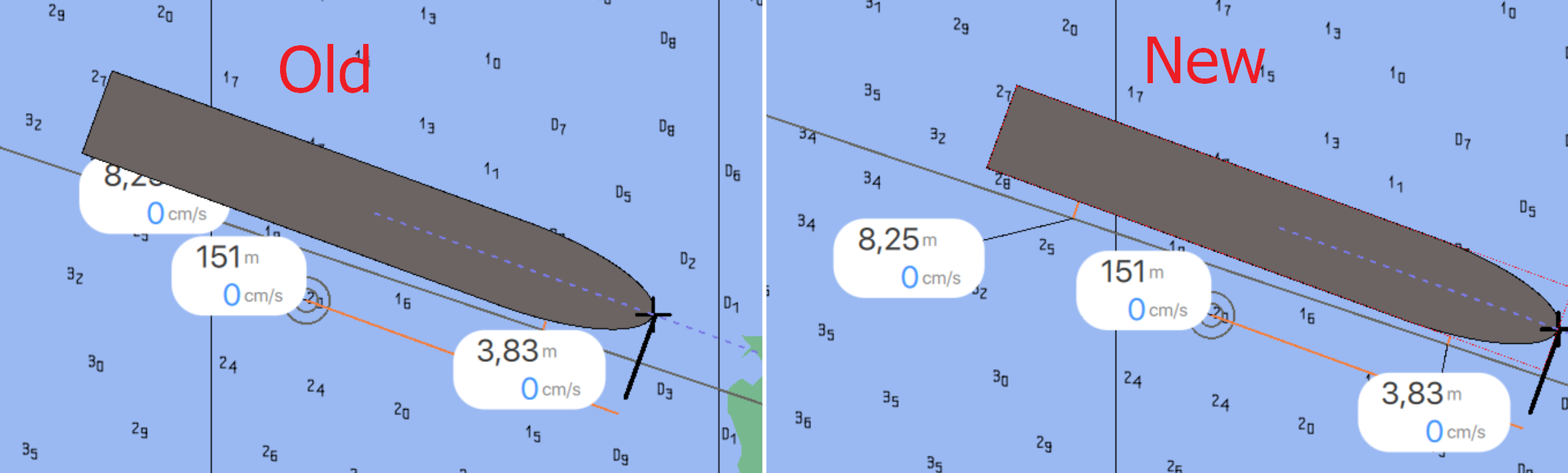
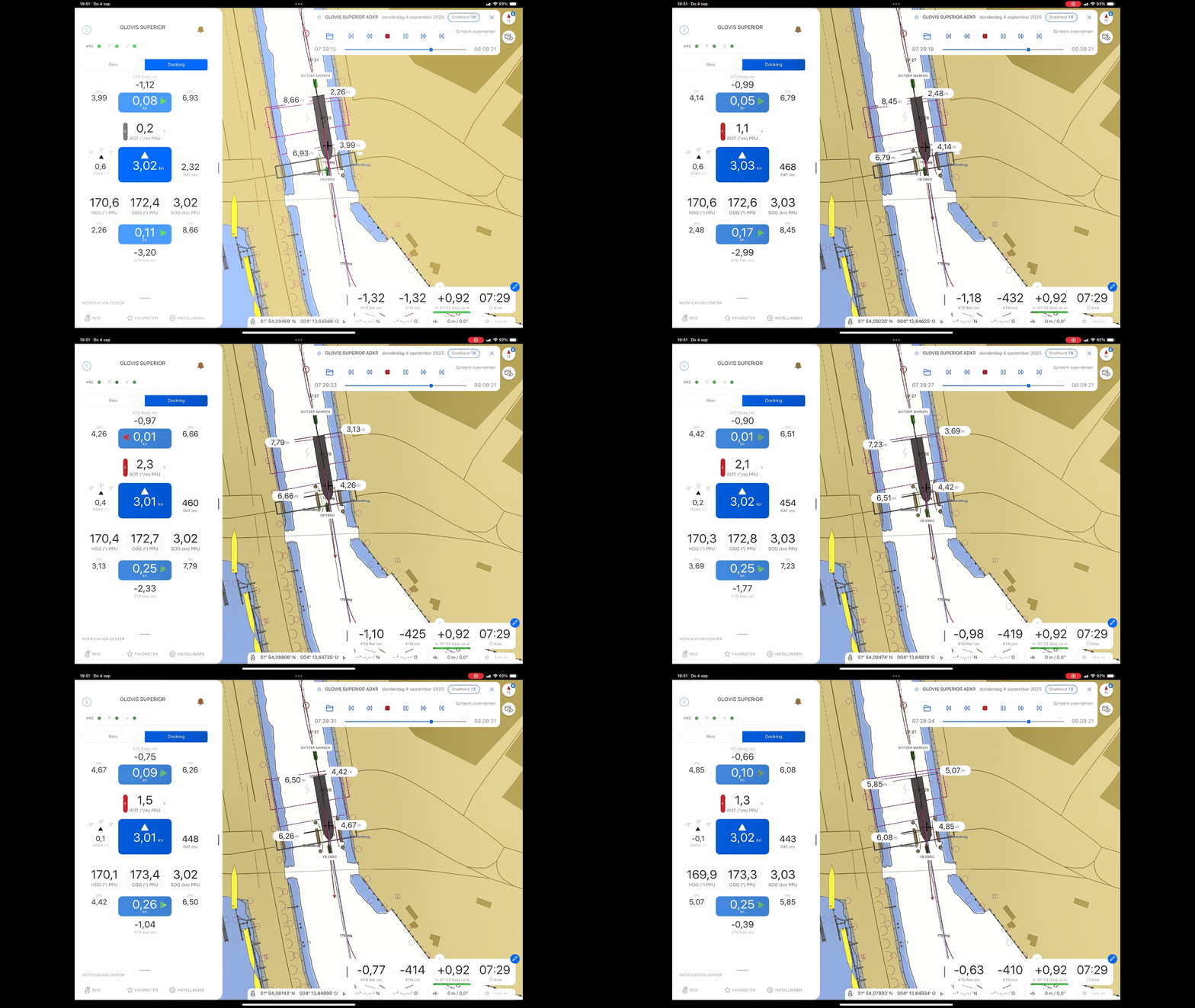
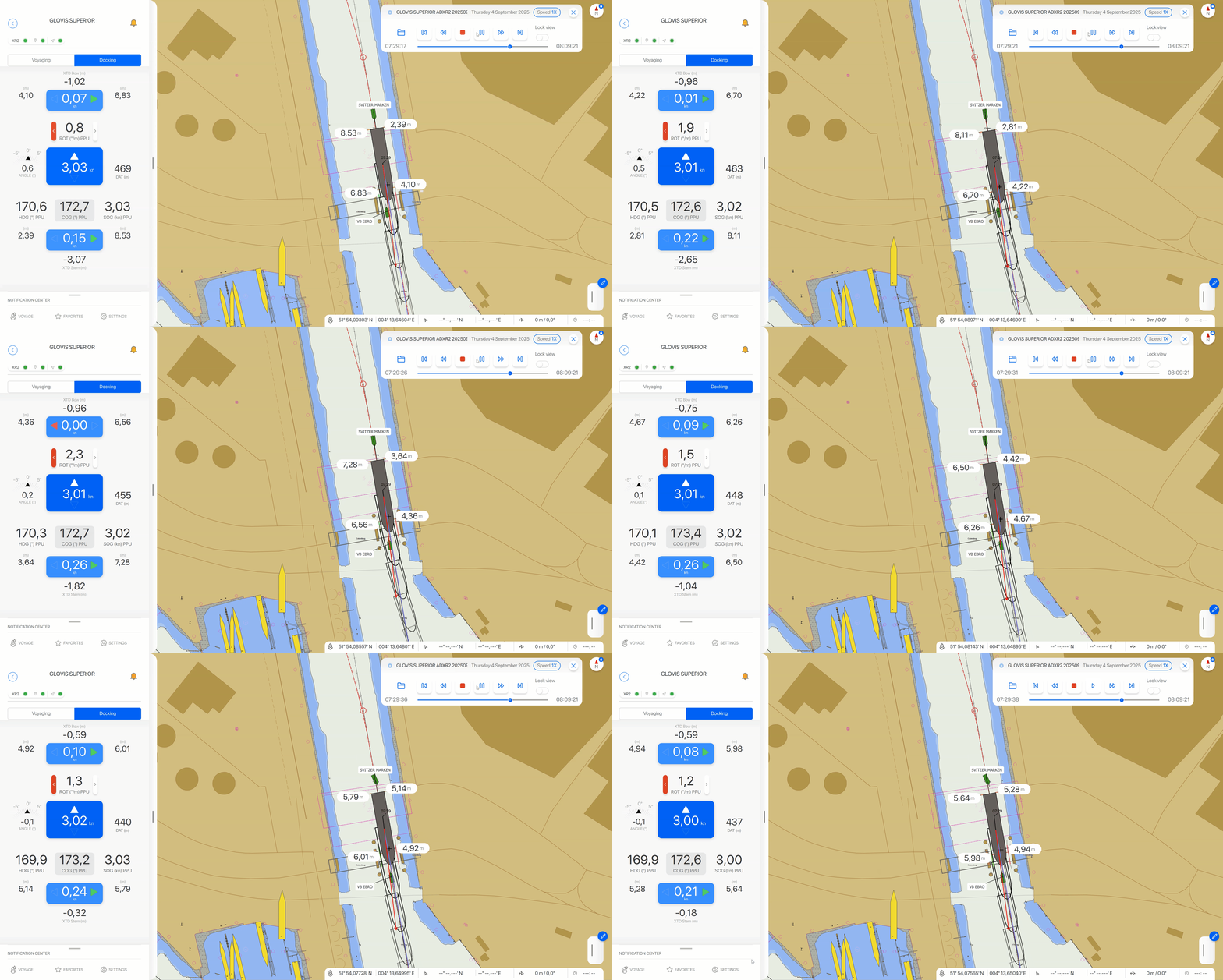
Fix distance labels jumping
The displayed distance labels kept shifting positions, creating a restless image. We’ve changed the label placement for the distance labels.
|
Old |
New |
|---|---|
|
|
Fix Indicatie Pos en Hdg bron in status window XR2
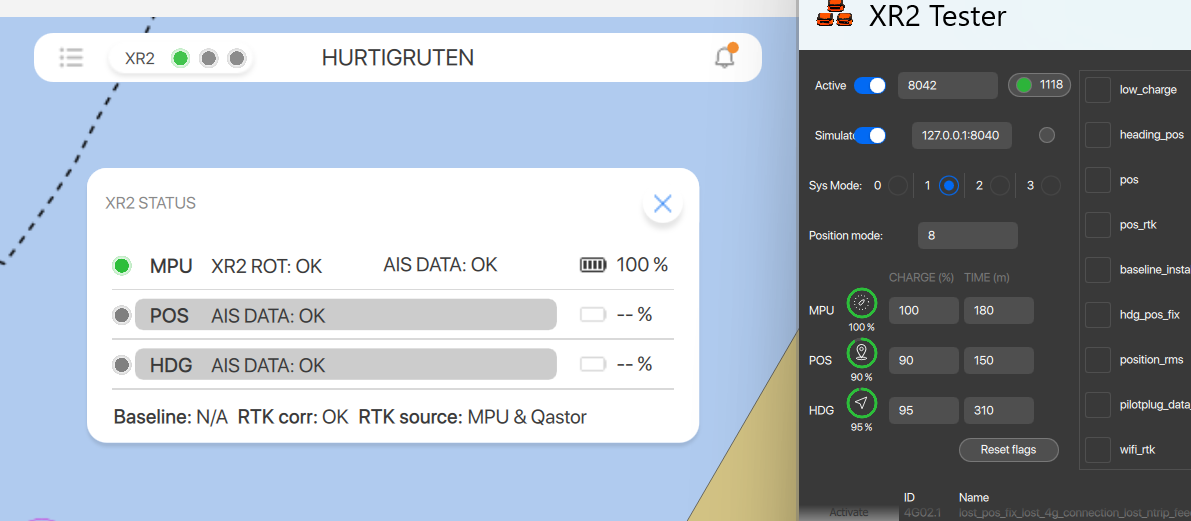
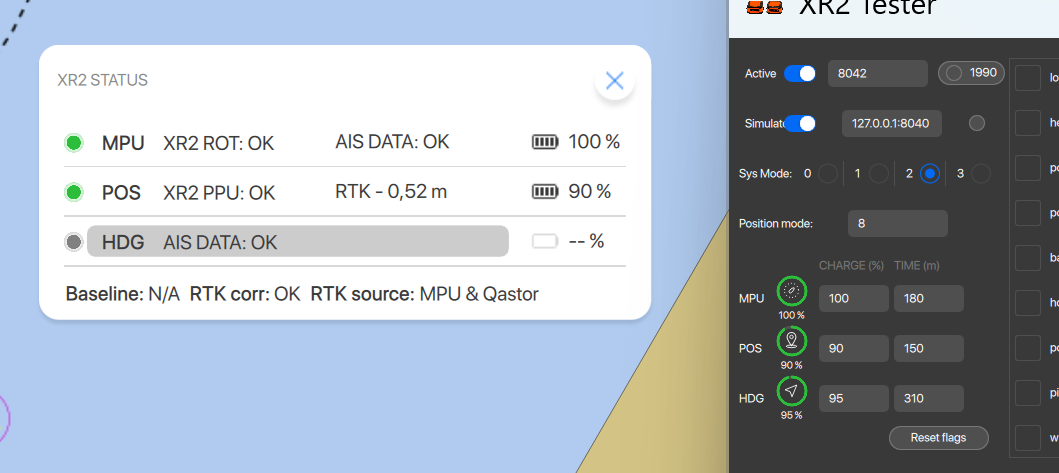
In system modes 1 and 2, the source of position (POS) and heading (HDG) will be indicated as follows:
-
In system mode 1, both POS and HDG are derived from AIS, and if the MPU is connected to the AIS plug and the AIS data is OK, it displays:
-
POS as AIS DATA: OK
-
HDG as AIS DATA: OK
-
-
In system mode 2, only HDG comes from AIS. If the MPU is connected to the AIS plug and the AIS data is OK, it displays:
-
POS as XR2 PPU: OK
-
HDG as AIS DATA: OK
-
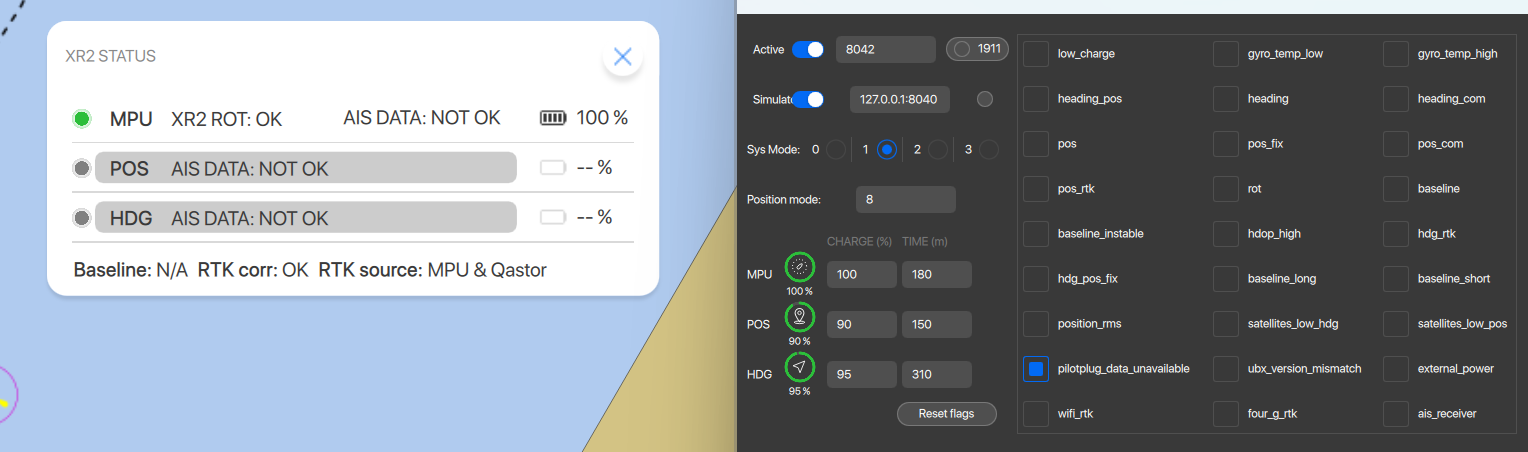
If the MPU is NOT connected to the AIS plug, AIS data will be NOT OK, and it displays:
-
POS and HDG as AIS DATA: NOT OK.
In all cases, the color of the POS and HDG lines in the status window will remain grey, while the text stays black.
|
System mode 1 |
System mode 2 |
Not connect the AIS plug |
|---|---|---|
|
|
|
Fix personal storage out-of-date notification
Previously, users received a warning that the personal storage is out of date, by clicking on the ‘Resolve’ button nothing happened and the status was green. Pressing resolve now will automatically restart the sync and resolve the errors.
Fix docking panel closes after closing favorites
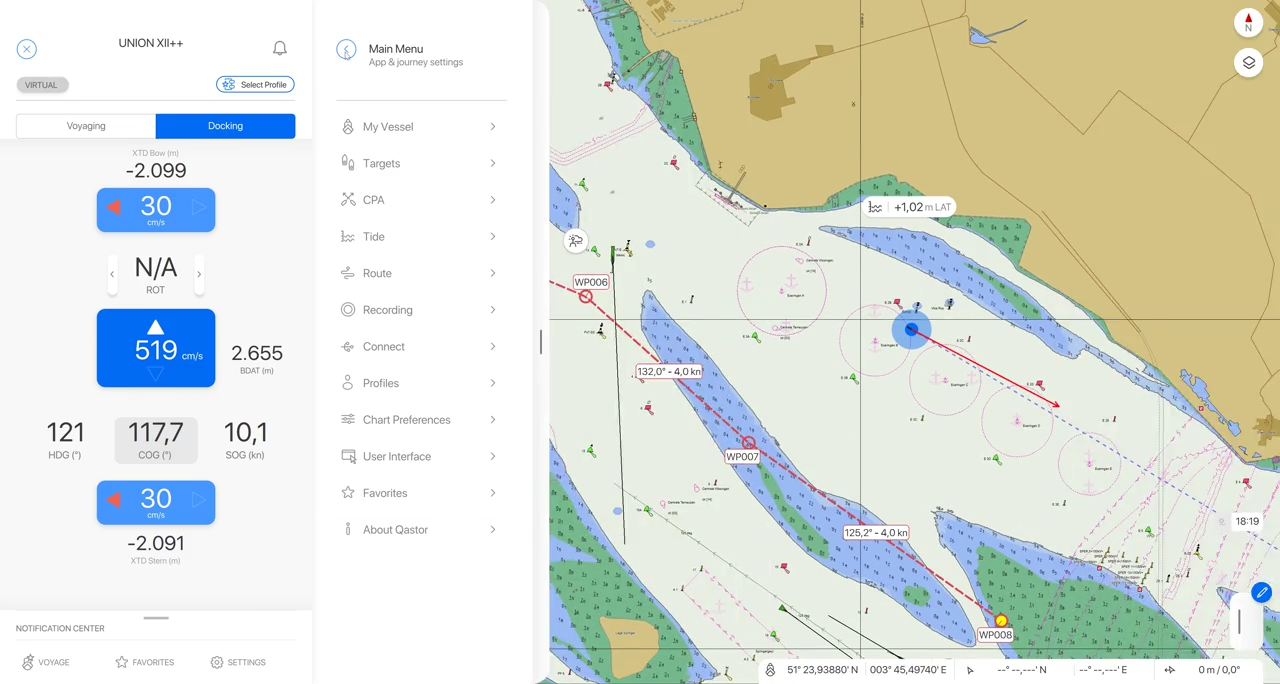
The docking panel will stay open when the user will open the voyage favorites, the favorites, or the settings panel.
Fix time info not hidden after selecting a new vessel
The seperator was still visible when hiding the ETA/TTG.
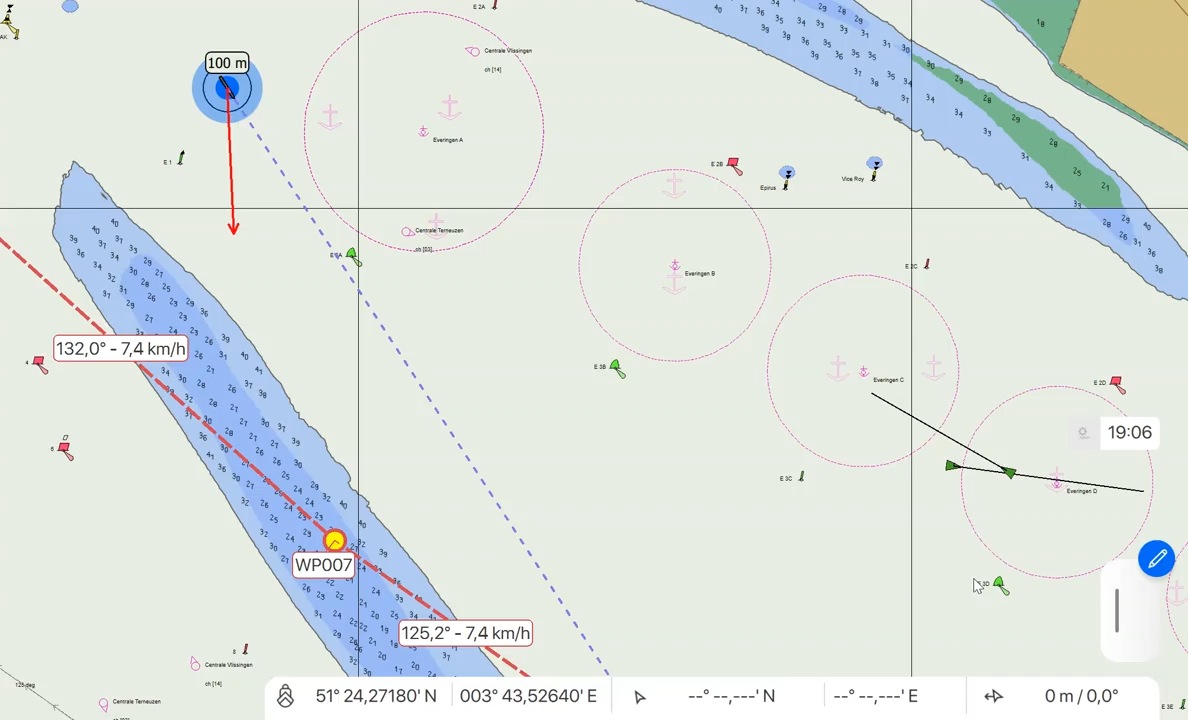
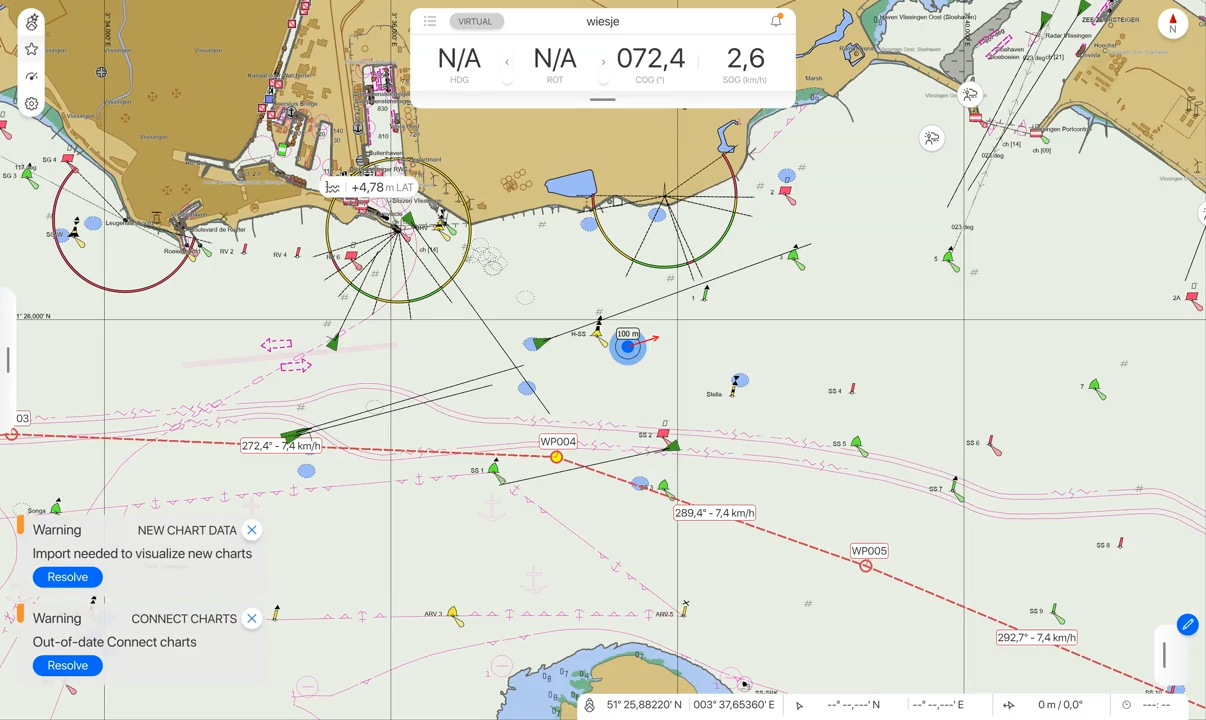
Fix north-up compass button does not update
Touch screen behaves the same as shift+scroll or A/D buttons when rotating the map view, and the compass button resets the map to north when it is pressed.
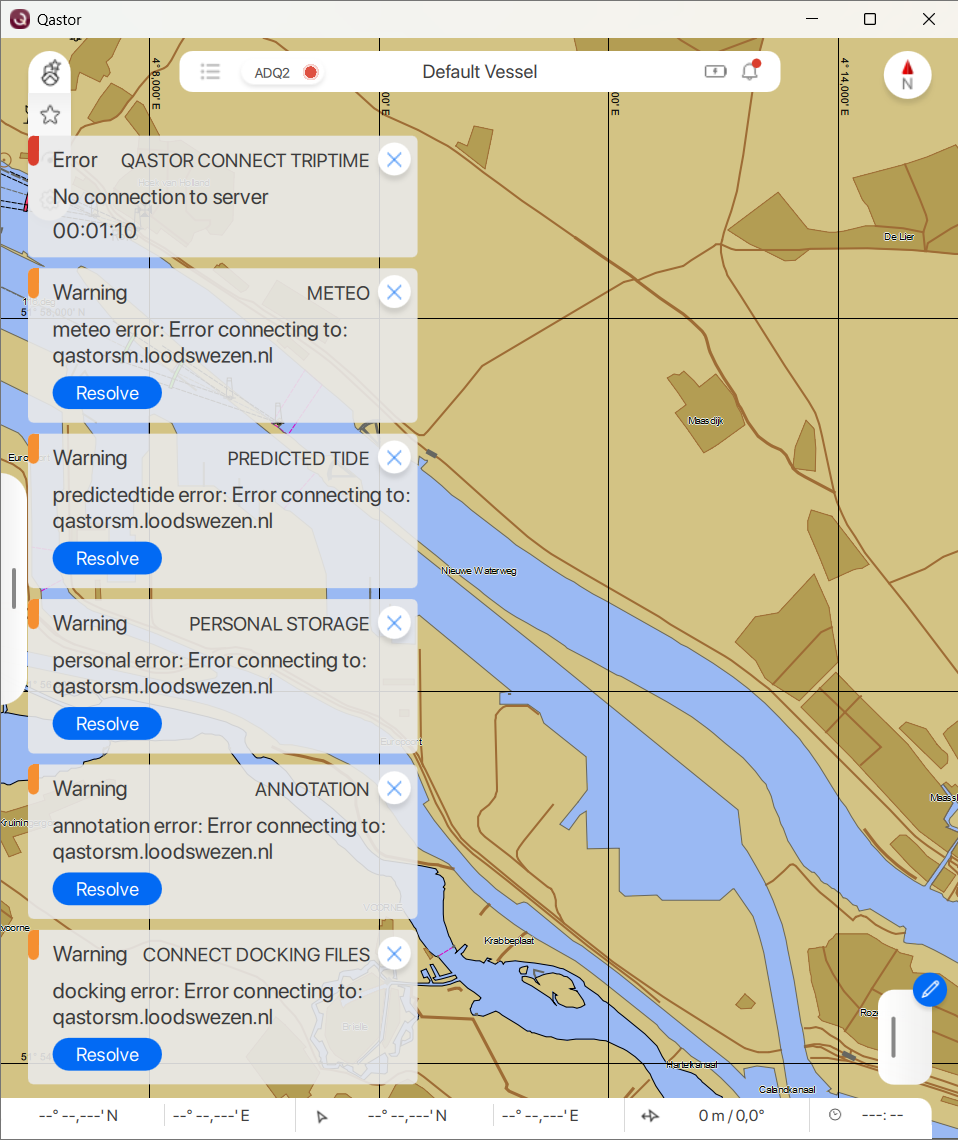
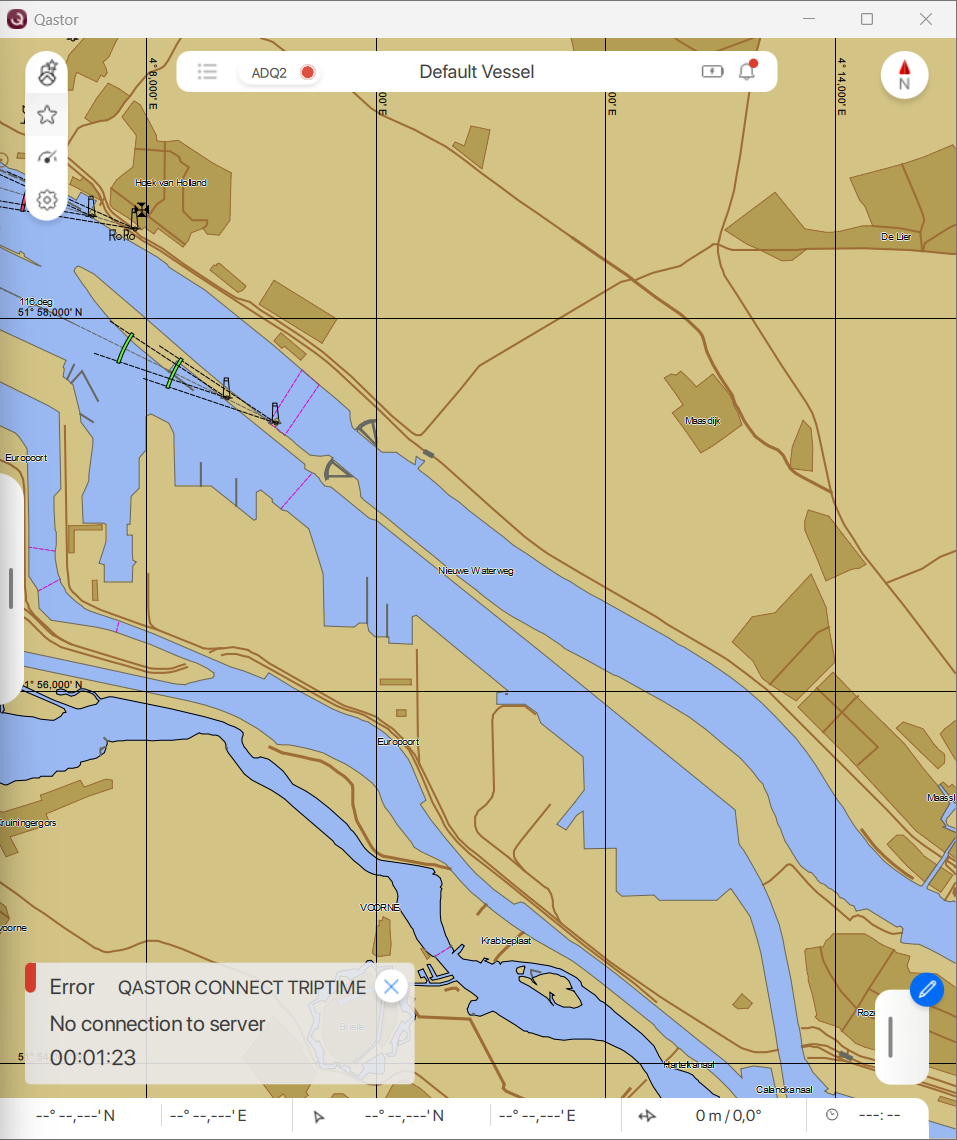
Fix authentication errors shown when internet connection is lost
When the internet connection is lost, Qastor starts showing authentication errors for licensed data in the charts and GRIB files folders. This behavior is fixed. Now, only the Qastor Connect Triptime will be shown.
|
Old situation |
New situation |
|---|---|
|
|
Fix Side panel does not fully close when using gripper
Side panel now fully closes via the gripper in portrait mode on iPad, resolving an issue where the sidebar remained partially open.
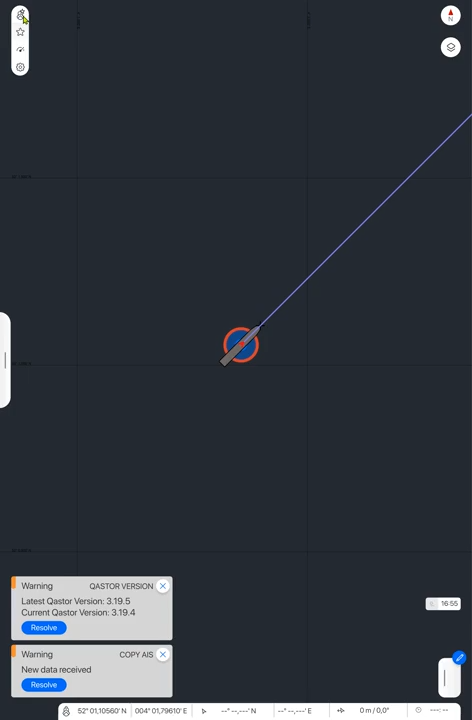
Fix display of decimal SOG/COG for pilot plugs with internal GNSS receiver.
Before this Qastor version pilot plug devices with an internal backup GNSS device would not display a decimal value for SOG/COG when changed over from AIS to GNSS positioning. This is is now show a decimal degree in both AIS and GNSS mode.