
Introduction
This How-to will walk through how to create a slope calculation and how to interrogate the data.
Creating a slope calculation
To be able to calculate a slope you will first need to open either a project containing a surface or create a scene containing a surface.
For more information on these processes, see https://qpssoftware.scrollhelp.site/fledermaus/slope-calculations-algorithm
Step-by-step
Step 1: Creating a slope calculation
-
Select the surface you wish to use for the slope calculations
-
Either using the right click menu or the operations menu select the Slope... option
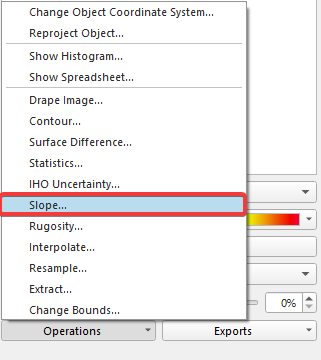
Figure 1: Operations menu
-
The calculate slope window will then launch
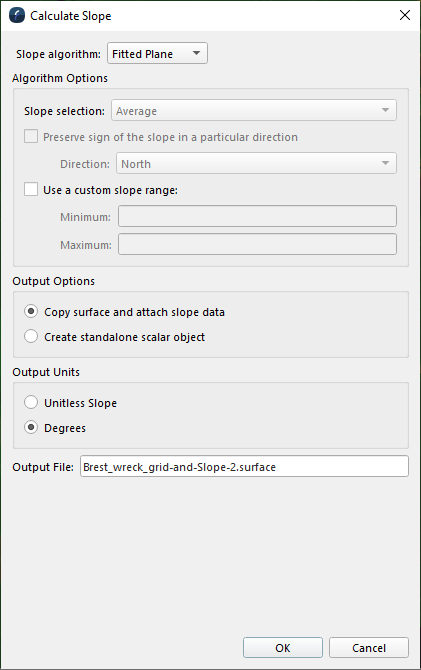
Figure 2: Calculate Slope window
-
There are several options available here, for more information please click here for the information in our reference manual.
-
Once the options have been selected Click OK
Step 2: Colouring surfaces by slope
-
In the Scene Objects window select the colour by option
-
Select the Attached Scalar option

Figure 3: Color by options
-
This will give you a different view of the surface
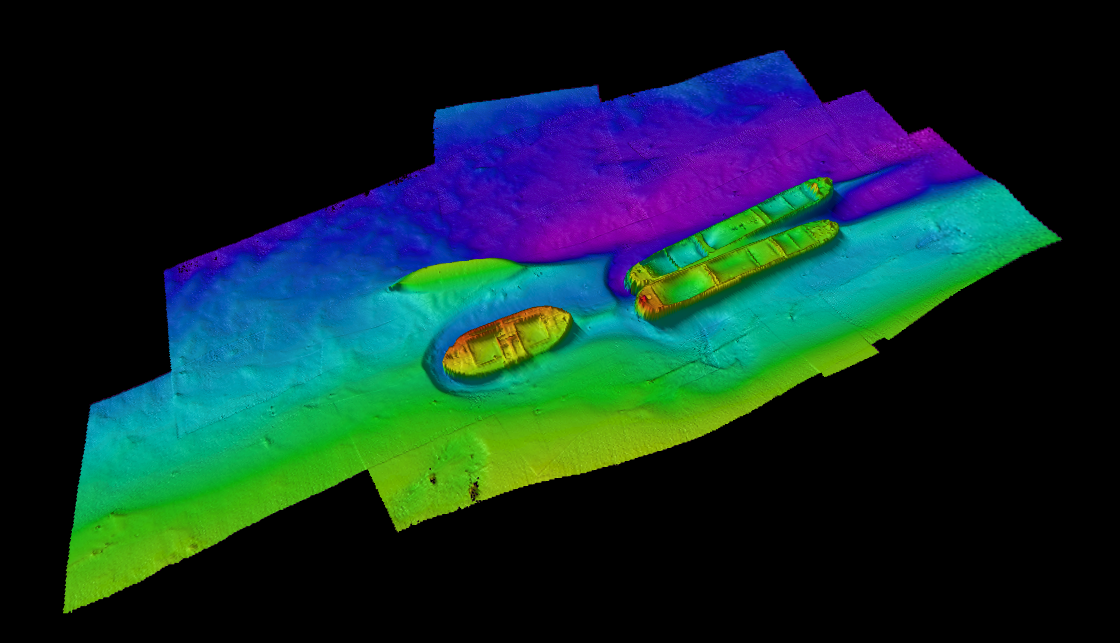
Figure 4a: Color by height
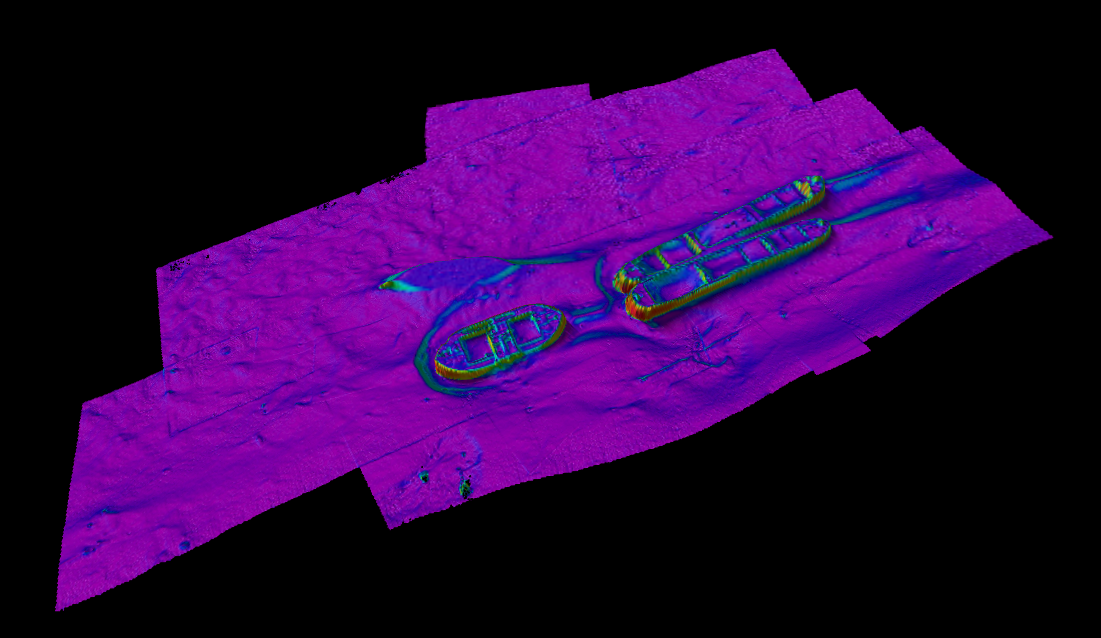
Figure 4b: Color by scalar
Step 3: Interrogation of the slope
-
To view the actual slope value for a cell it is possible just to scroll over the surface and observe the bottom left of the screen.
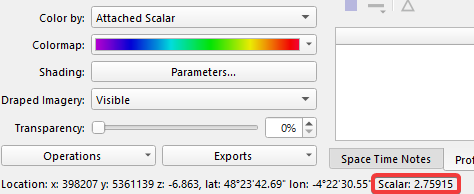
Figure 5: Surface information with Scalar value
-
It is also generally better to use a fixed value color map to view the slope values quickly. Please see the How To: Colormap page for this.