
Description
Drivers Manual for Geometrics G882 TVG when data for multiple sensors is combined in one datastring.
Driver Information
Coding Notes
Decoding Notes
The system can output data of multiple magnetometer sensors in one string.
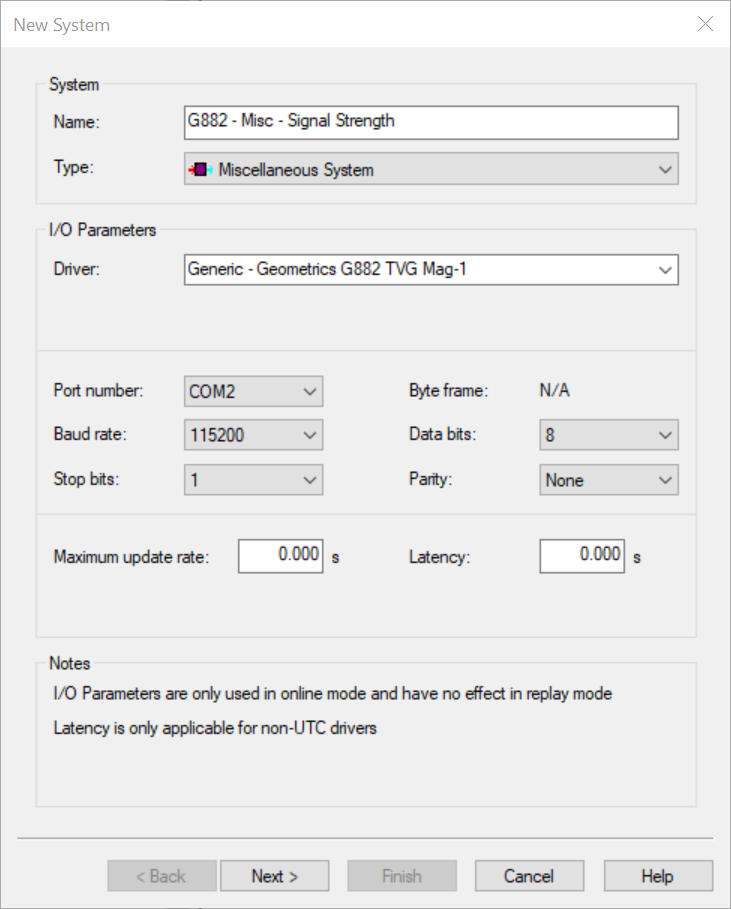
"Generic - Geometrics G882 TVG Mag-1" will decode the first part, "Generic - Geometrics G882 TVG Mag-2" will decode the second part.
See Format information for more detail.
This is the same for both the Serial and UDP version of the driver.
Qinsy Configuration
Database setup
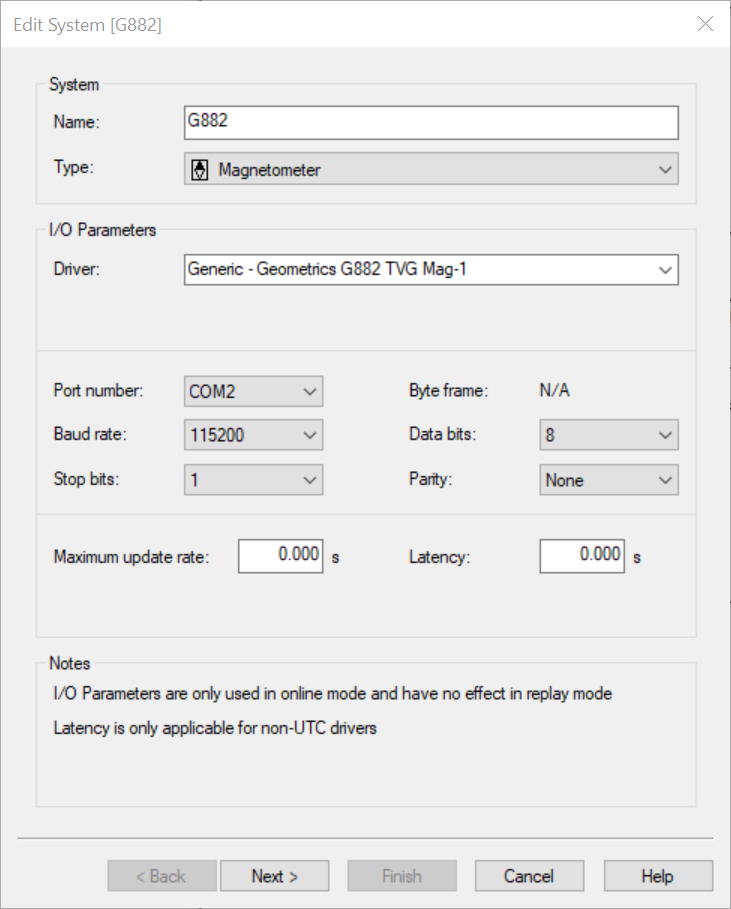
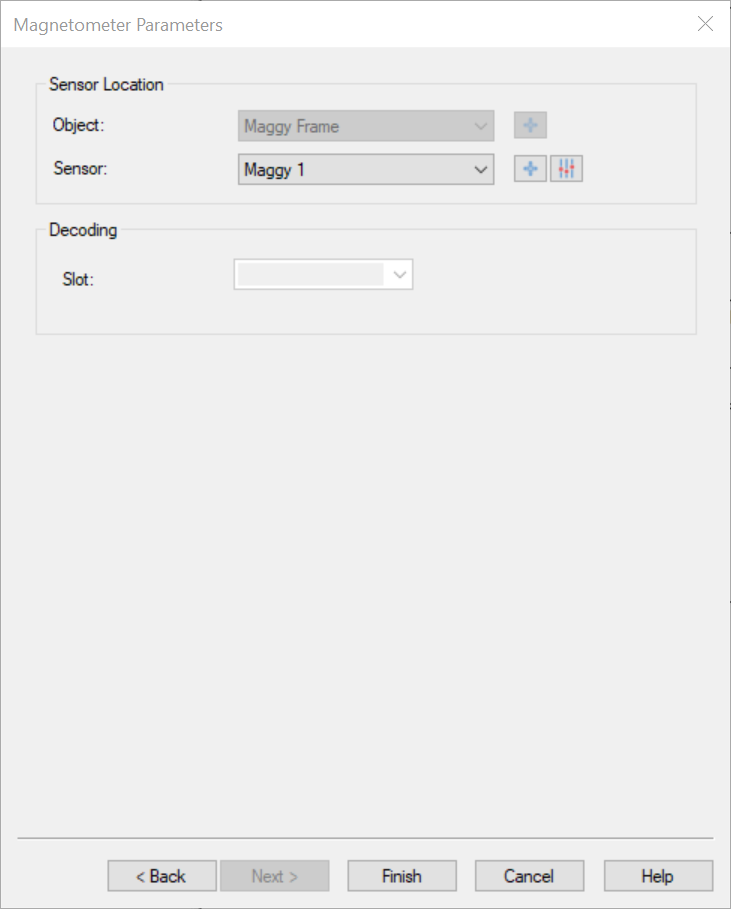
The data from the system can be decoded in several ways.
|
System type |
Observation |
Additional info |
|---|---|---|
|
Magnetometer |
Magnetic Field |
Magnetometer value in Nano Tesla. |
|
Magnetic Field Quality |
Both this observation and Miscellaneous - Signal Strength are decoding the same value from the data string.
|
|
|
Underwater sensor |
Depth |
Depth below waterline. |
|
Altitude |
Both this observation and Singlebeam - Depth are decoding the same value from the data string. |
|
|
Singlebeam |
Depth |
Both this observation and Underwater Sensor - Altitude are decoding the same value from the data string.
|
|
Miscellaneous |
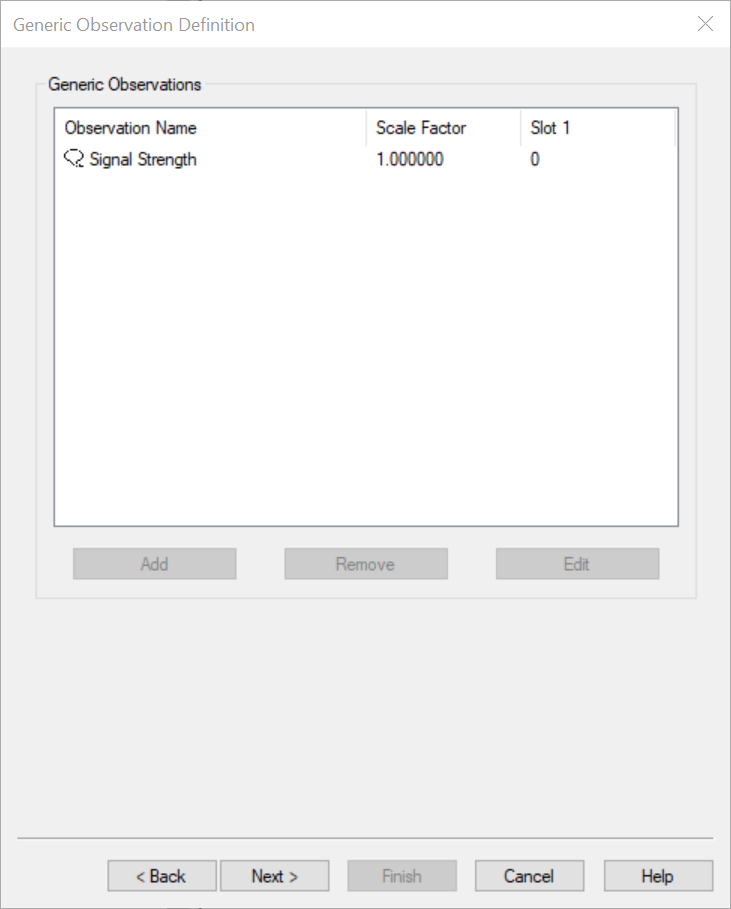
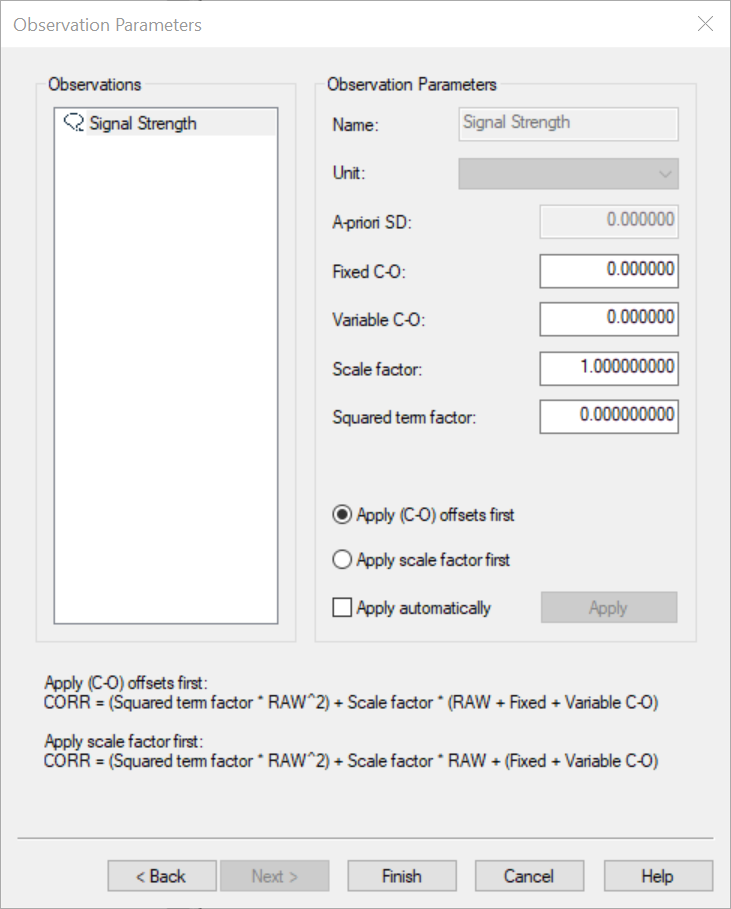
Signal Strength |
Both this observation and Magnetometer - Magnetic Field Quality are decoding the same value from the data string.
|
Info
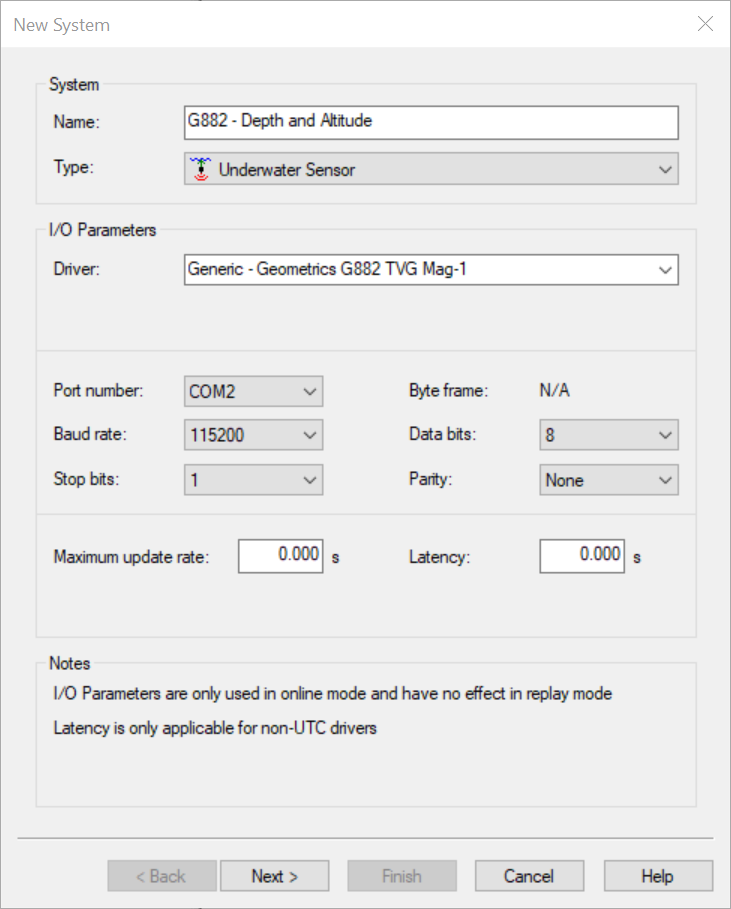
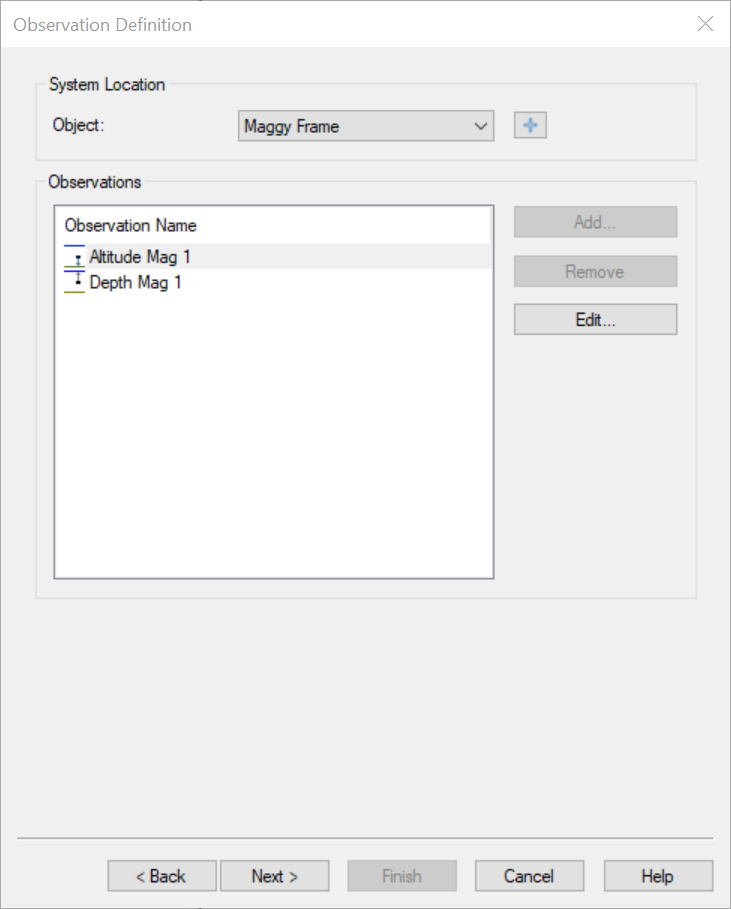
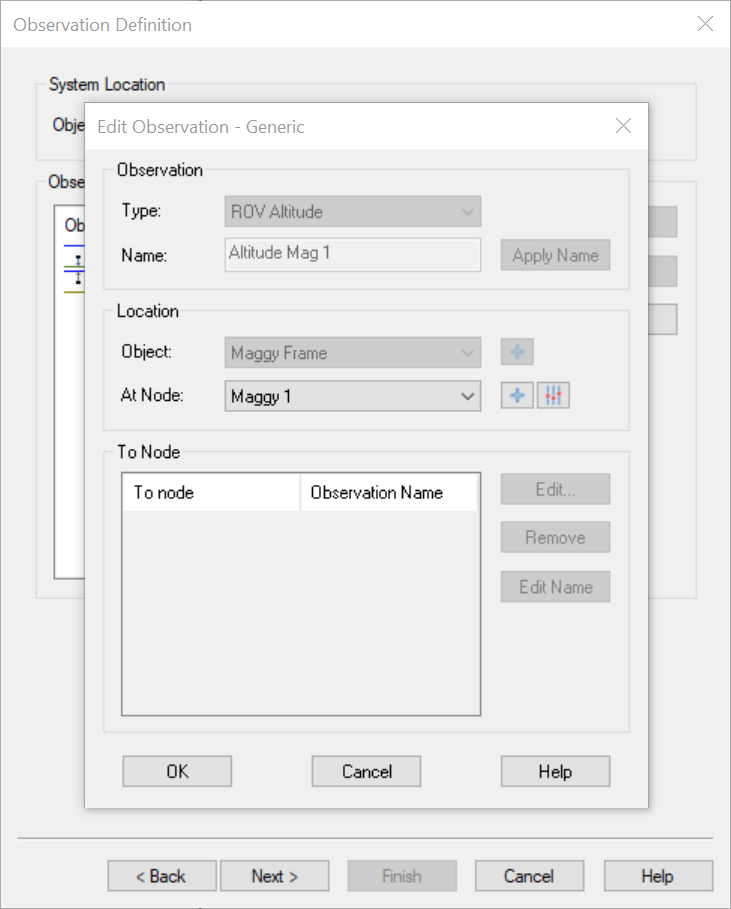
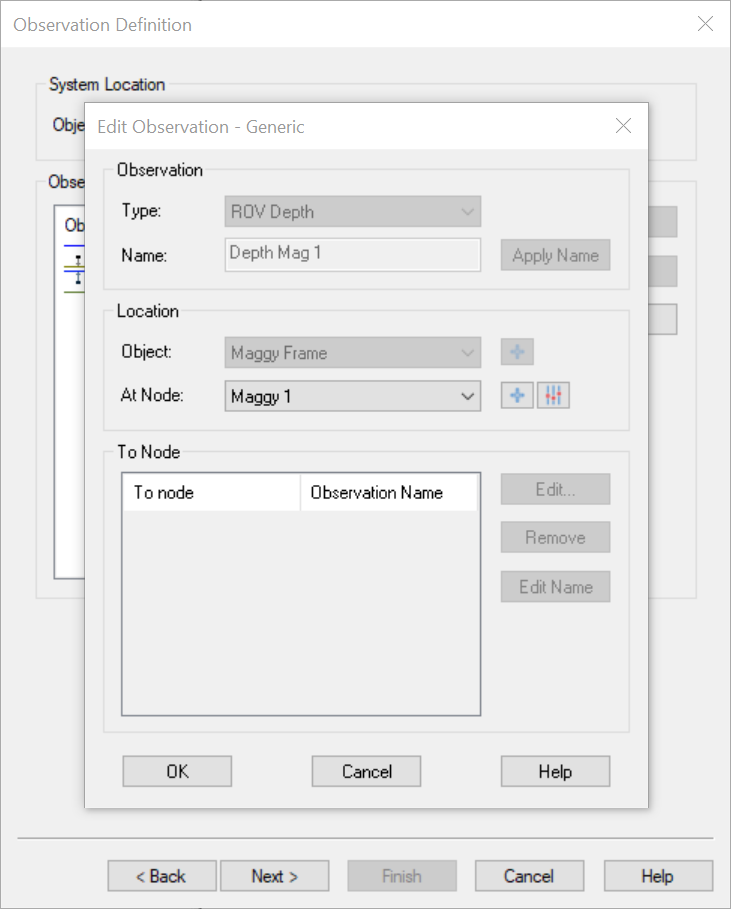
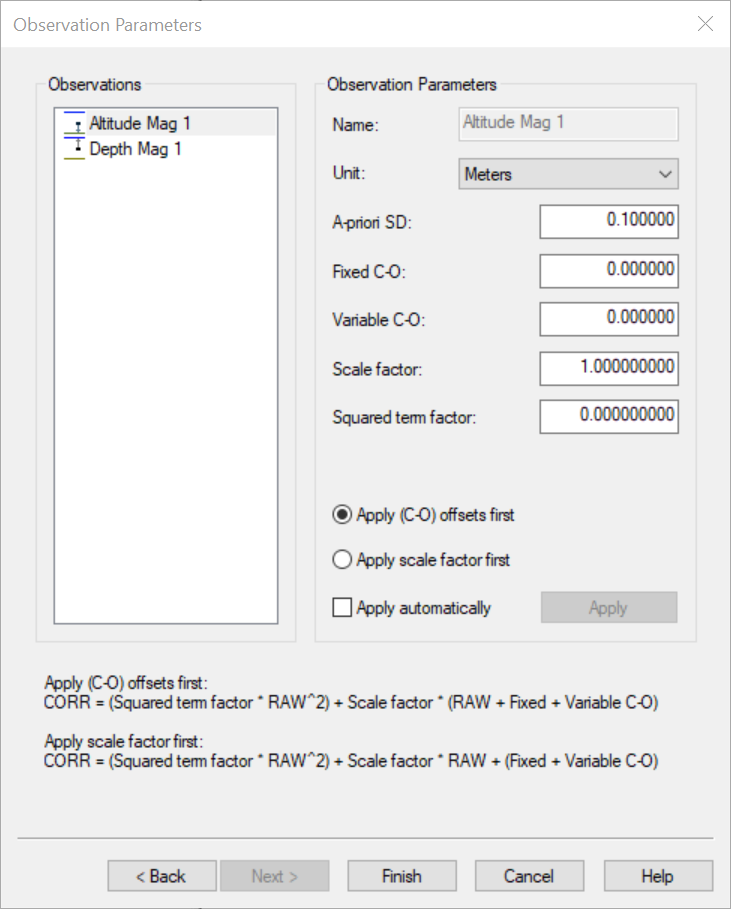
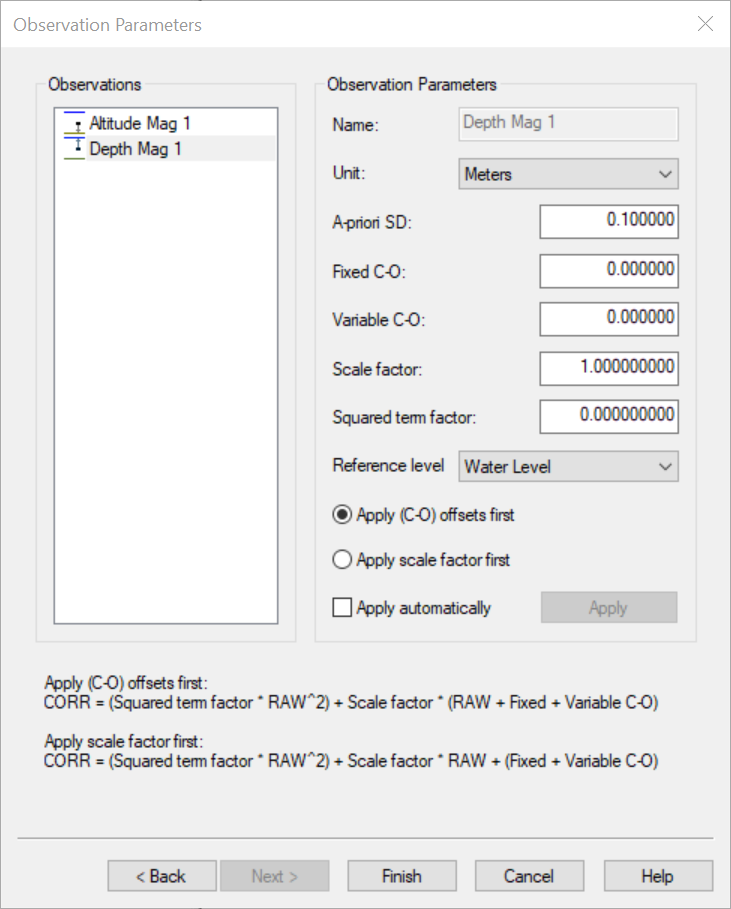
Depending on your setup, you may only require two systems per Mag - the Magnetometer and the Underwater sensor.
This is because of the different methods of decoding the same fields, as mentioned in the above table.
Magnetometer
-
Page 1
-
Page 2
Underwater Sensor
-
Page 1
-
Page 2
-
Edit Altitude
-
Edit Depth
-
-
Page 3
-
Altitude
-
Depth
-
Singlebeam
-
Page 1
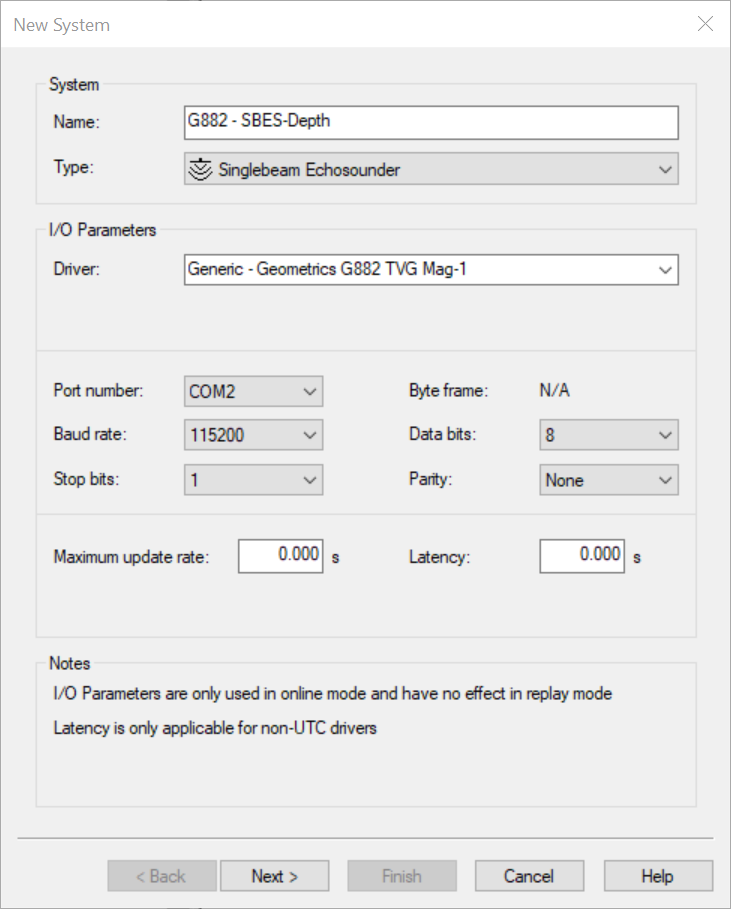
-
Page 2
Click Add to select the offset node of the Altitude sensor.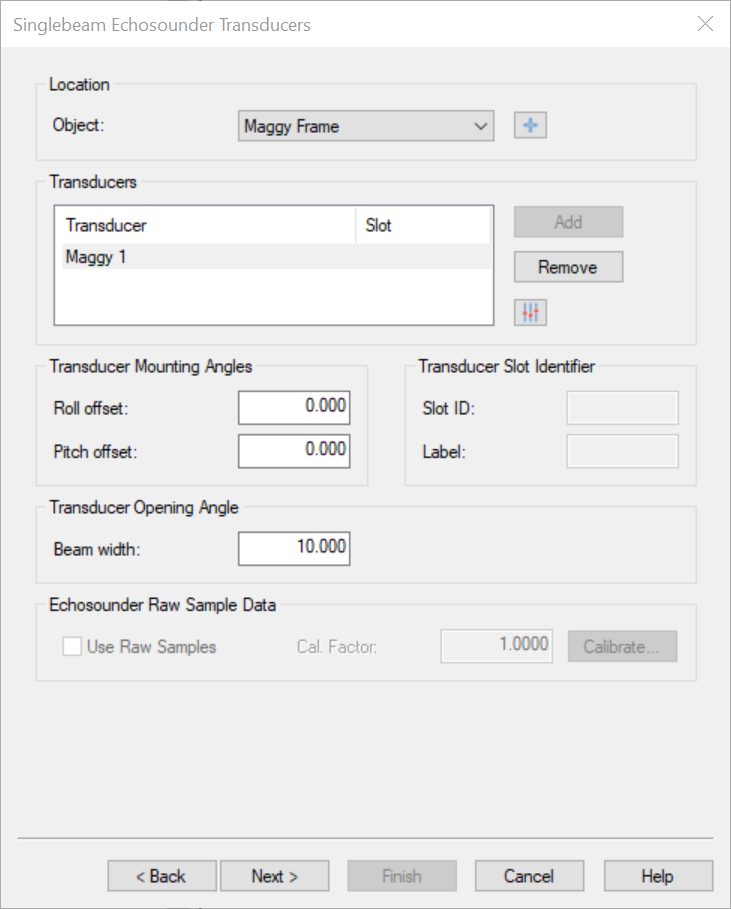
-
Page 3
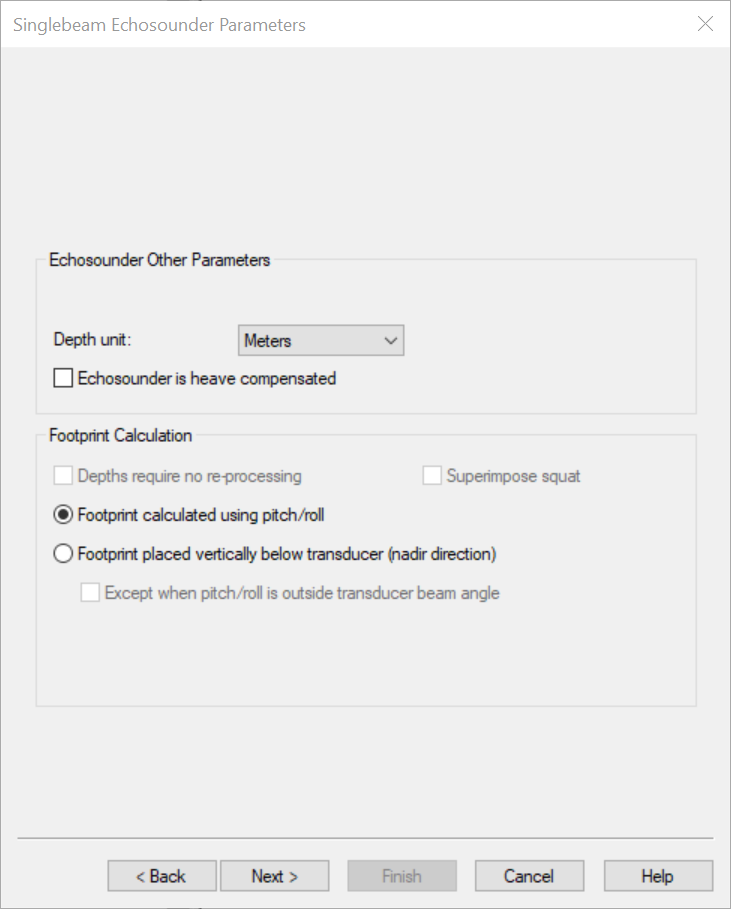
-
Page 4
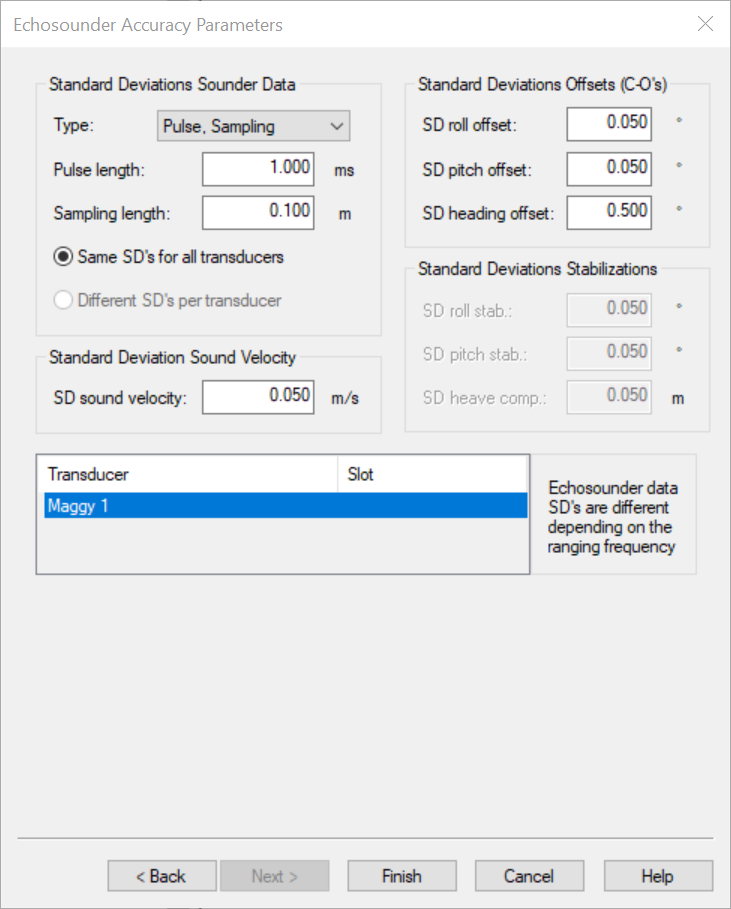
Miscellaneous
-
Page 1
-
Page 2
-
Page 3
Qinsy Online
Session Setup
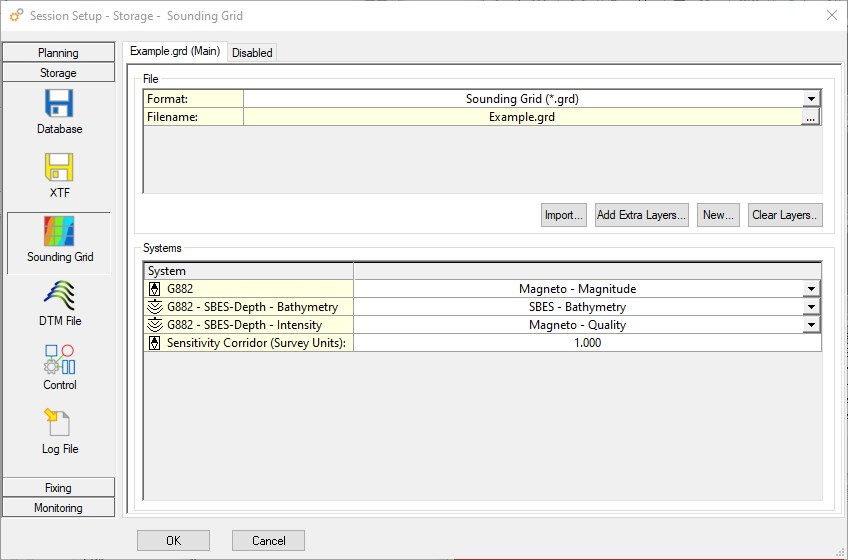
Sounding Grid
It is possible to save the following values in a Sounding Grid:
-
Magnetometer value;
-
In order to improve visualization you can set a corridor width for this observation.
More information in the Help (press F1) in the "Systems" section.
-
-
Magnetometer Quality;
-
Singlebeam Depth.
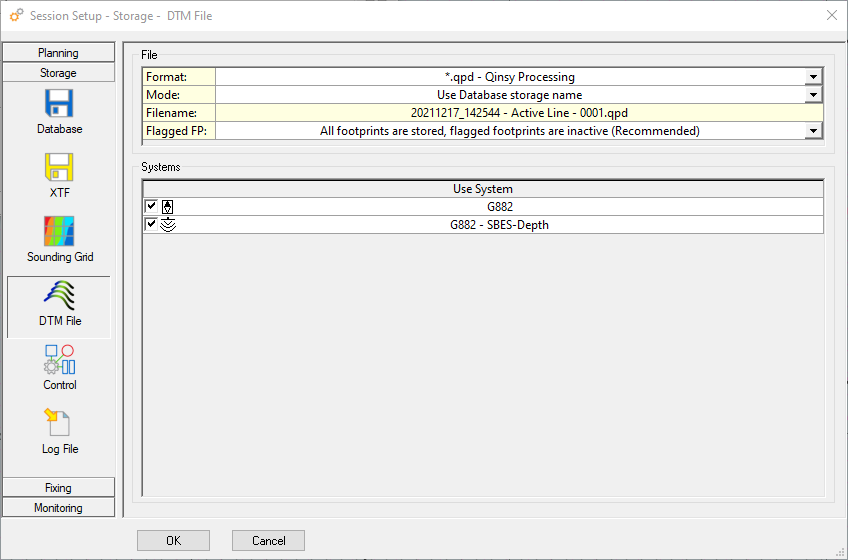
DTM file
The data can also be saved in a QPD file.
Displays
The following displays could aid in showing Magnetometer data:
-
Navigation display
-
Show Sounding Grid.
-
-
Timeplot display
-
To show a short timeline of the data.
-
-
Generic display
-
To show numerical data.
-
-
Alert display
-
Set an alert on when data is no longer coming in.
-
-
Observation Physics display
-
To check if the data is properly decoded by the driver.
-
An example can be found here: Release notes - Qinsy 9.4.4 - Improvements