
For dredging purposes these extra options are available in the Session Setup.
This section of the Session Setup can be accessed during recording.
These options are only available when a Dredging System and a Dredging Tool are defined in the Database Setup.
Also, a dredging Add-on module is needed on your dongle.
|
Dredging |
|
|---|---|

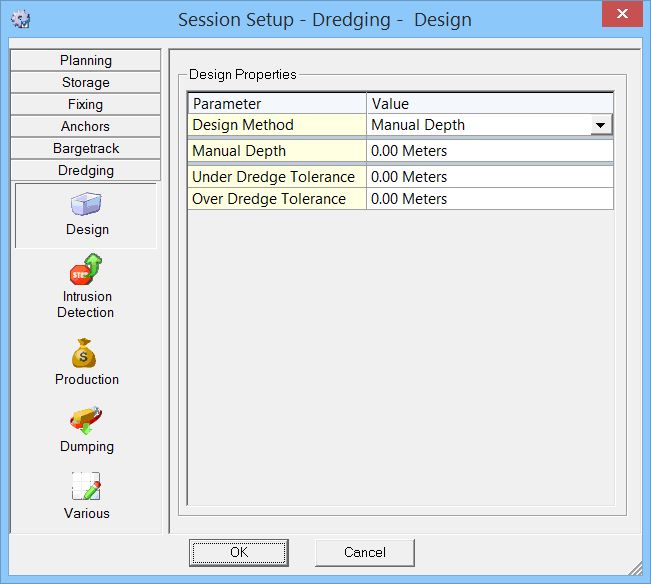
Design |
Enter design parameters which can be used in the Generic display or the Profile display. |

Intrusion Detection |
Intrusion Detection (formerly Emergency Hoist) parameters which can be used in the Alert display or the Generic display.
|

Production |
Production can be used to update the Sounding Grid.
|

Dumping |
Enter dumping parameters such as material characteristics and densities.
|

|
Setting for spill.
|
Return to: Session Setup