
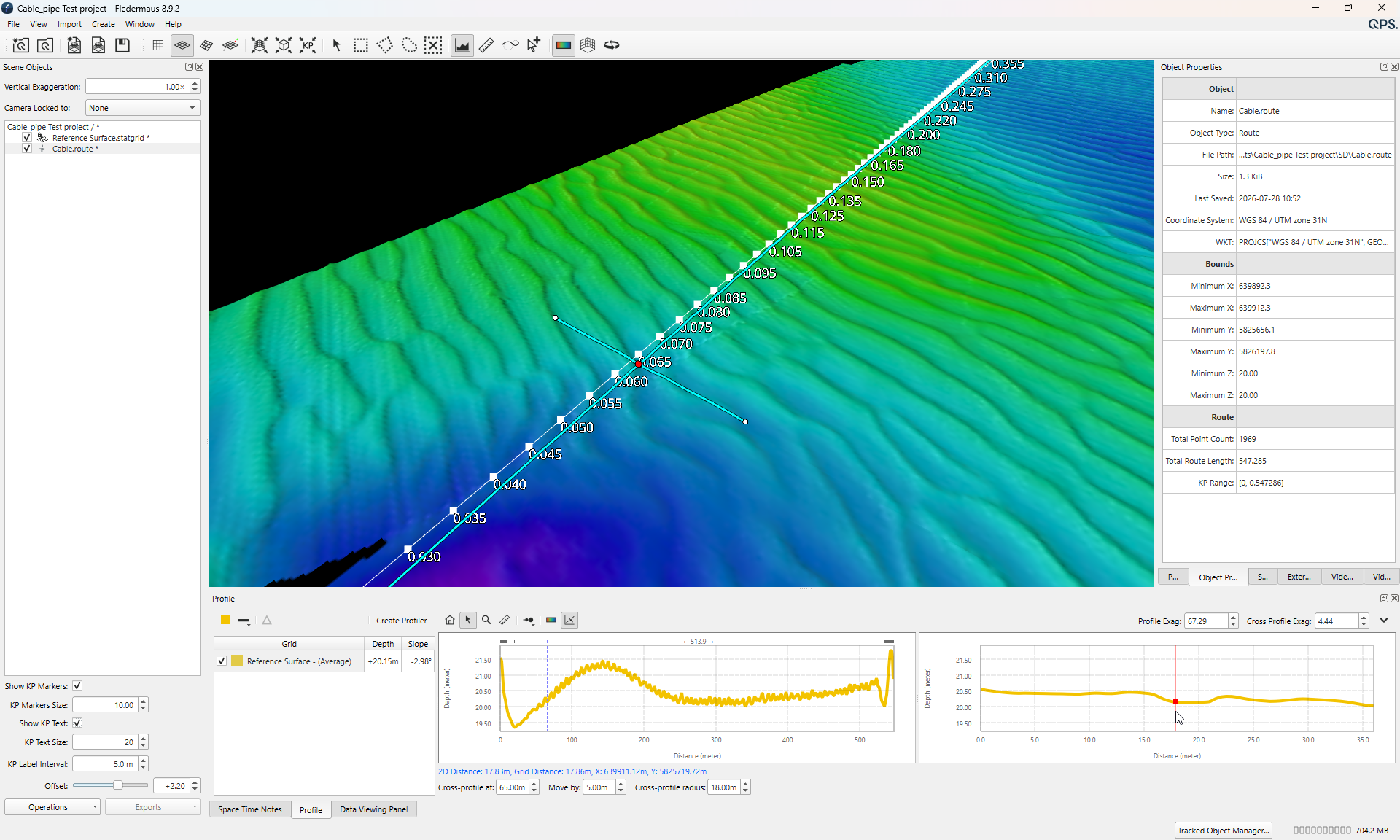
We're pleased to present Fledermaus version 8.9.2. In this release, we improved how Fledermaus renders and visualizes text items. Read below for details.
Improvements
-
Enhancements have been implemented in Fledermaus's text rendering within the scene. The visualizer now processes text rendering up to 30% more efficiently.
-
Bugs
-
The Geodetic configuration dialog no longer experiences a crash when the information tab is selected for a QGFVOM.
-
Resolved an issue wherein line objects failed to retain their assigned colours following the saving and subsequent reopening of a scene.
-
Resolved an issue where the imagery import progress dialog displayed an incorrect status message.
Known Issues
|
Issue |
Summary |
Affects Version/s |
Priority |
Notes |
|---|---|---|---|---|
|
Bug |
Installer - EPSG database not updated to latest version. This problem occurs if you have Fledermaus 8.7.2, Qimera 2.7.6, Qinsy 9.7.11 or an earlier version installed. You can now check your EPSG database here in the Help > About menu or in the Geodectic Configuration |
8.8.0 |
↓ Low |
You will need to manually remove the old EPSG database and copy the new version 12.025 into the Geodetic Resources folder. |
|
Bug |
Tools and Docks - Video - Fledermaus slows down and freezes after some time. Working with videos in the Video Files and Player dock may cause slowdowns or freezes. This issue results from updating our video display library to fix a security vulnerability in https://qpssoftware.scrollhelp.site/fledermaus/fledermaus-8-7-2-release. |
8.8.1, 8.8.2, 8.8.3 |
↑ High |
This is a situation with the third-party Library. We are investigating options to give the user better results. |
|
Bug |
Licensing - Opening older versions of Fledermaus may deactivate your license |
8.8.0 |
↓ Low |
The fix is to manually copy the DLLs (found in the link below) into that older version’s installation folder as noted in steps 1 and 2: |