
DB/QPD/Project Upgrade
This version will contain upgrades of the following items:
-
QPS Project;
-
Database (*.db);
-
QPS Processed Data (*.qpd);
QPS Project
If you open a QPS project in X.8, you can no longer open it in X.7 or before.
Some examples:
-
A Qinsy 9.8.x project cannot be opened in Qimera 2.7.x.
-
If you open a Qinsy 9.7.x in Qimera 2.8.x, you can no longer open it in Qinsy 9.7.x.
Therefore we suggest to update Qinsy/Qimera/Fledermaus simultaniously.
Database
If you open a Database from an older Qinsy version, the following happens:
-
The original file, will be placed in:
-
<Project_Folder>\Database\Backup
-
-
A copy of the original file will be placed in the following folder and upgraded to the latest version:
-
<Project_Folder>\Database
-
Upgrade is done by the Project Upgrader progam.
-
The last DB format upgrade was effective since Qinsy 9.6.0:
QPD
The same thing is done for the QPD file but then in the following folders:
-
<Project_Folder>\DtmData\Backup
-
<Project_Folder>\DtmData
Static/Dynamic Grid change
New Static- or Dynamic Grids created in X.8 cannot be opened in X.7.
Grids created in X.7 work in X.8.
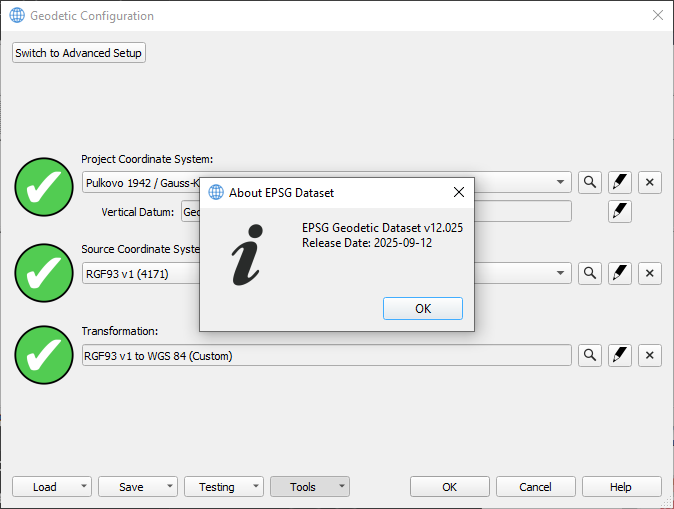
EPSG version 12
As part of the X.8 release, we updated the used EPSG dataset version 12.025:
Licensing
With this release, there is a new License Manager version 1.10.2.
The new License Manager fixes the issue where an error would appear in the dialog “Failed to Activate License” with the message “There are network adapters on the system that are disabled, please enable them and try again.” when trying to activate the softlock license. Older versions of Qimera may still experience this issue.
If you activate the license in Qinsy 9.8.0 and then open an earlier version, the softlock license may be lost.
The fix is to manually copy the DLLs into that older version: