This page shows an overview of new functionality grouped per topic.
Console
Geo Config - EPSG Version 12
As part of the X.8 Release we updated the EPSG version to 12.025
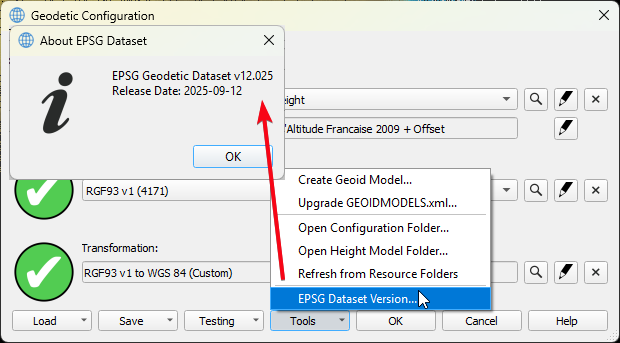
This update also makes it easier to setup transformations between WGS '84 and ETRS '89, since these are now defined as ensembles. For more info on that see:
Geo Config - New workflow for adding/creating Geoid models
This workflow has been added to the Geodetic Configuration UI, meaning that it will be available in Qinsy, Qimera and Fledermaus X.8. Below the How-to to help you get started:
Geo Config - Vertical Datum - Add support for Trimble GGF format
With the work done for the new Geoid model creation workflow, we also added support for the GGF format.
I/O Driver Editor - MQTT
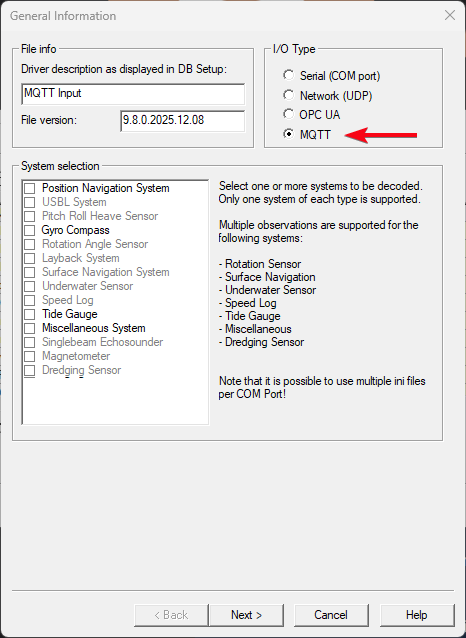
Added support for the MQTT communication protocol.
Below you can see an example of what the UI looks like and which system types we support at the moment:
For documentation on how to set this up, please look at:
Setup
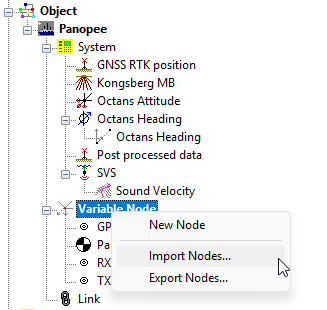
Import/Export offset Nodes (Variable)
This allows you to import and export your vessel offsets.
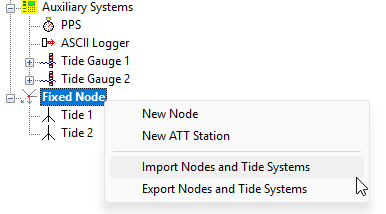
Import/Export Fixed Nodes + Tide Guages
This functionality it intended for customers who setup many tide guages and want to move that to another template. Tide Guages and Fixed nodes are then meant to be export/imported together.
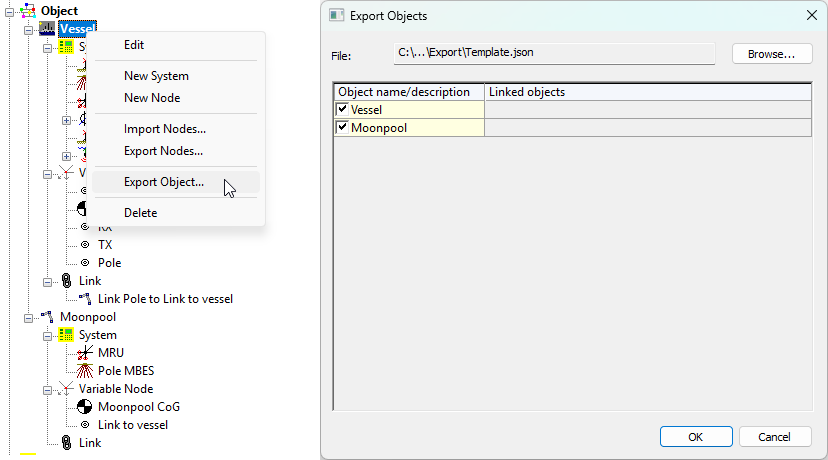
Import/Export Objects
This allows you to export entire objects, including:
-
Systems;
Not all systems are supported at the moment. -
Offset Nodes (Variable);
-
Linked objects via:
-
USBL;
-
Dredging systems;
-
Object linking.
-
Systems
Output - MQTT
In addition to allowing users to decode data via MQTT we now also added the option to output data via the MQTT protocol.
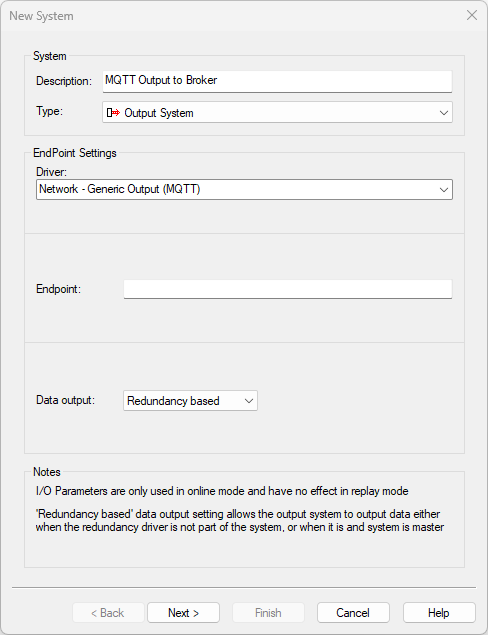
Once Online, you can add the observations you would like to output.
This allows for the same options/flexibility as the other outputs, using the Generic Layout Editor.
Online
Static Grid - Create layer per MBES Frequency
Qinsy decodes the frequency of each Ping. If this setting is enabled, a new layer is created automatically per frequency.
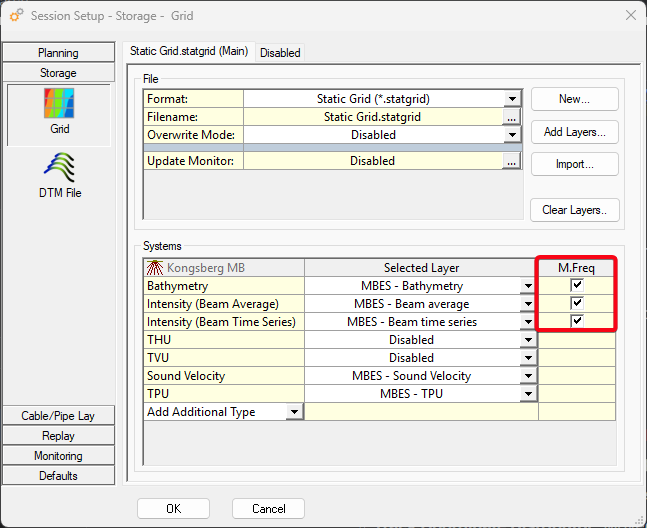
If you for example have a Multibeam which is switching between frequency each ping between, 100 kHz, 200 kHz and 400 kHz, 3 layers are automatically created.
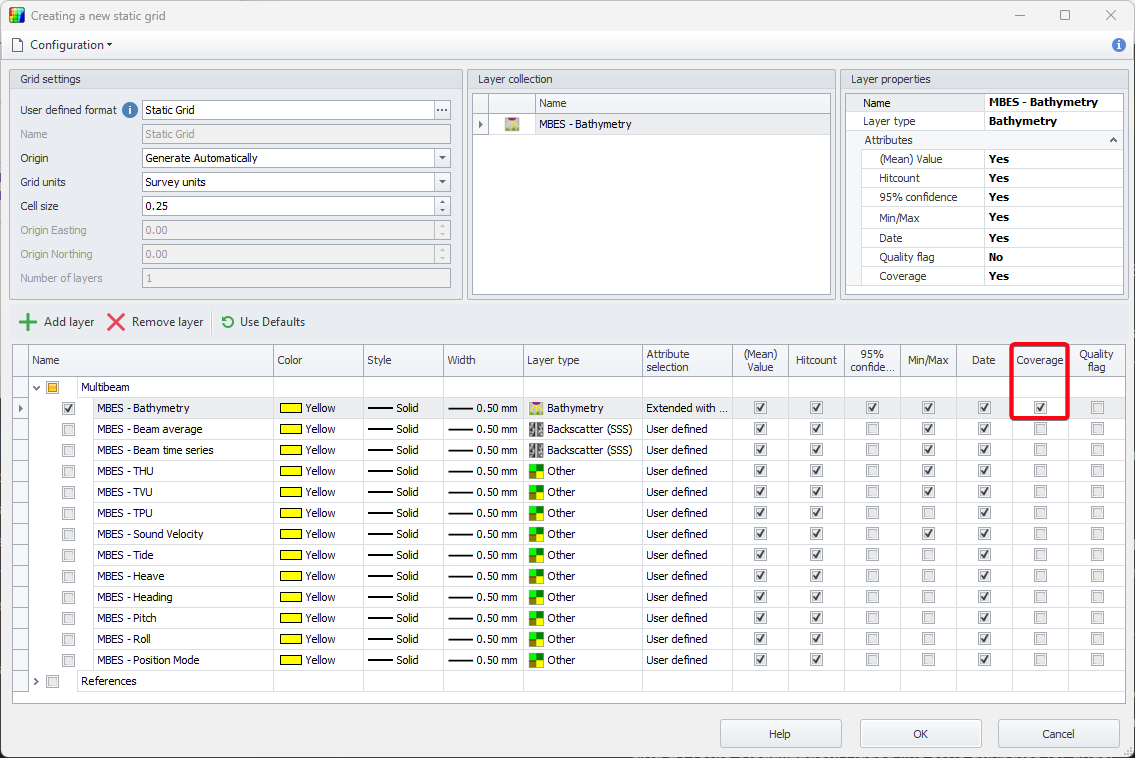
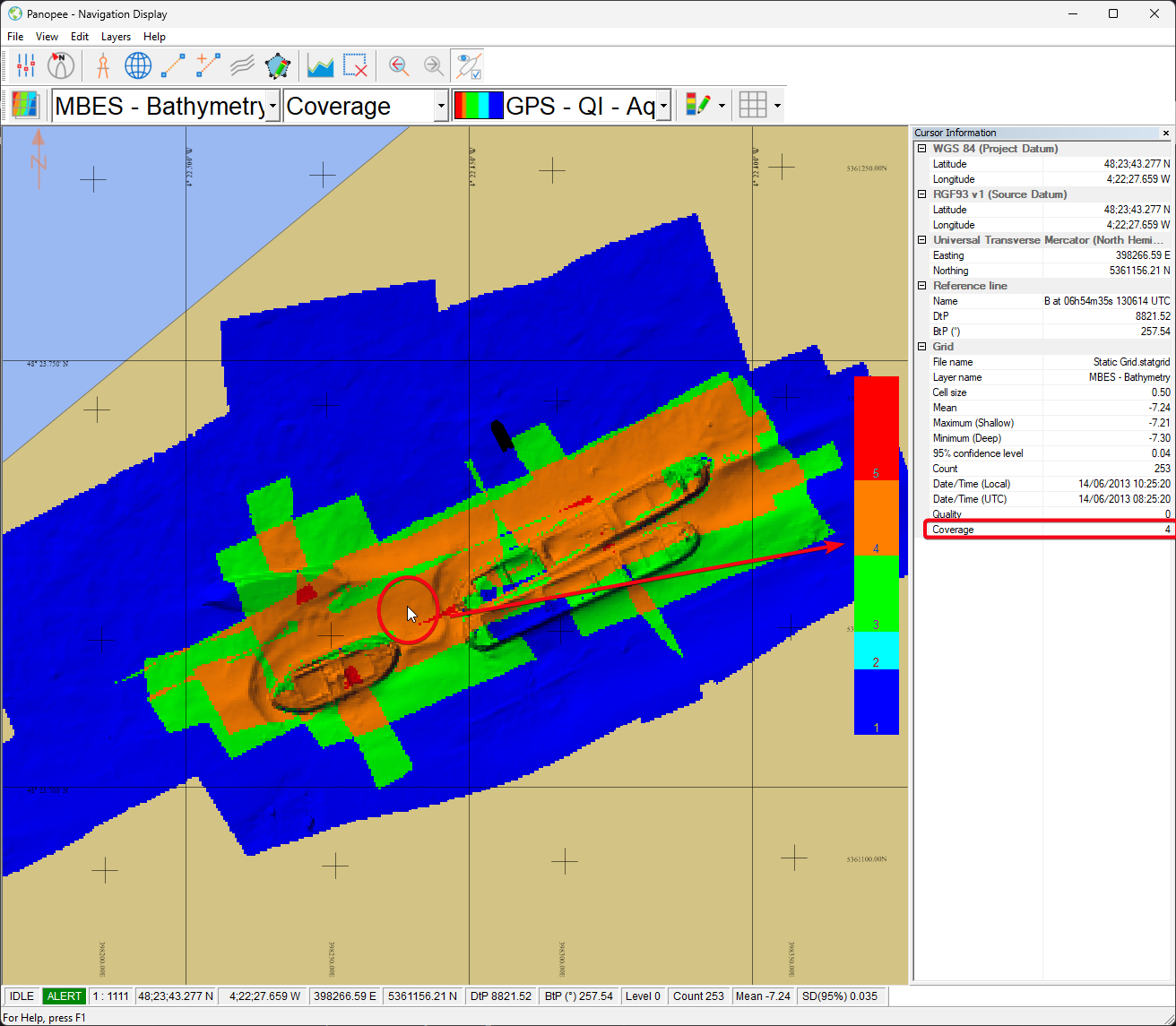
Static Grid - Coverage count attribute
This new attribute stores the amount of times a cell has been surveyed.
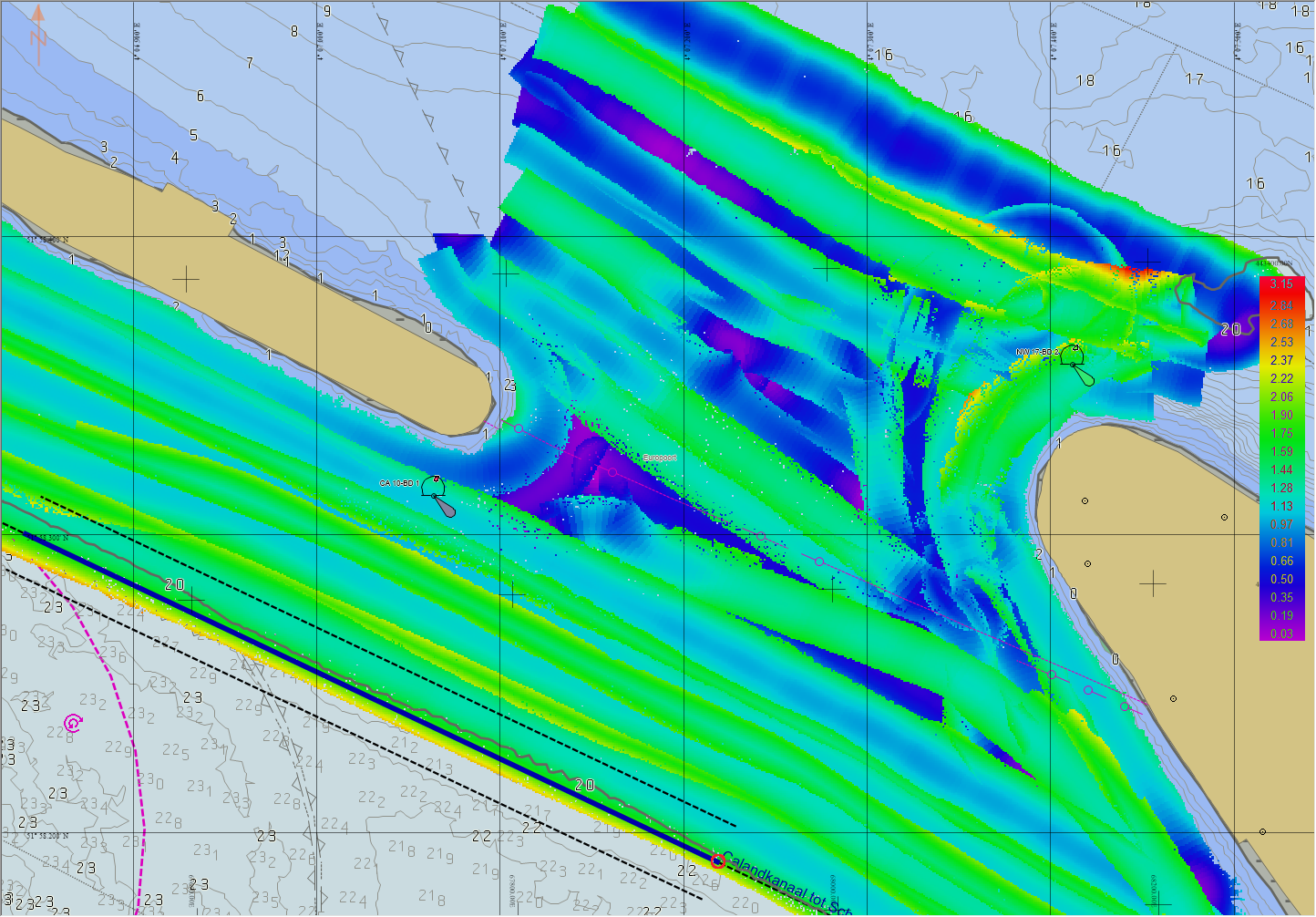
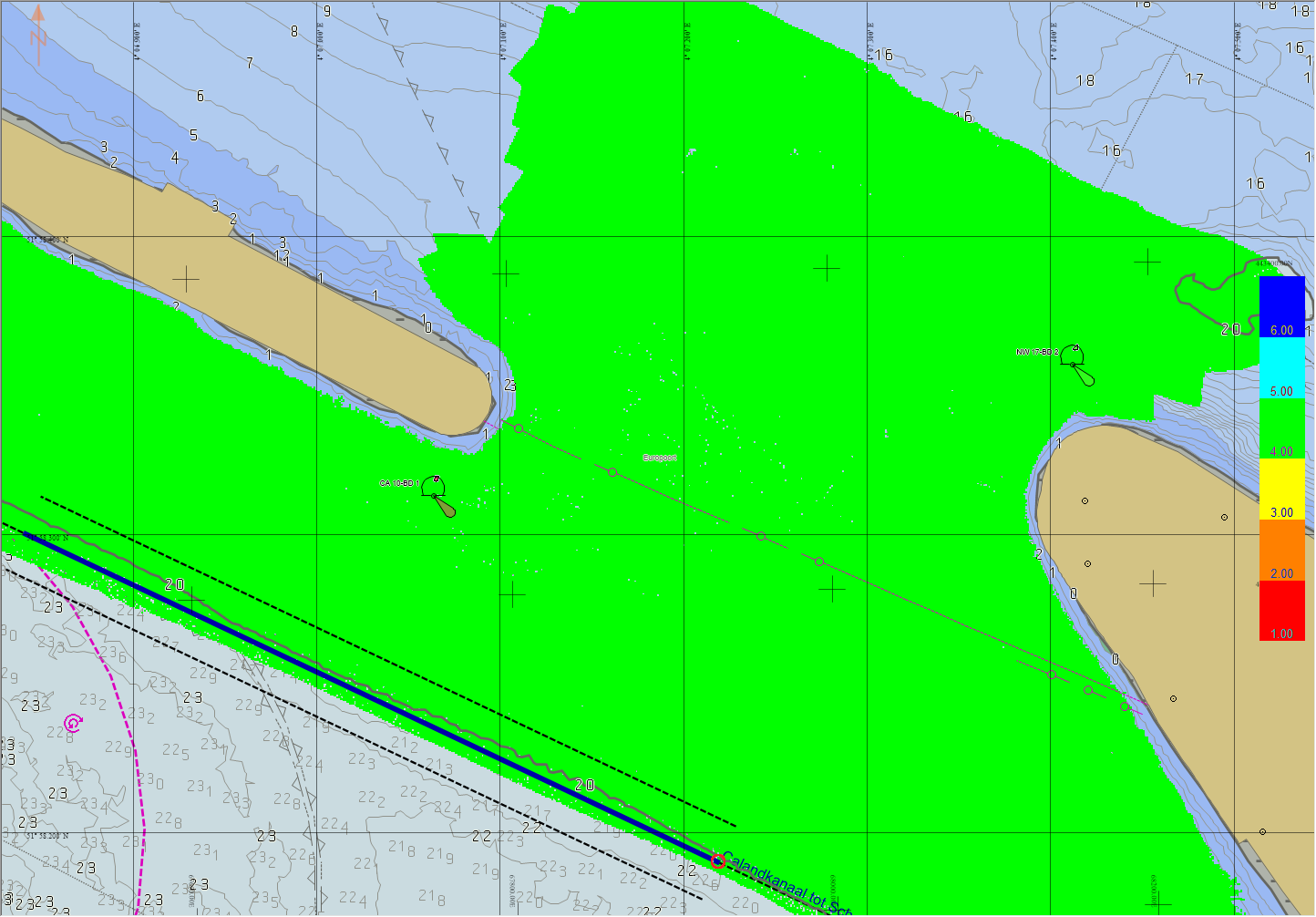
Static Grid - Store SV/TPU/Heave/Solution Mode/etc.
You can now store different values in the grid directly.
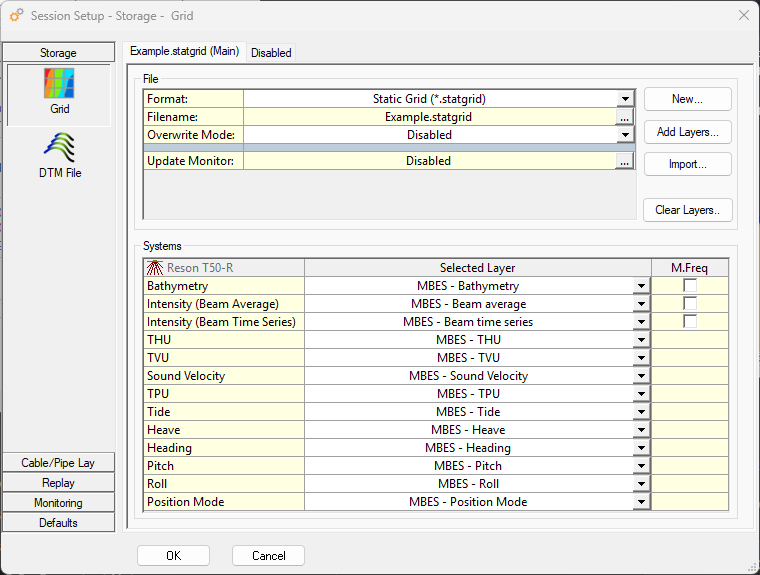
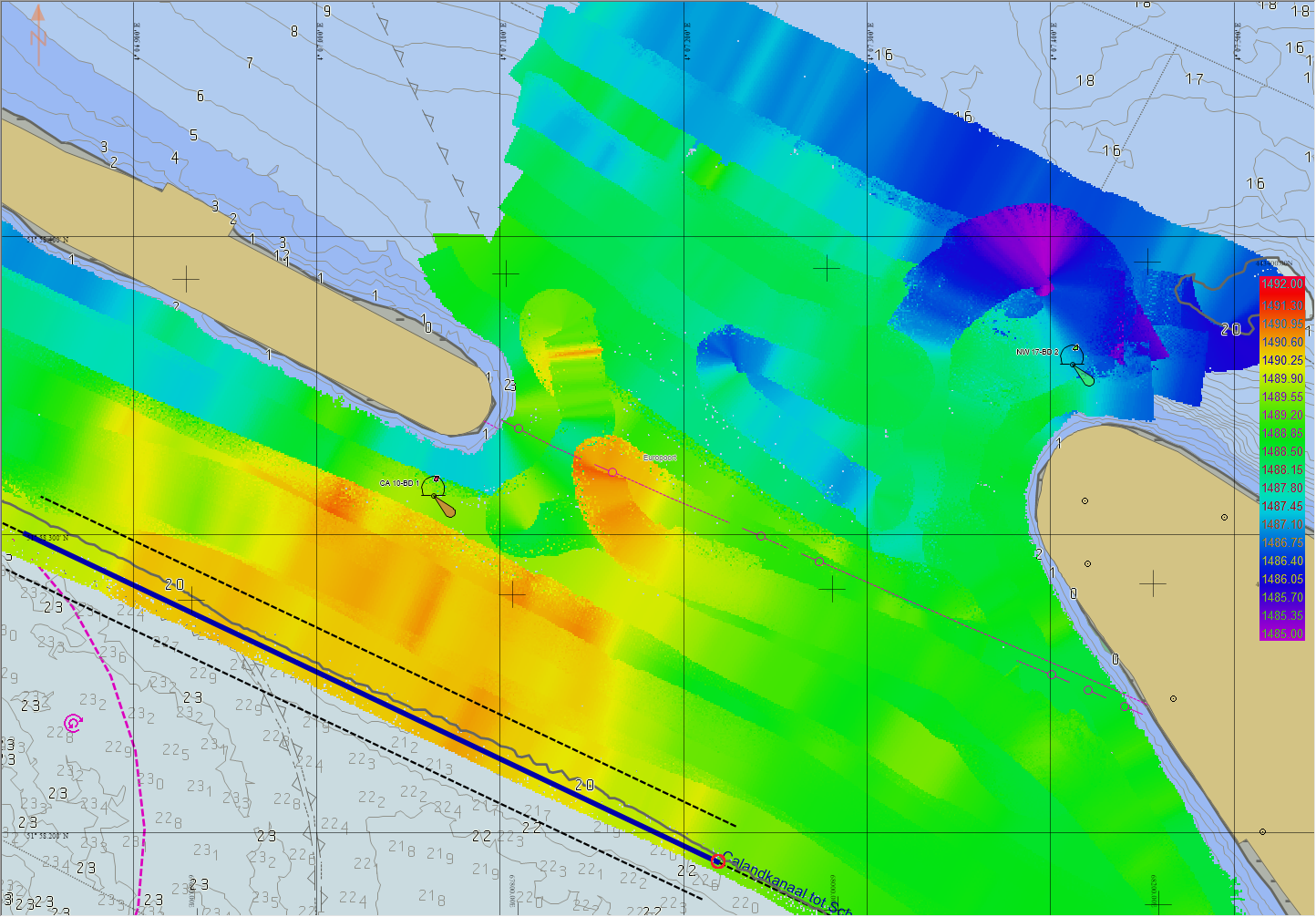
Below is an example of how you could then monitor different things.
For example if you need to take a new SVP.
|
Sound velocity |
TPU |
Solution mode |
|---|---|---|
|
|
|
|
SV near the MBES head. |
Total Propagated Uncertainty. |
4 = RTK Fixed. |
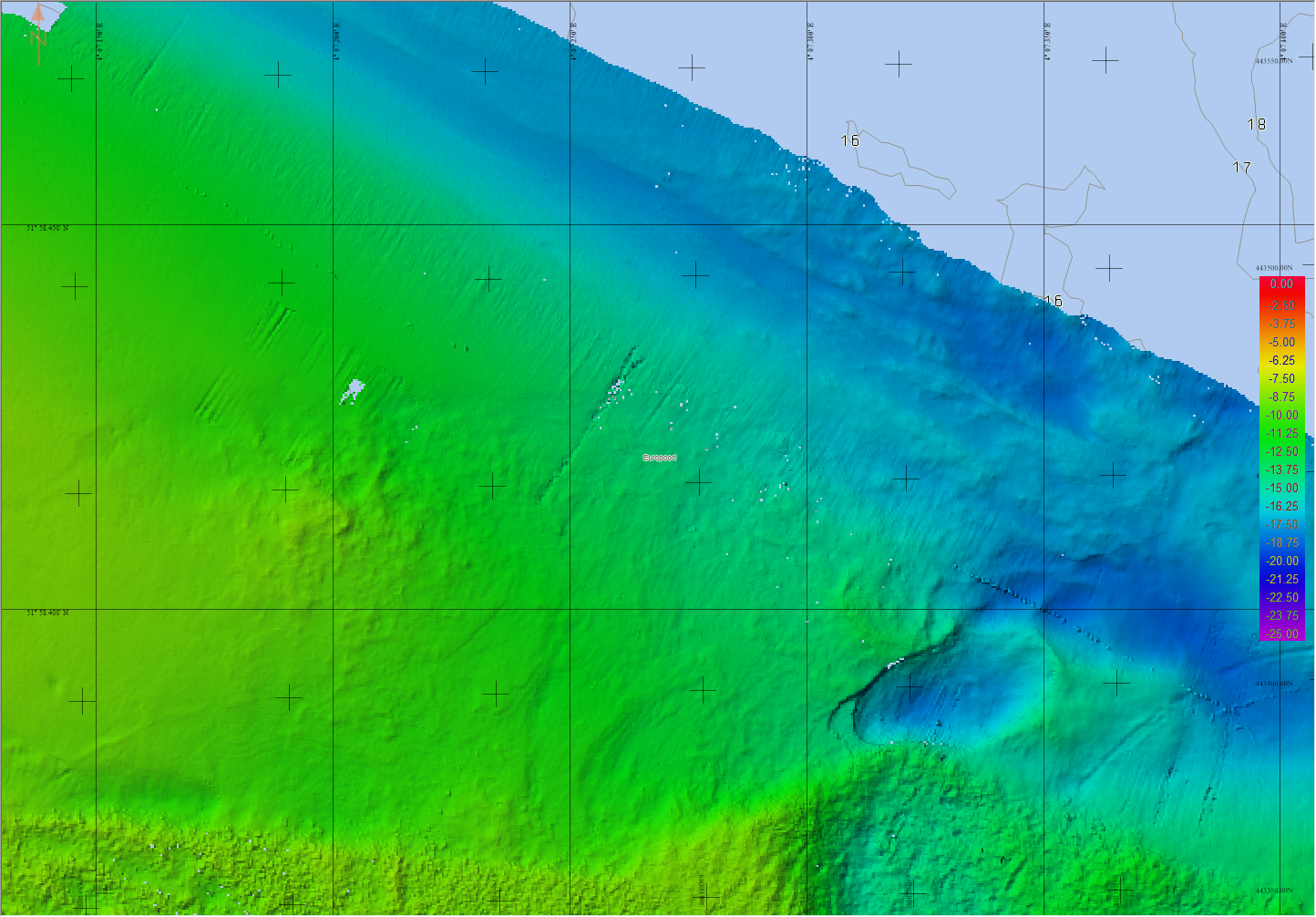
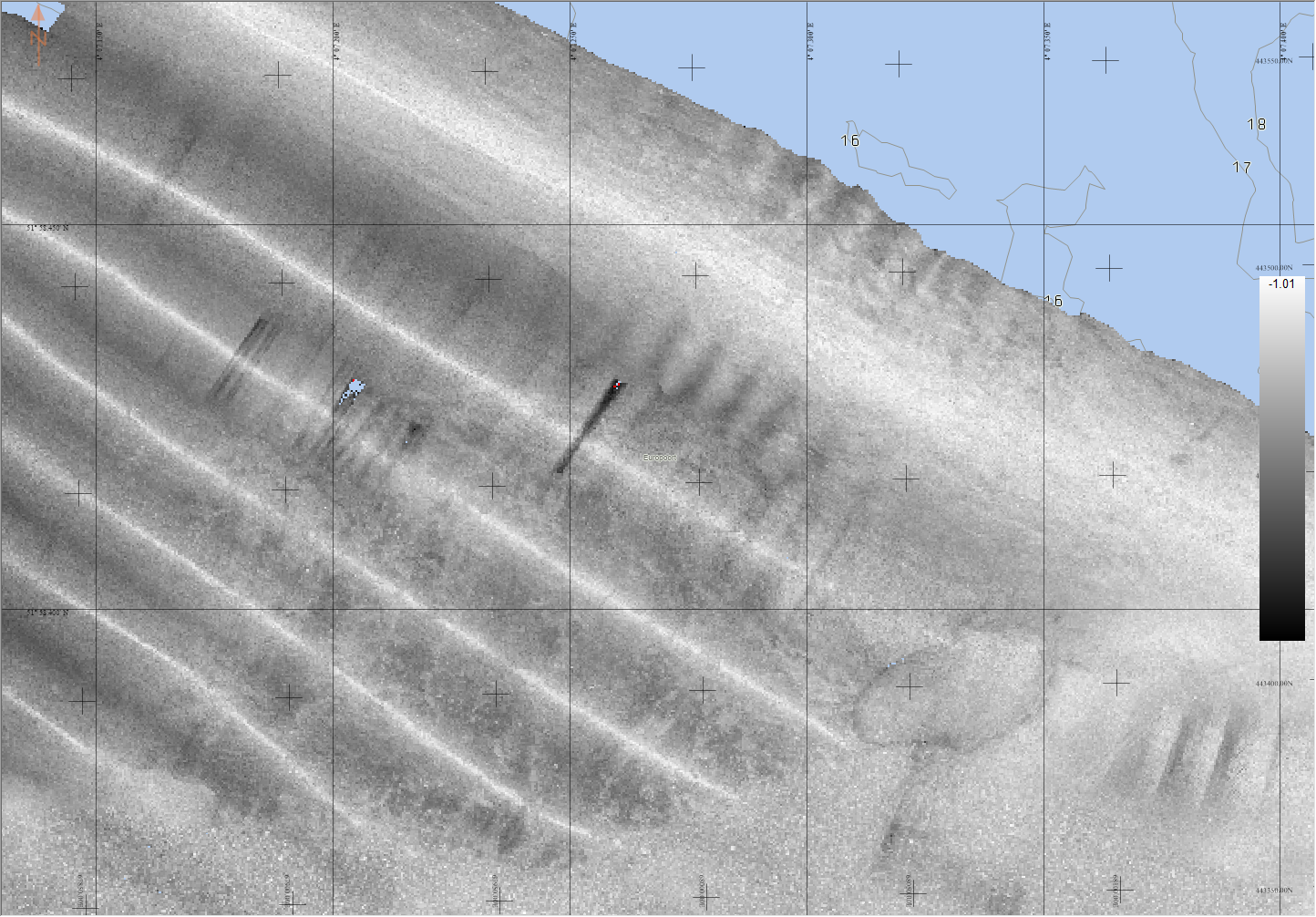
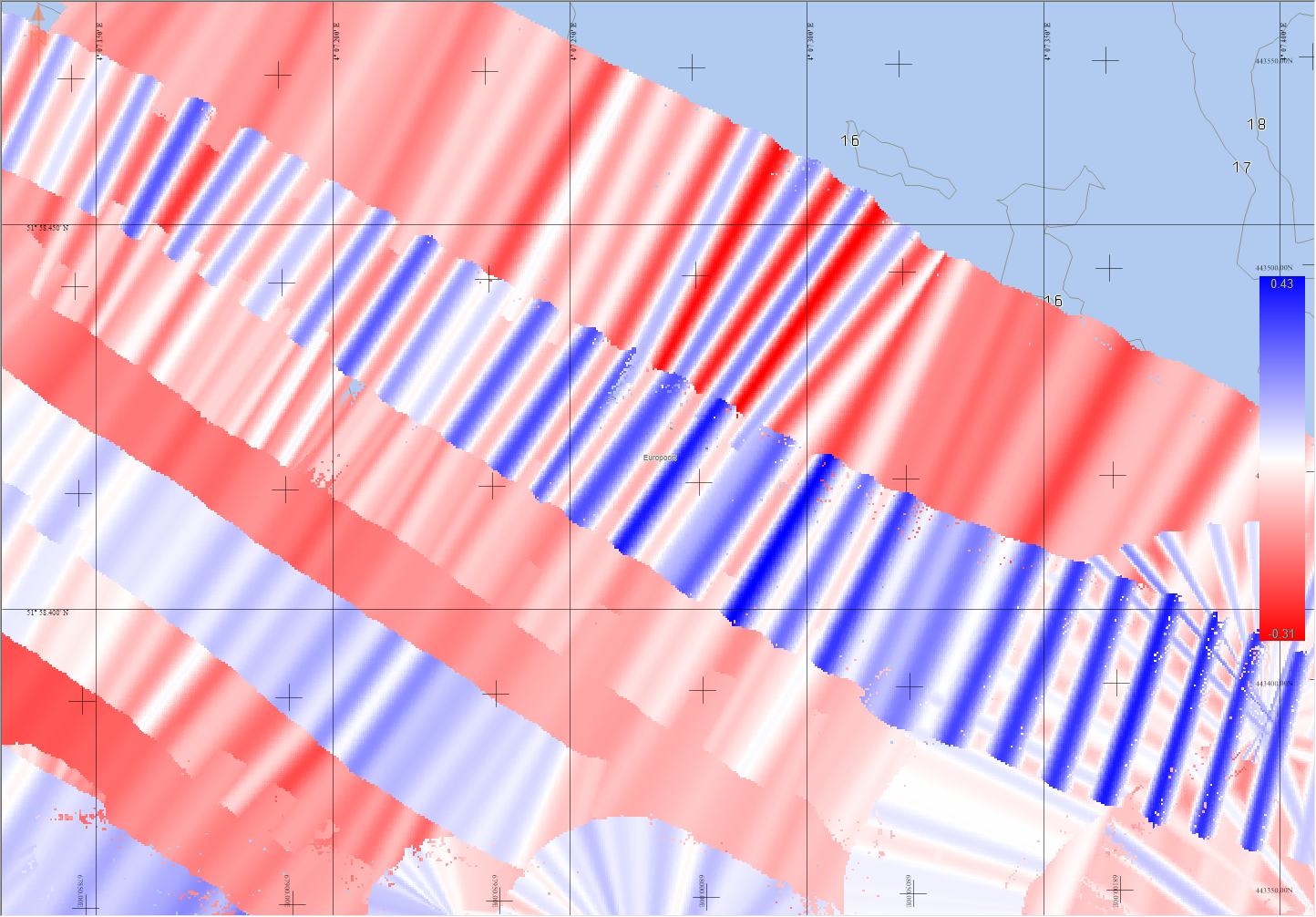
The other thing it can help with is explaining the artifacts in the Backscatter.
Possibly due to the heave in this example.
|
Bathymetry |
Backscatter |
Heave |
|---|---|---|
|
|
|
Dynamic Grid - Coverage Count and Time/Date attributes
Same as the Static Grid, support was added for the Coverage Count. In addition to this, it is now also possible to store and visualise the Date/Time for Dynamic grids. The latter was already possible for Static Grids.
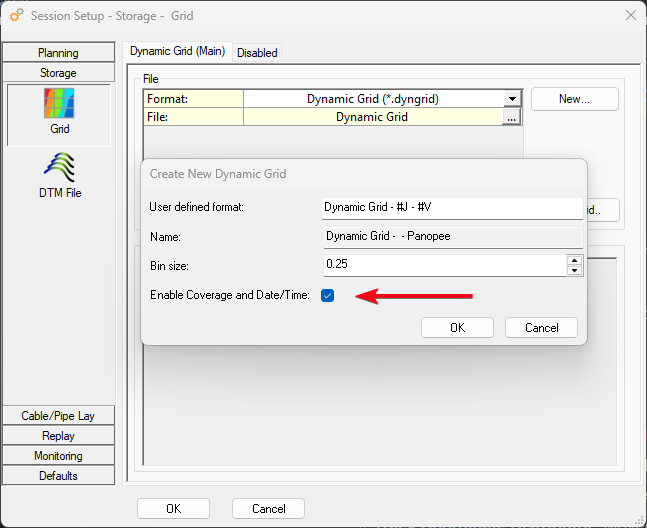
This has also been released as part of Qimera 2.8 and Fledermaus 8.8.
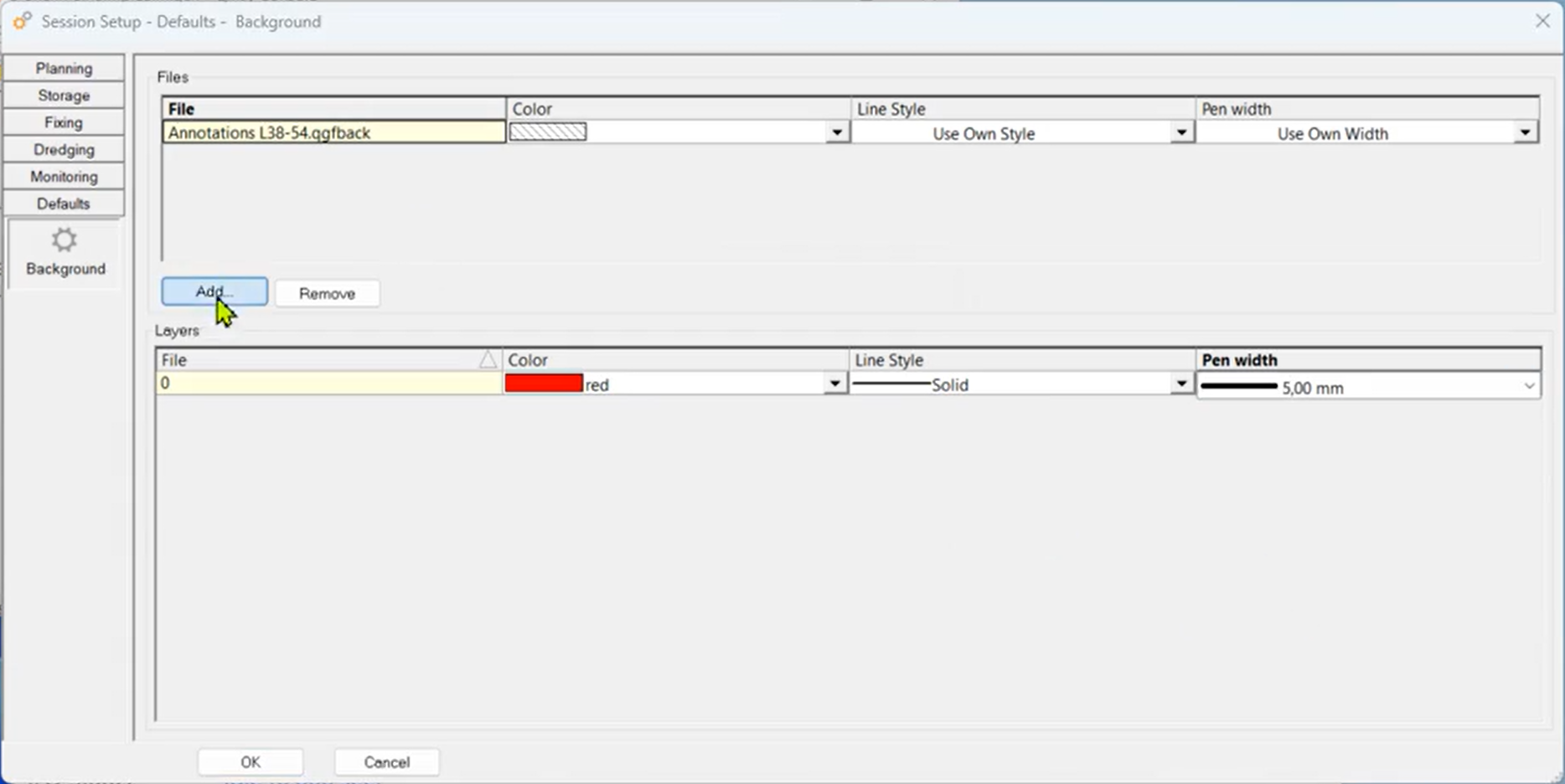
Default Background data
This allows the user to select QGFBack files, containing important background data for the project, in the session setup. Files selected here will automatically be shown on all Navigation Displays.
We also added support for this in the Navigation Displays launched on a remote PC (Remote Display Client).
Controller
The Controller has functionality to calculate quickly a smooth turning track from the current vessel’s location to the start of the selected mainline.
To find this option in the Controller select pull-down menu “Session, Turning Track…” or use shortcut key F6)
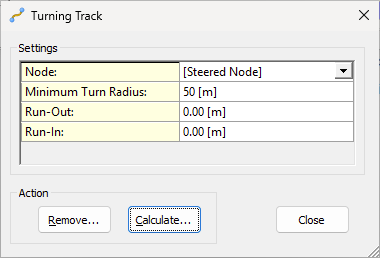
The smooth turn will take some parameters into account like the vessel’s minimum turn radius and a possible run-in or run-out.
(Note that this new option may replace the need to use the autopilot driver for calculating a turning track in your setup)
Track Coordinate Distributor
Added a new utility that allows you to output track coordinates to third party applications: DP bridge systems, USV mission control software, ASV, etc.
Anything from Qinsy Online using coordinates (Waypoints, Lines, Routes, Areas, etc) can be output:
-
Autopilot - Turning Track;
-
Controller - Current Mainline;
-
Controller - Session Line Planning;
-
Controller - Session Turning Track;
-
Controller - Touchdown monitoring;
-
Navigation Display - Annotation;
-
Navigation Display - Mouse click;
-
Navigation Display - Waypoint planning.
The following formats are currently supported:
-
ASCII;
-
GeoJSON.
(Other formats (e.g. NMEA) may follow with future releases)
Data can be send via:
-
Serial;
-
UDP;
-
TCP.
And to store to a file.
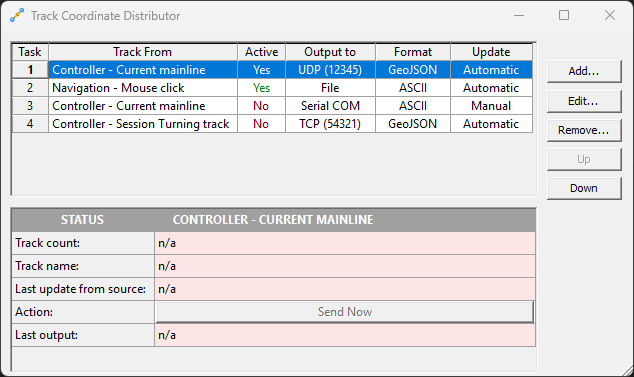
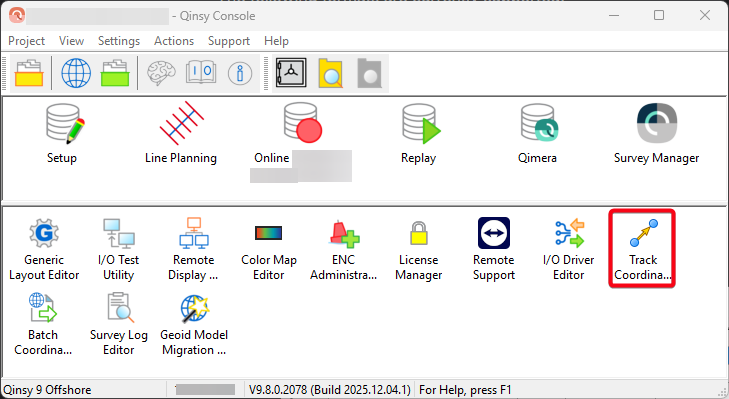
The utility can be opened from the Console to setup everything already before you go online.
Offline
Extract data from a Database
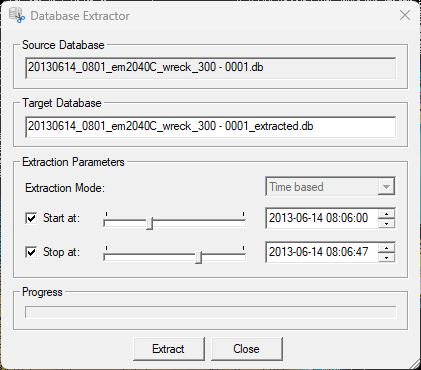
This new tool allows you extract a smaller database from an existing database.
This could be useful if you are only interested in part of the data and don’t want to send over everything.
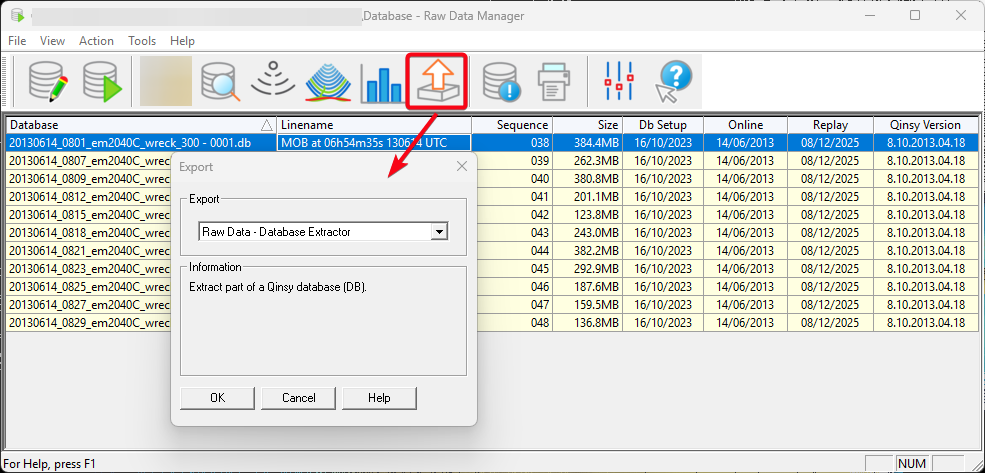
At the moment we allow users to extract data, based on time.
Survey Manager
QGF Import/Export - Geodetic Transformations
Allow users to apply geodetic transformations on import and export of CAD (point, Line, Polyline and Area) data.
Grid & Profile Visualisation
This saves the line color, style and width for how a profile is shown for a grid layer.
So if the grid is moved to another PC, the grid is visualised the same way. The plan is to also start using this in other parts of our software.
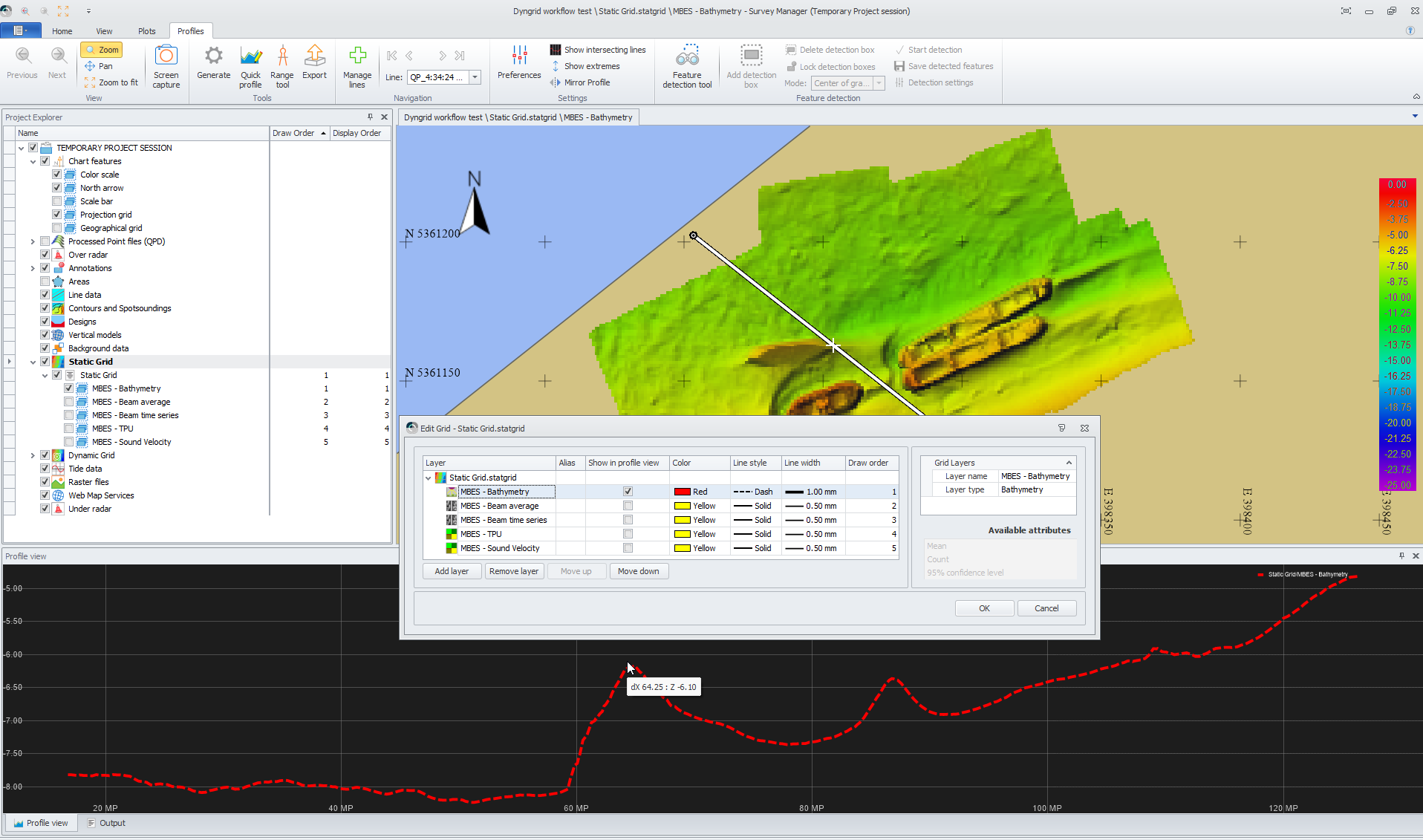
Additionally, an option was added to set an Alias. This Alias can be used in plotting. And it is now also possible to Enable/Disable layers in the Profile view from this dialog.
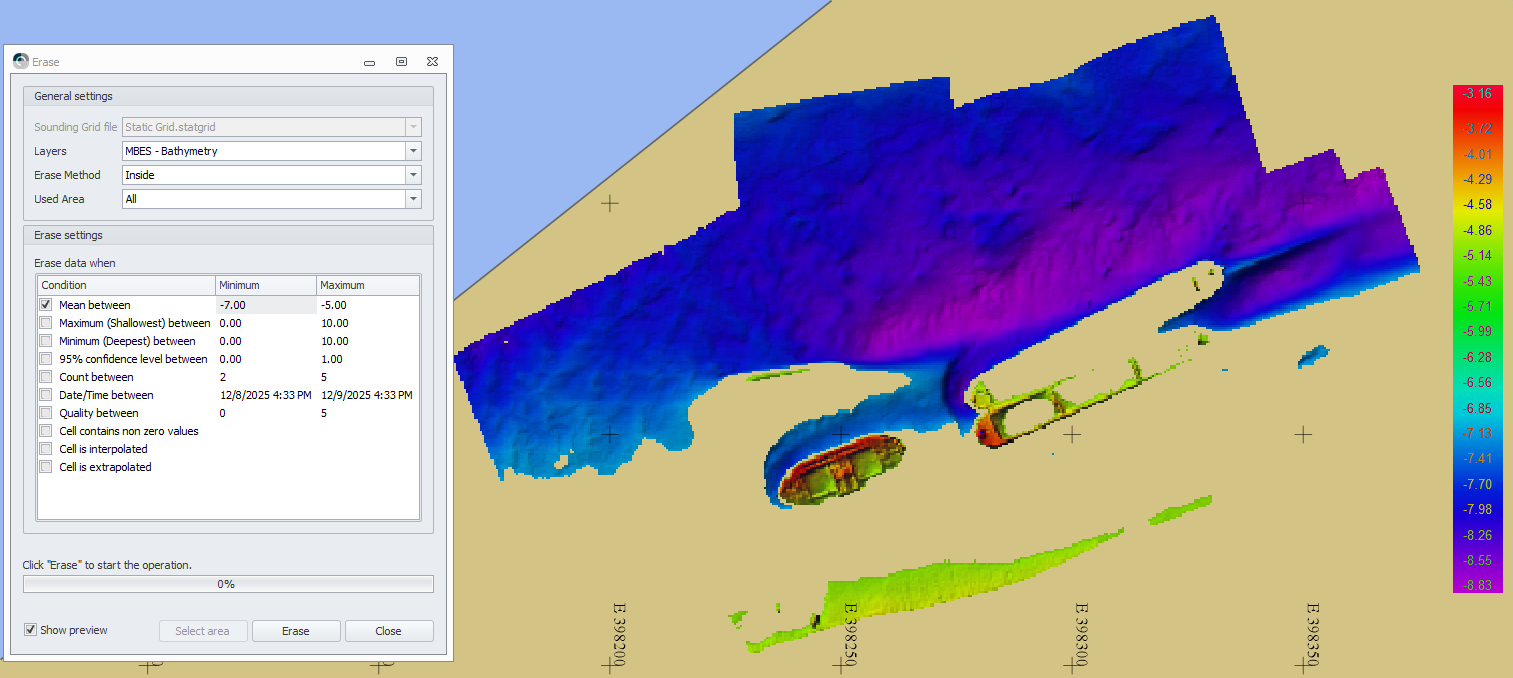
Grid Erase
Improved erase options for static and Dynamic grids.
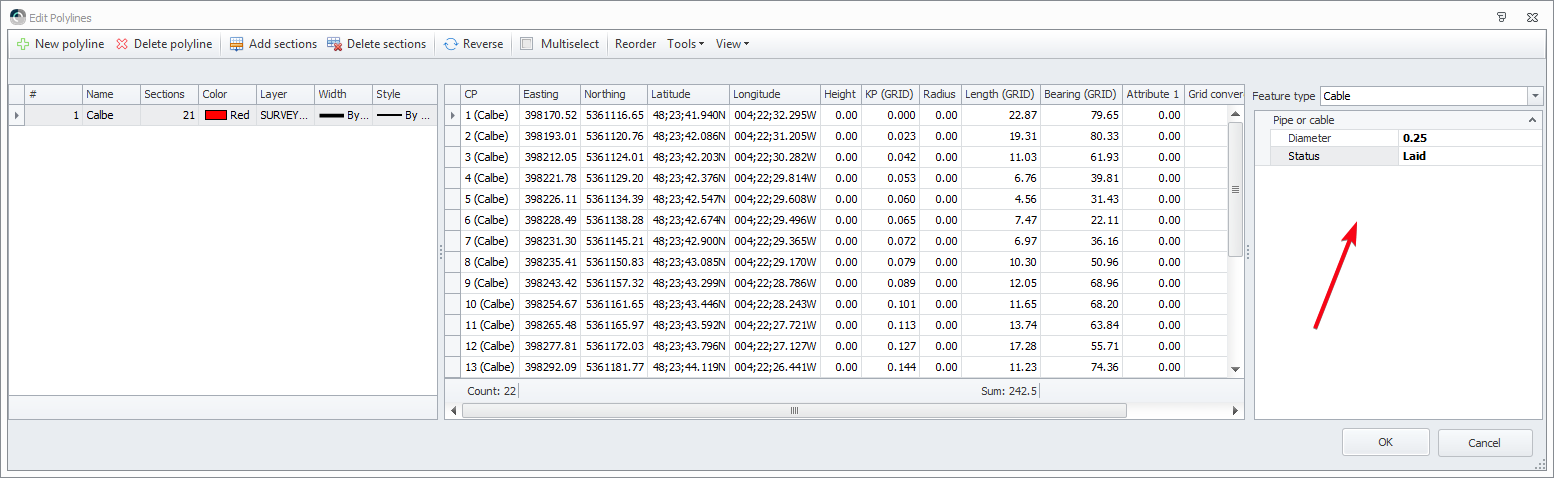
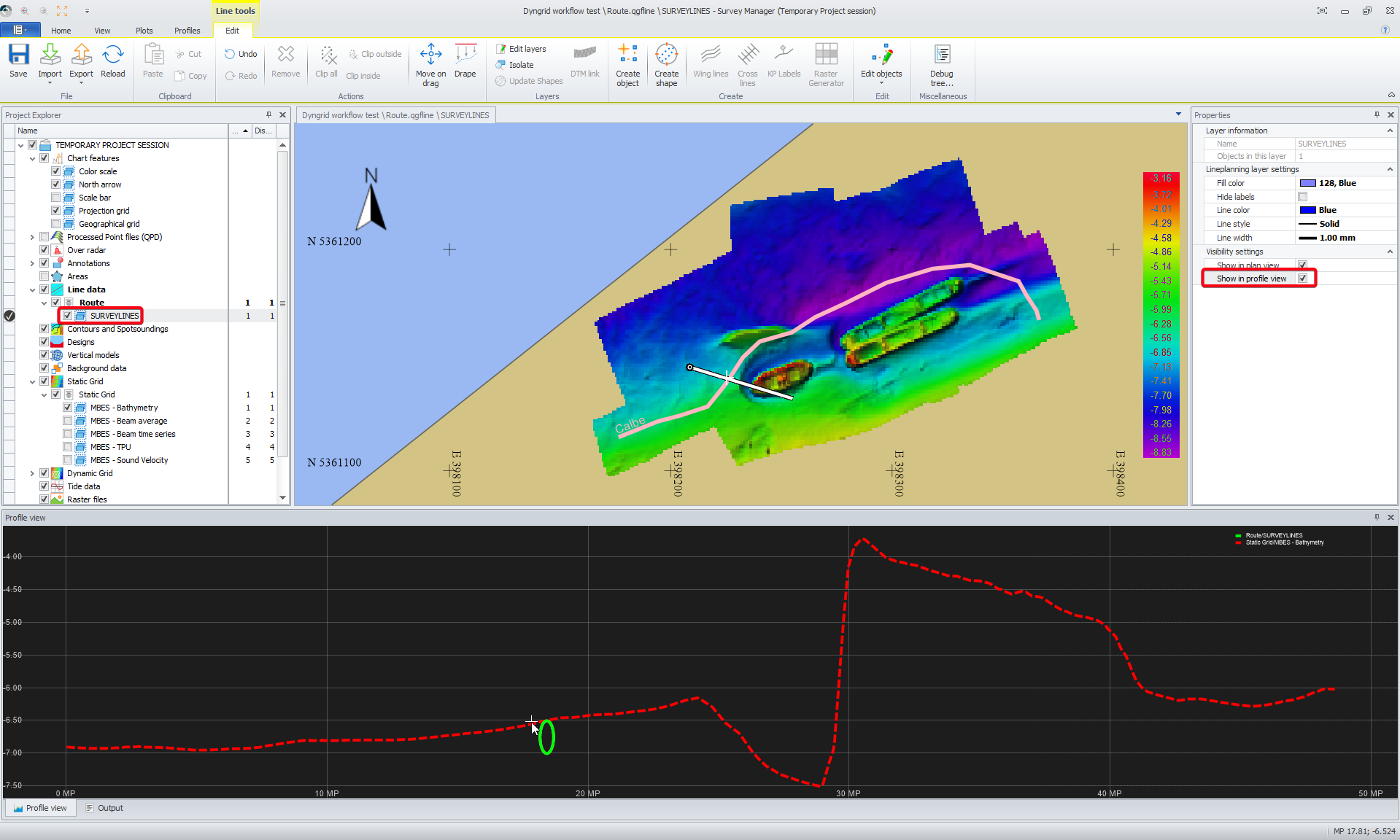
Cable/Pipe support
You can now define if a route is a pipe or a cable and show it in profile view.
Plotting
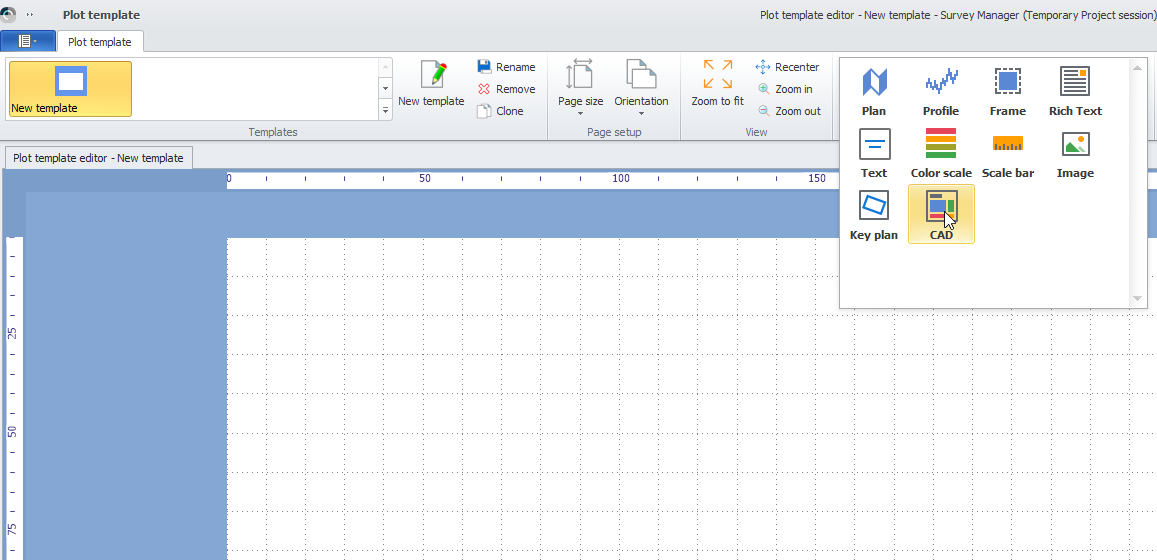
Added a new CAD element so shapes made in CAD, can easily be added to a plot.