This page contains an overview of changes made compared to Qinsy 9.8.0.
If you are interested in the complete list of new features and improvements in Qinsy 9.8.0, please read the following pages:
Setup - Fixed node or Tide Gauge - Adding an option to match the project Vertical (Chart) Datum
A setting has been added for a fixed node called:
-
Use Project Coordinate System and Vertical Datum:
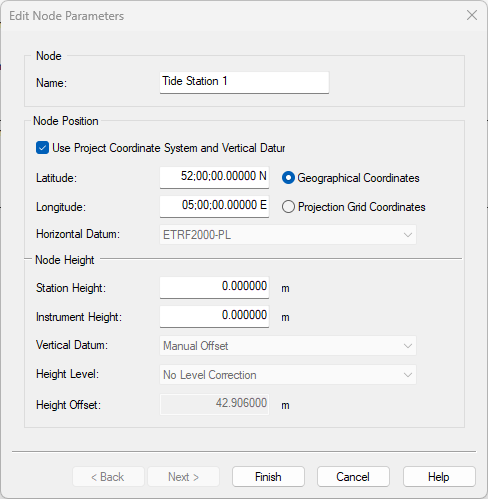
This is meant for users that swith regularly between projects with different geodetic setups, but where the tide station is always reporting on the chart datum (vertical datum) of that project.
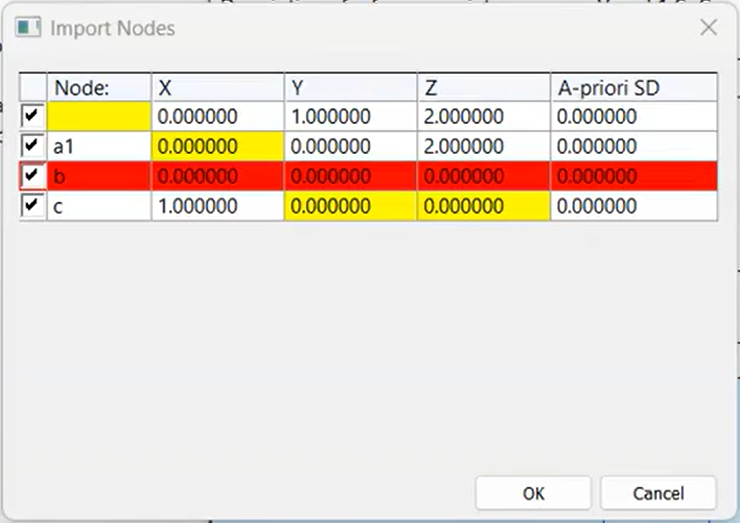
Setup - Import - Variable Nodes - Highlight empty cells
If you import empty cells, these will now be highlighted.
Before, 0,0,0 coordinates would be ignored completely.
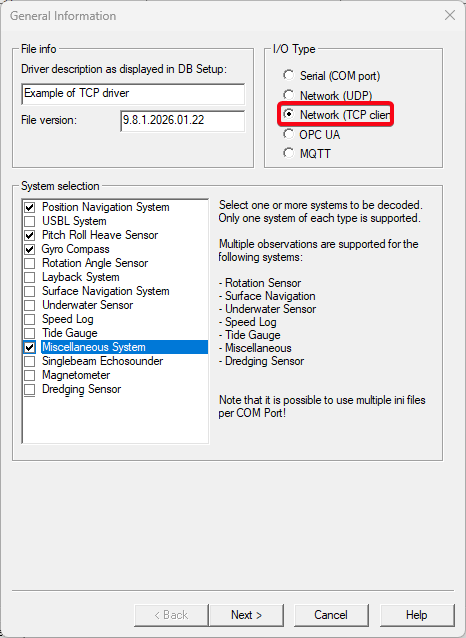
Console - I/O Driver Editor - Support TCP connections
Users who would like to create their own input drivers for Custom ASCII data can now also use TCP as I/O Type.
Online - Touchdown calculation based on Fix interval
This option allows you to trigger the Touch Down Point (TDP) calculation based on the set fix interval.
This can be useful if you are monitoring the TDP from a fixed distance with an ROV and only want to trigger the calculation when you are correctly positioned.
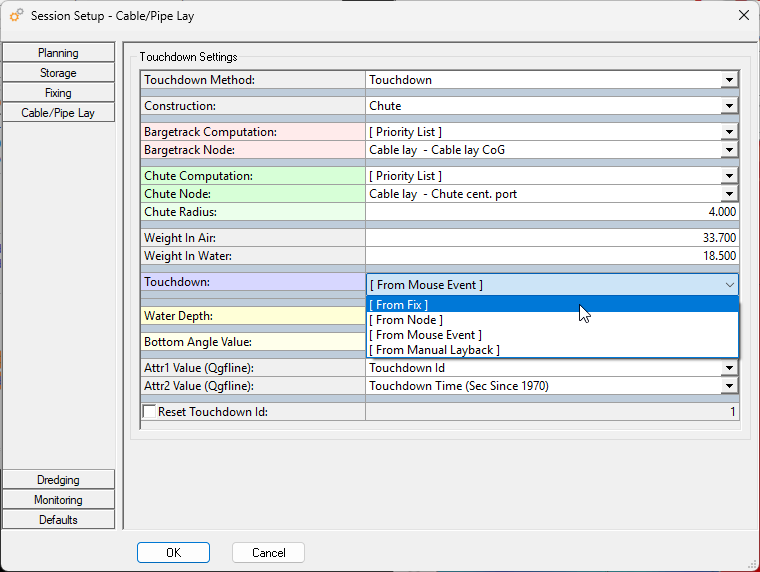
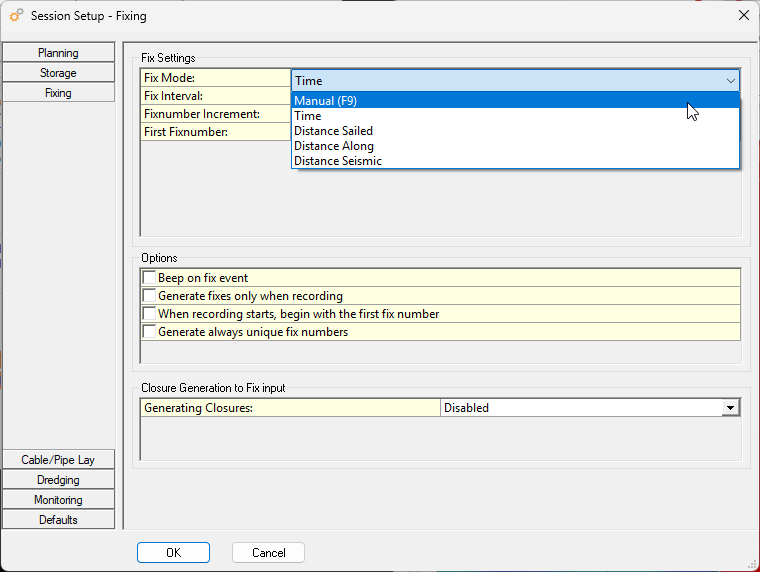
Below an overview of the Fix interval options: