
P2/94 Export Wizard
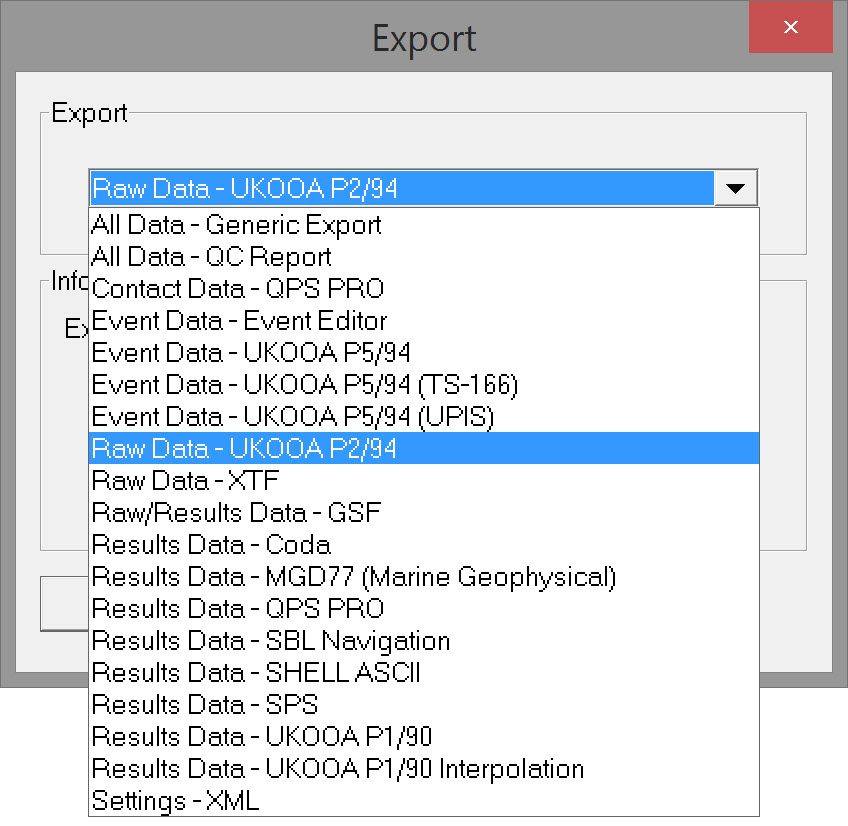
Select 'Raw Data - UKOOA P2/94' and click OK to open the export dialog - Export to UKOOA P2/94.
If multiple *.DB files were selected, they are listed in this dialog:
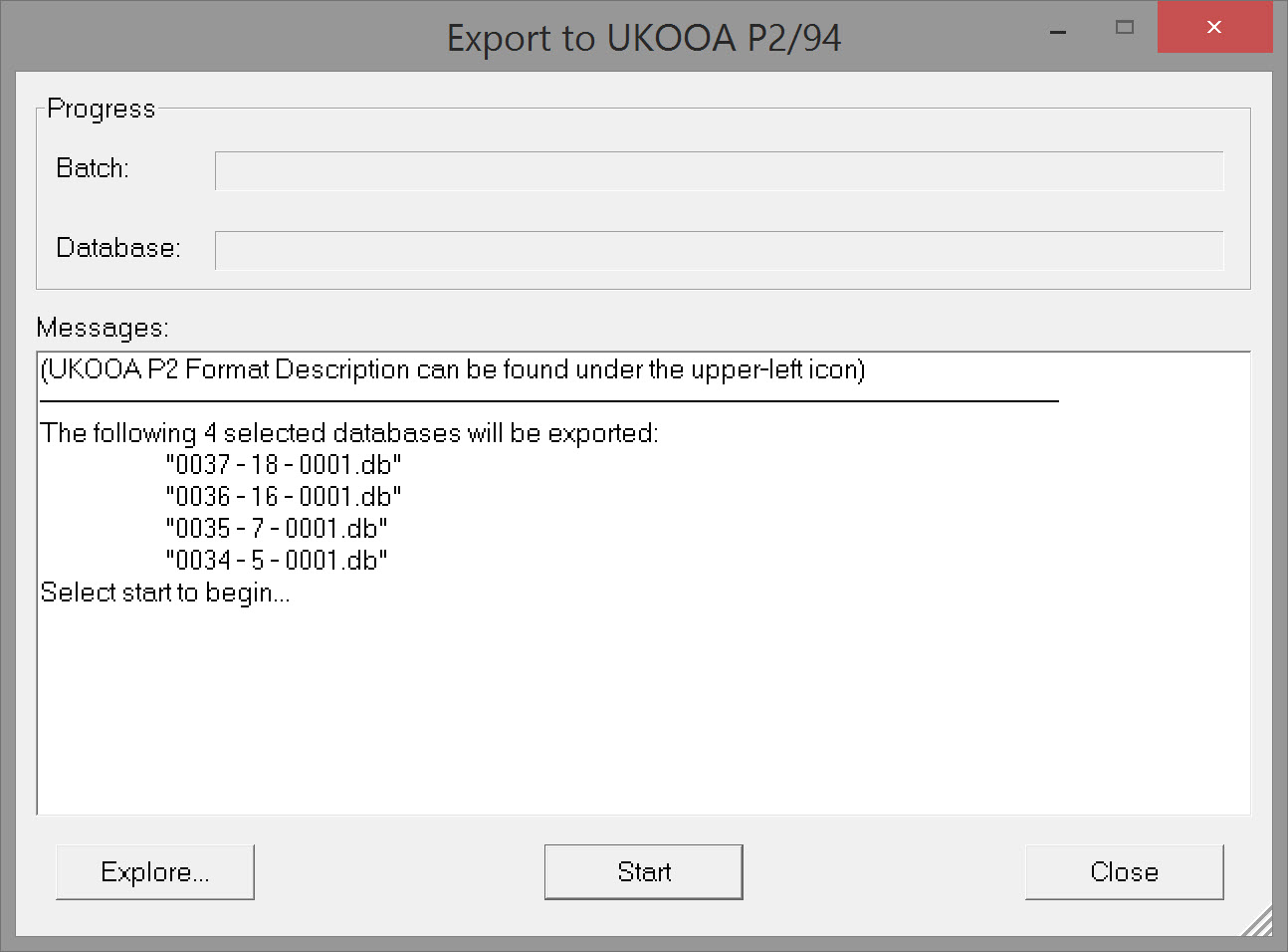
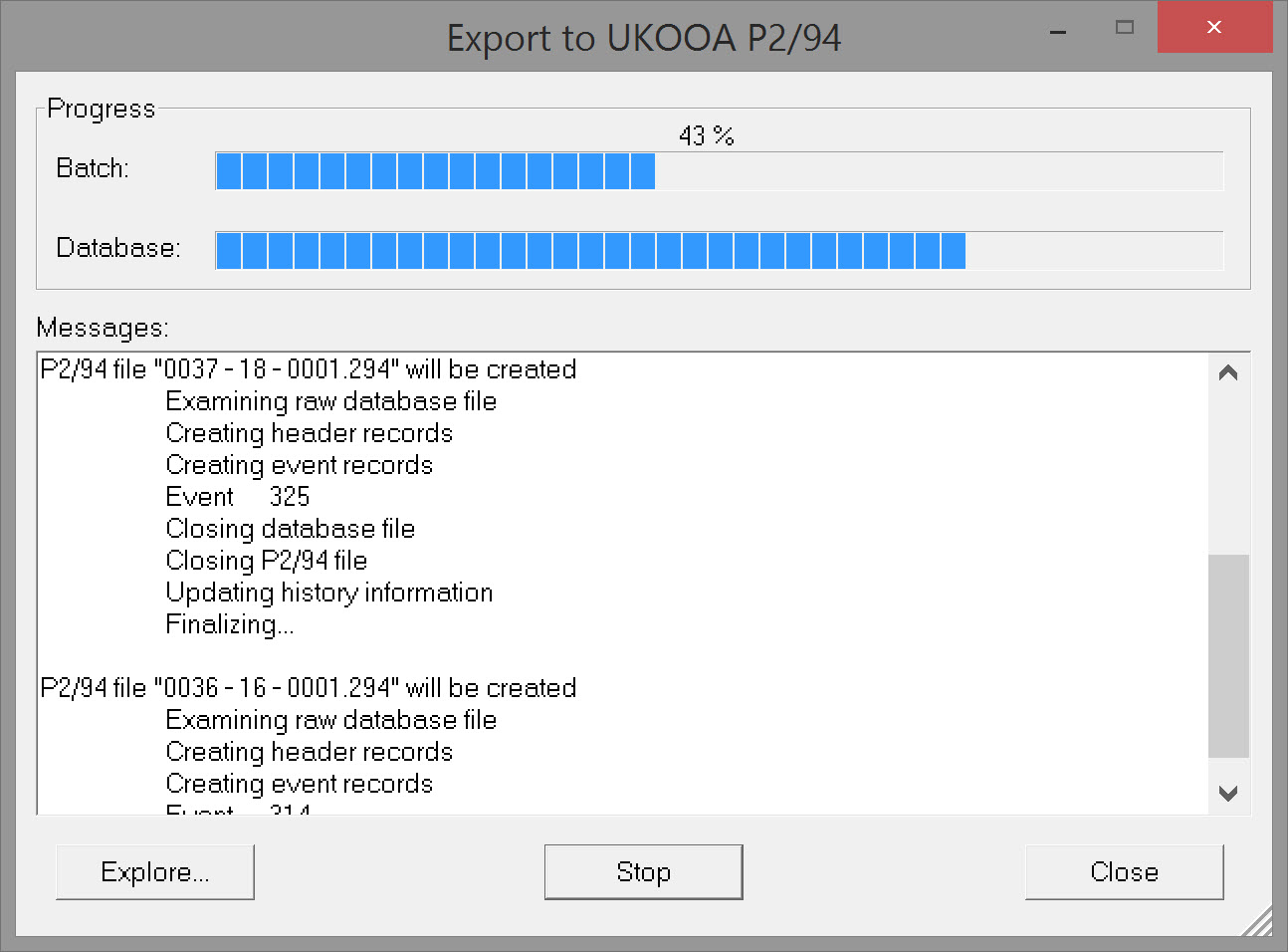
Press 'Start' to begin the export. Progress bars start filling for Batch and Database as the file write routines proceed.
*.294 files are stored in the \ProjectFolder\Export folder. If one or more *.294 files already exist, a message pops up asking if they should be overwritten.
In addition to header data (H records) both inter-event data (T records) and event data (E records) are written to file.
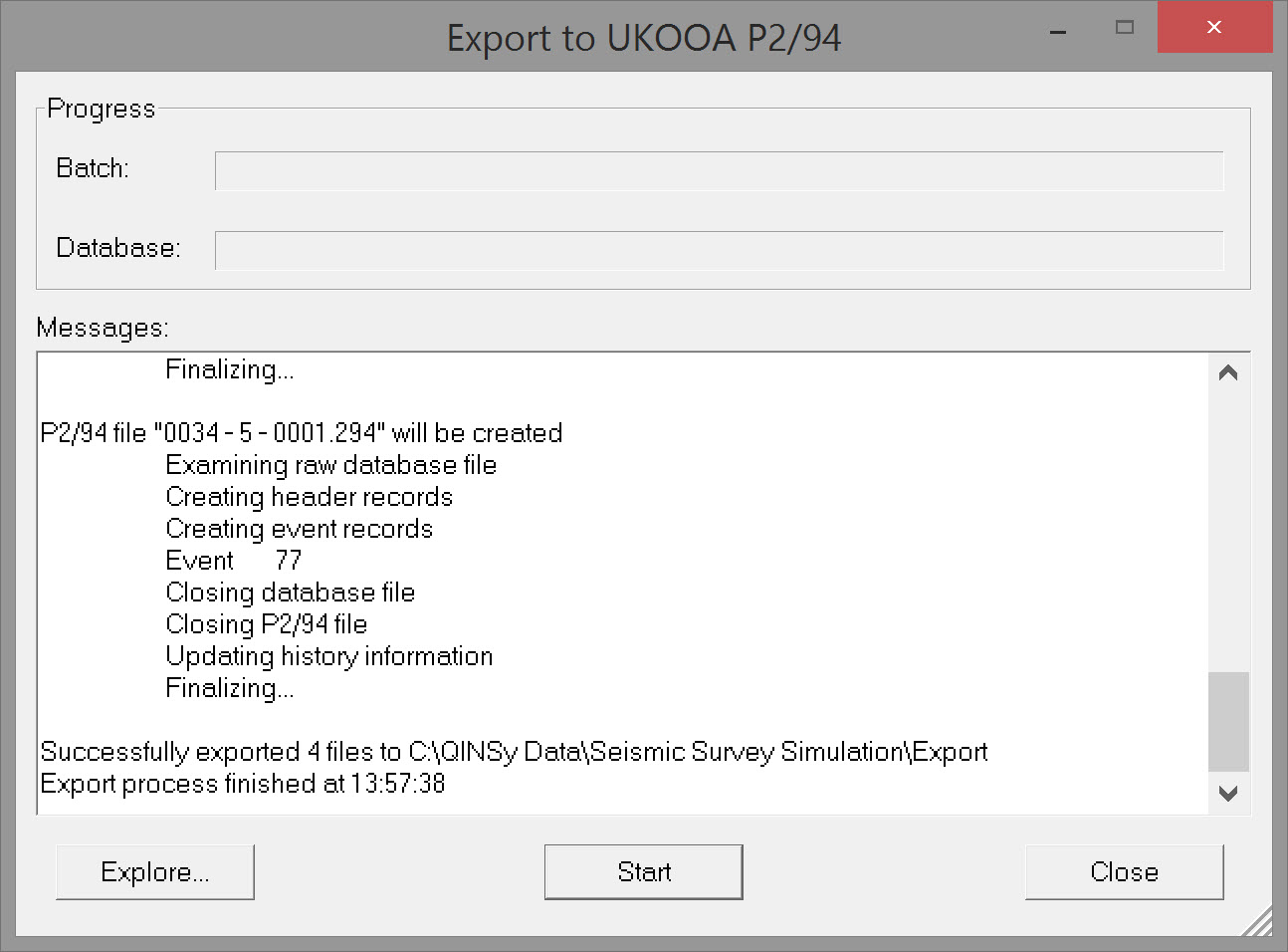
A message is shown in the dialog once the export completes.
Return to: Exporting Seismic - UKOOA/OGP Formats